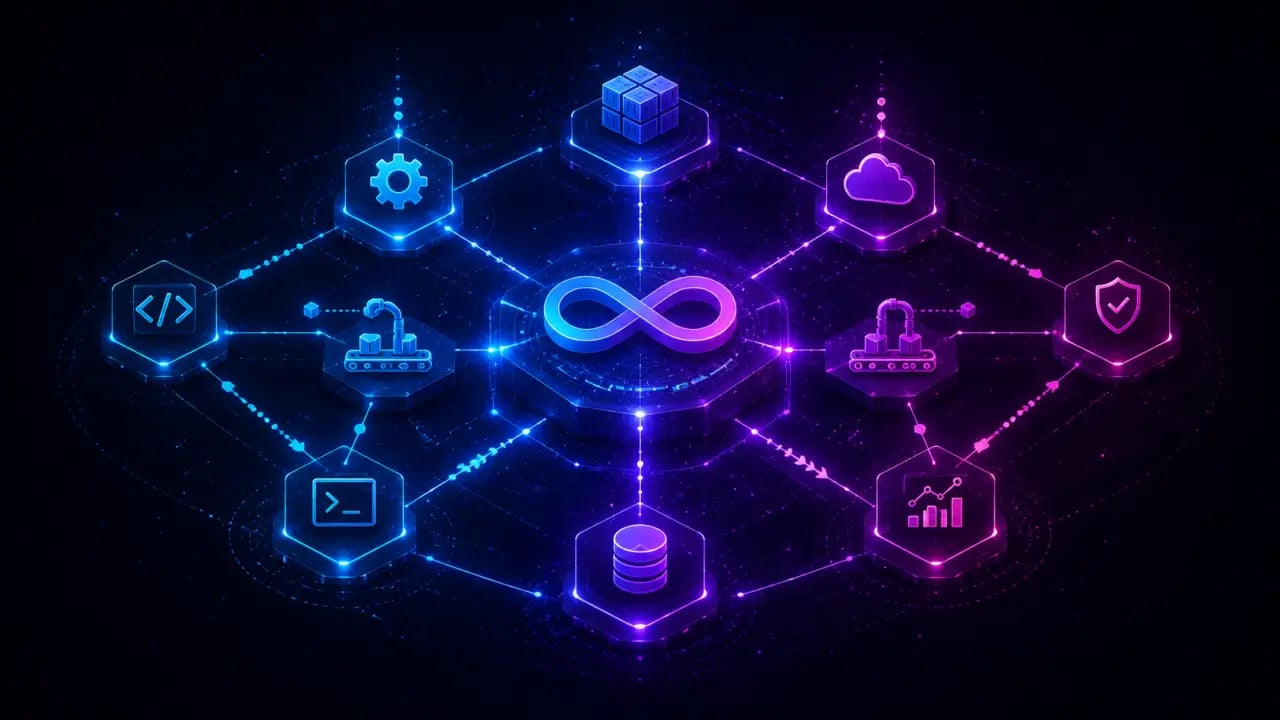
DevOps is one of the areas where AI coding agent skills add the most practical value. These skills work across Claude Code, OpenClaw, Codex CLI, and other SKILL.md-compatible agents. The work is often repetitive, follows documented procedures, and has high consequences for mistakes. A skill that catches a dangerous migration or diagnoses a broken environment pays for itself immediately. Quick Answer: The best Claude Code skills for DevOps and deployment in 2026 include environment diagnostics, migration auditing, CI/CD automation, infrastructure as code, and deployment process skills. Here are the best DevOps and deployment skills for Claude Code in 2026.
Environment diagnostics
When a project won't start, the debugging process usually follows the same pattern: check runtime versions, check dependencies, check environment variables, check database connections, check ports. Every developer does this manually, in a slightly different order, sometimes missing steps. Environment diagnostic skills automate this entire process. They run through potential issues systematically and tell you exactly what's wrong and how to fix it. Instead of spending 20 minutes guessing, you get a diagnosis in seconds.Practical Example: Automated Environment Check
Imagine a developer trying to deploy a Node.js app that suddenly crashes on startup. An environment diagnostic skill can automatically verify the Node.js version matches the expected one, confirm all npm packages are installed and up to date, ensure environment variables like API keys are set, and test connectivity to the database. The skill then outputs a clear report, for example: "Node version mismatch: expected 16.x but found 14.x. Please update your runtime. Missing environment variable: DB_PASSWORD."Step-by-step Use of Environment Diagnostic Skill
1. Trigger the skill via CLI or chat interface. 2. The skill scans the runtime environment, dependencies, environment variables, and network ports. 3. It generates a detailed report highlighting errors or warnings. 4. The developer follows the suggested fixes. 5. Run the skill again to confirm the environment is healthy.This workflow saves significant time and reduces human error.
Tip: Integrate with CI Pipelines
Incorporate environment diagnostic skills into your CI pipeline to catch configuration drift before deployment. For example, before merging a pull request, automatically verify that the test environment matches production specs to avoid surprises.Migration auditing
Database and infrastructure migrations are high-risk activities. A single faulty migration script can corrupt data or cause downtime. Migration auditing skills analyze migration scripts for potential issues before execution. These skills check for things like destructive operations without backups, missing rollback steps, or incompatible schema changes. They can even simulate migrations in a safe sandbox to predict outcomes.Real-world Use Case: Safe Database Migration
A team plans to add a NOT NULL constraint to a user email column. The migration auditing skill reviews the script and warns: "Adding NOT NULL constraint may fail if existing records have null emails. Consider data cleanup or backfilling before migration." This early warning prevents a failed deployment and data inconsistency.Step-by-step Migration Auditing
1. Submit the migration script to the auditing skill. 2. The skill parses SQL or infrastructure code. 3. It flags risky operations and suggests improvements. 4. Developers revise scripts accordingly. 5. Optionally, run simulations to verify outcomes.Tip: Combine with Version Control
Link migration auditing skills with your version control system to automatically audit migration scripts on each commit. This enforces best practices continuously.CI/CD automation
Continuous Integration and Continuous Deployment (CI/CD) pipelines are the backbone of modern DevOps. Automating these pipelines with Claude Code skills can help generate, maintain, and troubleshoot pipeline configurations. Claude Code skills can create YAML files for tools like Jenkins, GitHub Actions, or GitLab CI based on project requirements. They can also debug failing pipeline steps by analyzing logs and configurations.Practical Example: Generating a GitHub Actions Workflow
A developer needs to set up a workflow that builds a Docker image, runs tests, and deploys to AWS ECS. Using a Claude Code skill, they provide high-level instructions: "Build Docker, run tests, deploy to ECS on push to main." The skill generates the entire YAML file, ready to use.Step-by-step CI/CD Automation
1. Describe the desired pipeline in natural language. 2. Run the Claude Code skill to generate or update the pipeline configuration. 3. Commit the generated file to your repo. 4. Monitor pipeline runs and use skills to troubleshoot failures. 5. Iterate and refine pipeline definitions effortlessly.Tip: Use Skills for Pipeline Optimization
Ask Claude Code to analyze your existing pipeline for bottlenecks or redundant steps and suggest optimizations, speeding up build times and reducing costs.Infrastructure as Code (IaC)
Managing infrastructure via code (Terraform, CloudFormation, Ansible) is essential for repeatability and scalability. Claude Code skills can generate, validate, and refactor IaC scripts to align with best practices and organizational standards.Real-world Use Case: Terraform Module Creation
A team wants to spin up identical Kubernetes clusters across multiple environments. Using Claude Code, they generate reusable Terraform modules with parameterized variables, ensuring consistency and reducing manual errors.Step-by-step IaC Skill Usage
1. Provide the desired infrastructure description. 2. Generate IaC scripts or modules. 3. Validate syntax and compliance against organizational policies. 4. Deploy infrastructure safely. 5. Use skills to update and refactor existing IaC as requirements evolve.Tip: Automate Drift Detection
Pair IaC skills with environment diagnostics to detect drift between declared infrastructure and actual state, triggering alerts or automated remediation.Deployment process skills
Deployments often involve multiple steps: building artifacts, running tests, pushing to staging, running smoke tests, then promoting to production. Claude Code deployment skills orchestrate these complex flows reliably. They can generate deployment scripts, monitor progress, rollback on failure, and integrate with monitoring tools to ensure successful releases.Practical Example: Automated Canary Deployment
A deployment skill can help implement a canary deployment strategy by automating traffic shifting between old and new versions, monitoring error rates, and rolling back if thresholds are exceeded.Step-by-step Deployment Skill Workflow
1. Define deployment strategy (e.g., blue-green, canary). 2. Generate deployment scripts or workflows. 3. Execute deployment with real-time monitoring. 4. Automatically rollback or promote based on health checks. 5. Log deployment metrics for auditing.Tip: Implement ChatOps
Use Claude Code skills within chat platforms (Slack, Teams) to trigger deployments, get status updates, and respond to incidents without leaving your communication tools.Conclusion
Claude Code skills empower DevOps teams by automating tedious, error-prone tasks and enforcing best practices across the entire deployment lifecycle. From environment diagnostics to migration auditing, CI/CD automation, infrastructure as code, and deployment orchestration, these skills reduce risk and accelerate delivery. By integrating these AI-powered skills into your toolchain, you not only improve efficiency but also enhance reliability and confidence in your deployments. Start by identifying repetitive pain points in your workflows and explore how Claude Code can help you automate and optimize those tasks today.Frequently Asked Questions
Are these prompts free? Yes — all PromptSpace prompts are free to copy and use. Browse our ChatGPT Prompts library for hundreds more.Do these work on the free tier? Most work on free tiers. Complex prompts may perform better on paid versions (ChatGPT Plus, Claude Pro) with larger context windows.
How do I get better AI results? Be specific: include your role, desired format, target audience, and any constraints. More context always improves output.
Can I modify these prompts for my use case? Absolutely — treat every prompt as a starting template. Customize the role, topic, tone, and format to match your needs.