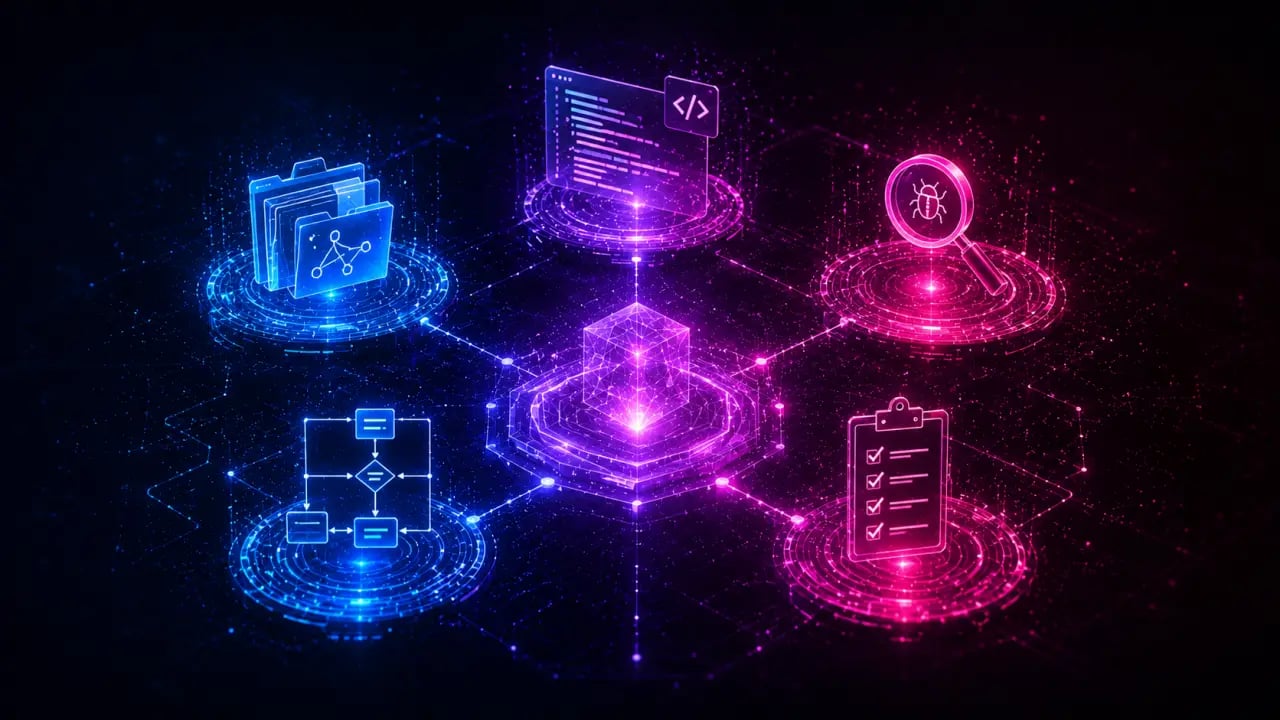
If you just started using Claude Code and want to know which skills to install first, this is your starter kit. These five free SKILL.md skills cover the tasks you do every day — commit messages, code review, documentation, environment debugging, and PR descriptions. Install all five in under five minutes and your Claude Code experience changes immediately.
Quick Answer
The five essential Claude Code skills for developers in the starter kit are git-commit-writer, code-reviewer, pr-description-writer, env-doctor, and readme-generator. These free tools provide consistent output for common development tasks like commit messages, code reviews, and documentation.Why a Starter Kit Matters
Claude Code is powerful without any skills installed, but it improvises. Ask it to write a commit message and it'll produce something reasonable. Ask it again tomorrow and the format will be different. Skills give Claude a consistent playbook to follow, which means reliable output every time. These five skills were chosen because they have the broadest impact. They're not niche tools for specific frameworks — they're workflows that every developer uses regardless of language, stack, or team size.The 5 Essential Skills
Let's dive into each skill, why it matters, and how you can get started using it today.1. git-commit-writer
Writing clear, concise commit messages is a deceptively difficult task. The git-commit-writer skill helps you generate commit messages that follow best practices, including context, scope, and impact. This ensures your team can quickly understand changes without digging into the diff. #### How to Use git-commit-writer1. Stage your changes with `git add`. 2. Run the git-commit-writer skill to generate a commit message. 3. Review and edit if needed, then commit.
Tip: Use this skill to maintain consistency in commit history, which is invaluable during code reviews or when troubleshooting bugs. #### Real-World Example
Imagine you just fixed a bug that caused a crash on user login. Instead of a vague message like "fix bug," git-commit-writer might generate:
"fix(auth): resolve crash on user login due to null pointer"
This clear message helps everyone understand what was fixed and where.
2. code-reviewer
Code reviews are essential for maintaining code quality, but they can be time-consuming. The code-reviewer skill automates the initial pass by highlighting potential issues, style inconsistencies, or security concerns. #### How to Use code-reviewer1. Submit a pull request or push a branch. 2. Run the code-reviewer skill on the diff or changed files. 3. Receive detailed feedback that you can share with your team or use to improve your code before the official review. #### Tip
Use this skill as a first step to catch common mistakes and speed up the human review process. Over time, it helps train your team on coding standards by providing consistent feedback.
3. pr-description-writer
Writing a good pull request (PR) description is crucial for reviewers to understand the change’s purpose, scope, and impact. The pr-description-writer skill crafts clear, structured PR descriptions based on your code changes. #### How to Use pr-description-writer1. Create your branch and make changes. 2. Run the pr-description-writer skill before opening your PR. 3. Copy the generated description into the PR template.
Tip: A well-written PR description reduces back-and-forth and accelerates merge times.
4. env-doctor
Debugging environment issues can be frustrating and time-consuming, especially when onboarding new team members or working across multiple machines. The env-doctor skill diagnoses common environment problems and suggests fixes. #### How to Use env-doctor1. Run env-doctor when you encounter errors related to dependencies, configurations, or runtime environments. 2. Review the detailed report and follow recommended actions.
Example: If a developer sees errors related to Node.js versions, env-doctor might detect the mismatch and suggest installing the correct version via nvm.
5. readme-generator
A well-documented project saves time for everyone. The readme-generator skill helps you create comprehensive README files that cover installation, usage, contribution guidelines, and more. #### How to Use readme-generator1. Provide a basic overview or existing documentation. 2. Run the readme-generator to produce a structured README.md. 3. Customize as needed and commit to your repository. #### Tip
Run this skill regularly as your project evolves to keep documentation up to date.
Installing the Starter Kit
Getting started is easy. Follow these simple steps to install all five skills in under five minutes: 1. Open your terminal or command prompt. 2. Use the Claude Code CLI or interface to search for each skill by name: git-commit-writer, code-reviewer, pr-description-writer, env-doctor, readme-generator. 3. Install each skill with the install command or button. 4. Verify installation by running a quick test for each skill.Practical Use Case: Streamlining a Feature Development Workflow
Imagine you’re tasked with adding a new feature to a web app. Here’s how the starter kit skills accelerate your workflow: 1. Setup: Use readme-generator to understand project guidelines. 2. Development: After coding, use git-commit-writer to create clear commits. 3. Pre-PR: Run code-reviewer to catch issues early. 4. PR Creation: Use pr-description-writer to write a comprehensive PR description. 5. Debugging: If environment errors arise, run env-doctor for solutions. This integrated approach improves code quality, reduces review cycles, and keeps documentation current.Tips for Maximizing Your Claude Code Experience
- Combine Skills: Use multiple skills in sequence for best results. - Customize Skills: Most skills allow configuration to match your team’s style. - Keep Skills Updated: Skills improve regularly; update often. - Explore Additional Skills: Once comfortable, explore niche skills for frameworks or languages you use.Conclusion
The Claude Code Starter Kit equips every developer with essential tools to streamline daily workflows. By installing git-commit-writer, code-reviewer, pr-description-writer, env-doctor, and readme-generator, you ensure consistent, high-quality output across your projects. Whether you’re a solo developer or part of a large team, these skills save time, reduce errors, and boost productivity from day one. Start installing today and transform your developer experience with Claude Code.Frequently Asked Questions
Is this free to use? Yes — PromptSpace provides free AI prompts for any AI tool. Try them instantly with our free AI image generator — no account needed.Which AI model works best with these prompts? These prompts work across Midjourney, DALL-E 3, FLUX, and Stable Diffusion. Test in two tools to compare — results vary by model.
Can I use AI-generated images commercially? Yes on paid tiers of Midjourney, ChatGPT Plus, and Adobe Firefly. Always verify the specific platform's terms before commercial use.
How do I improve results if the first output isn't right? Add specific lighting, camera angle, and visual style references. Iterate 3–4 times with small changes to find the best output.