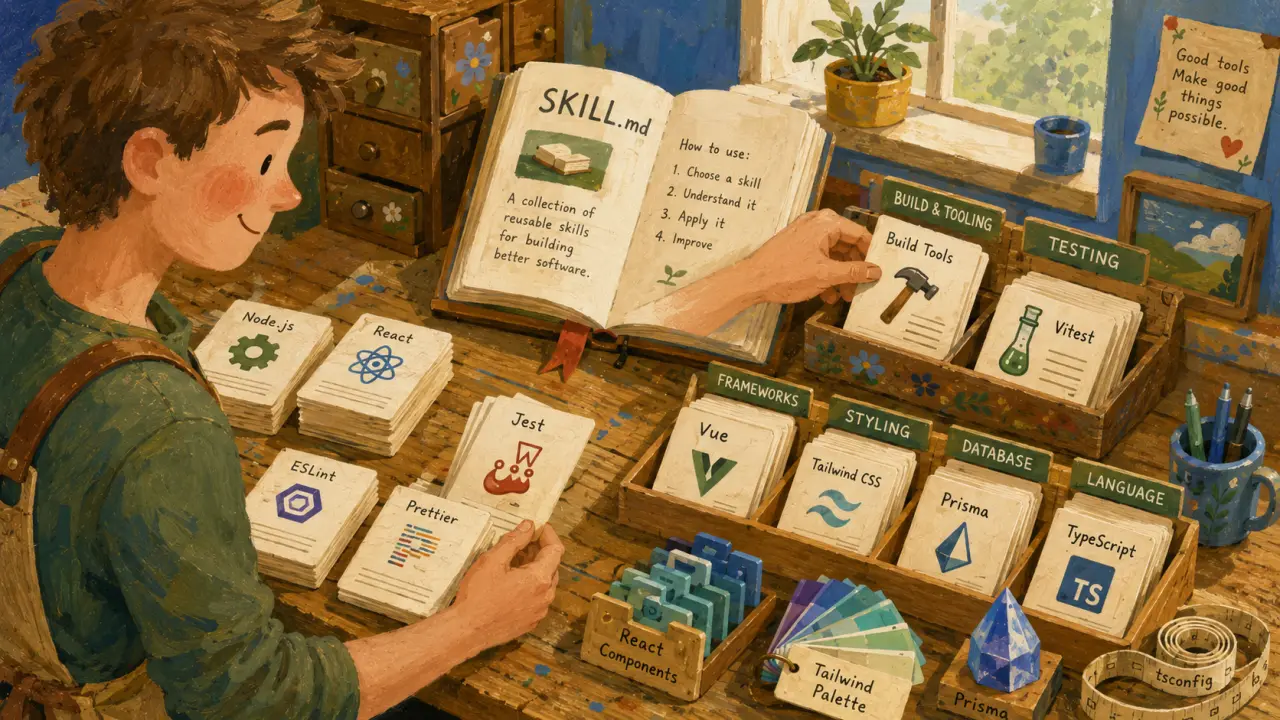
Solo developers face unique challenges that teams of multiple engineers can divide among themselves. Without collaborators, everything from code reviews to deployment falls on a single set of shoulders. Fortunately, AI-powered Claude Code skills can act as your full AI team, filling in the gaps and helping you ship reliable, well-tested, and secure software efficiently in 2026.
The Role of Claude Code Skills for Solo Developers
Claude Code skills are specialized AI modules designed to perform distinct tasks within the software development lifecycle. They enable solo developers to automate critical roles such as code reviewing, test generation, documentation, DevOps, and security auditing. By integrating these skills, you effectively gain a virtual team that supports your work around the clock.The Solo Developer Skill Stack
To maximize productivity and code quality, focus on building a stack of these five essential Claude Code skills: 1. Code Reviewer: Without a teammate, errors and security risks can slip into your codebase. A code review skill analyzes your code for vulnerabilities, logic errors, and missing edge cases, preventing bugs from reaching production. This skill has the highest impact for solo developers. 2. Test Generator: Writing tests is often neglected due to time constraints. A testing skill automatically generates robust unit and integration tests tailored to your framework and coding style. It covers happy paths, edge cases, and error scenarios to boost confidence in your changes. 3. Documentation Writer: Good documentation is essential for maintainability but is frequently overlooked. A documentation skill drafts clear README files, API docs, and inline comments that ease future development and onboarding. 4. DevOps Assistant: Deploying and managing infrastructure often requires specialized knowledge. A DevOps skill helps automate environment setup, continuous integration/deployment (CI/CD) pipelines, and monitors your app’s health post-deployment. 5. Security Auditor: Security is paramount but complex. A security auditing skill scans your code for common vulnerabilities, suspicious dependencies, and compliance issues, recommending fixes to safeguard your app and users.Practical Steps to Integrate Claude Code Skills
Here’s how you can start leveraging Claude Code skills as your AI team: 1. Identify Your Pain Points: Start by listing areas where you spend the most time or feel least confident, such as testing or deployment. 2. Choose Relevant Skills: Select Claude Code skills that address those gaps. Agensi provides free skills like `code-reviewer`, `env-doctor`, and `readme-generator` to get started. 3. Prepare Your Codebase: Ensure your code is in a clean, modular state to allow the AI to analyze and generate meaningful feedback. 4. Integrate Into Your Workflow: Set up the skills to run at key points—code review before merging, test generation before commits, and documentation updates after feature completion. 5. Iterate and Customize: Tailor the AI prompts and settings to match your coding style and project requirements for best results.Real-World Use Case: Building a Fullstack App Solo
Imagine you’re a solo developer working on a fullstack web application with React frontend and Node.js backend. Here’s how Claude Code skills help you act as a team: - After writing a new feature, you run the `code-reviewer` skill, which flags a potential SQL injection vulnerability in your backend code. You fix it before deployment. - Next, you trigger the `test-generator` skill, which generates Jest tests covering the new frontend components and backend API endpoints, including edge cases you hadn’t considered. - You then use the `readme-generator` to update your documentation with new API routes and usage examples, ensuring clarity for future reference. - When it’s time to deploy, the `env-doctor` skill helps you configure your cloud environment variables correctly and sets up a CI/CD pipeline to automate deployments. - Finally, the `security-auditor` skill runs a scan on your dependencies and codebase, alerting you to outdated libraries with known vulnerabilities, which you promptly upgrade.Tips for Maximizing Claude Code Skills
- Run skills frequently: Integrate them into your commit hooks or CI pipeline to catch issues early. - Provide context: Include project details, coding conventions, and specific requirements in your prompts for more accurate results. - Review AI suggestions critically: Treat AI output as a helpful assistant, not a final authority. - Combine skills: Use multiple skills together to cover all bases—from code quality to deployment. - Keep skills updated: AI models improve over time, so regularly update your skills to leverage new capabilities.Conclusion
In 2026, solo developers no longer have to go it alone. Claude Code skills empower you to act as a full AI team, covering code review, testing, documentation, DevOps, and security. By strategically integrating these AI-powered skills into your workflow, you can deliver high-quality software faster and with greater confidence. Start exploring and customizing your Claude Code skill stack today to transform your solo development experience.Frequently Asked Questions
Are these prompts free? Yes — all PromptSpace prompts are free to copy and use. Browse our ChatGPT Prompts library for hundreds more.Do these work on the free tier? Most work on free tiers. Complex prompts may perform better on paid versions (ChatGPT Plus, Claude Pro) with larger context windows.
How do I get better AI results? Be specific: include your role, desired format, target audience, and any constraints. More context always improves output.
Can I modify these prompts for my use case? Absolutely — treat every prompt as a starting template. Customize the role, topic, tone, and format to match your needs.