#Free ElevenLabs Alternative: 4 AI Voice Engines That Actually Work in 2026
ElevenLabs makes the best-sounding AI voice on the internet. It also charges $22 a month for 100,000 characters — roughly 90 minutes of audio — and the free tier gives you 10,000 characters before it stops. If you publish two YouTube videos a week, you burn through that in a weekend. So we spent the last three months testing every open-source and browser-native TTS engine we could find, and four of them are actually good enough to ship. This is the honest, no-affiliate breakdown of the best free ElevenLabs alternative options in 2026.
We are not going to tell you these free engines beat ElevenLabs. They do not. What we are going to tell you is which one to pick for podcast intros, which one for YouTube voiceovers, and which one you should probably never use for anything important. All four run in your browser at
our free AI Voice Generator, so you can A/B them on your own script in about ninety seconds.
#TL;DR — the quick answer
For most creators,
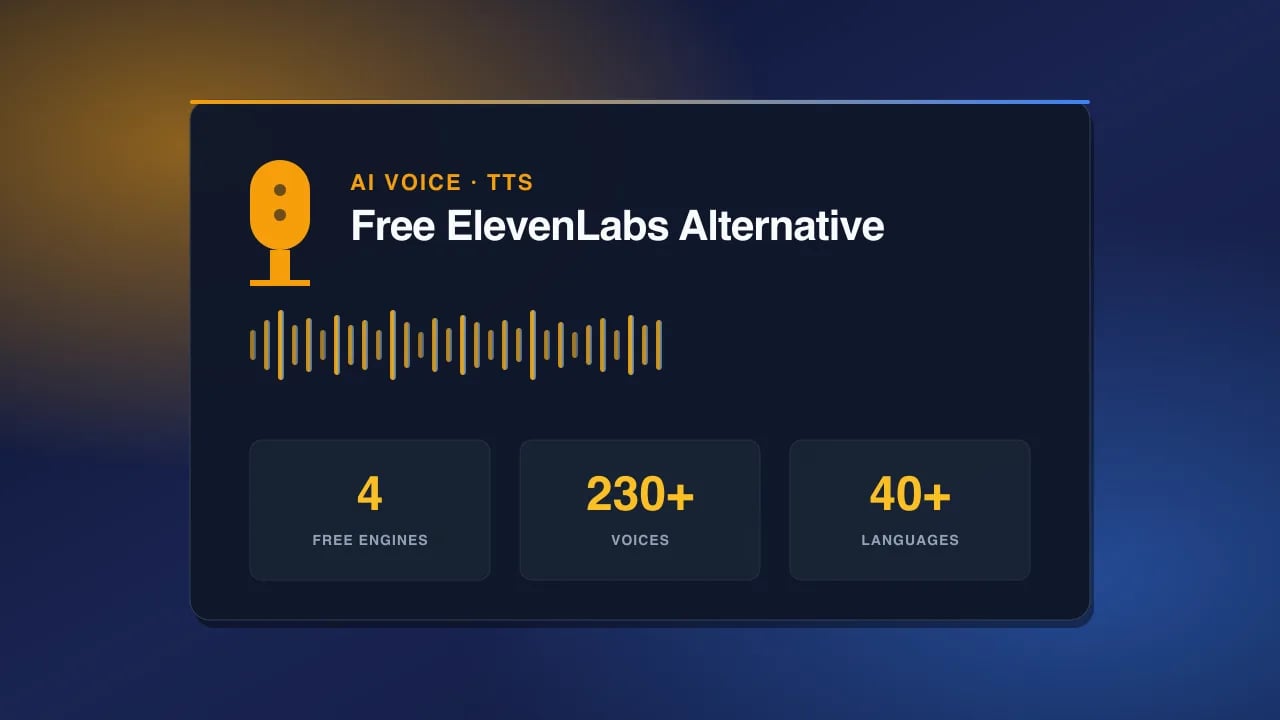
Kokoro TTS is the free ElevenLabs alternative you want. Twenty-eight voices, Apache 2.0 license, near-broadcast quality, zero character limits. Use
Qwen3 TTS if you need Japanese, Korean, Chinese, or Russian. Use
Cloudflare MeloTTS when you need speed over polish. Skip
Web Speech API unless you are shipping something inside a browser tab and cannot make external calls. Full comparison below.
#Why people are looking for an ElevenLabs alternative
The reason is almost always the same: the meter. ElevenLabs charges by the character, and every time you regenerate a line because the intonation was off, the meter ticks. Creators describe it as credit anxiety — you write a shorter script than you want, you skip the pickup lines you would normally re-record, and you stop experimenting.
Here is what the pricing actually looks like as of late 2024, which is still the current structure: the Free tier gives 10,000 characters a month. Starter is $5 a month for 30,000 characters. Creator, the plan most YouTubers land on, is $22 a month for 100,000 characters. Pro is $99 a month for 500,000. Scale is $330 a month. And you can only clone voices starting at the Creator tier.
Do the math on a weekly podcast. A 30-minute episode script is roughly 25,000 characters. That is one episode a month on Starter. Two episodes a month on Creator, if you never regenerate. For anyone shipping consistently, ElevenLabs is not a $22 subscription — it is a $99 subscription with anxiety attached.
The other reason people leave is licensing. If you build a product with ElevenLabs voices baked in, you owe them a commercial license and you cannot self-host. Open-source engines like Kokoro run on your own hardware, forever, with no attribution required.
#The 4 free AI voice engines compared
We picked these four because they are the only ones we found that pass three tests: (1) they sound acceptable in a real production, not just a demo, (2) they are actually free with no credit card, and (3) they are stable enough to build workflows around. There are dozens of others. Most sound like a 2015 GPS unit.
1. Kokoro TTS — the winner for most creators
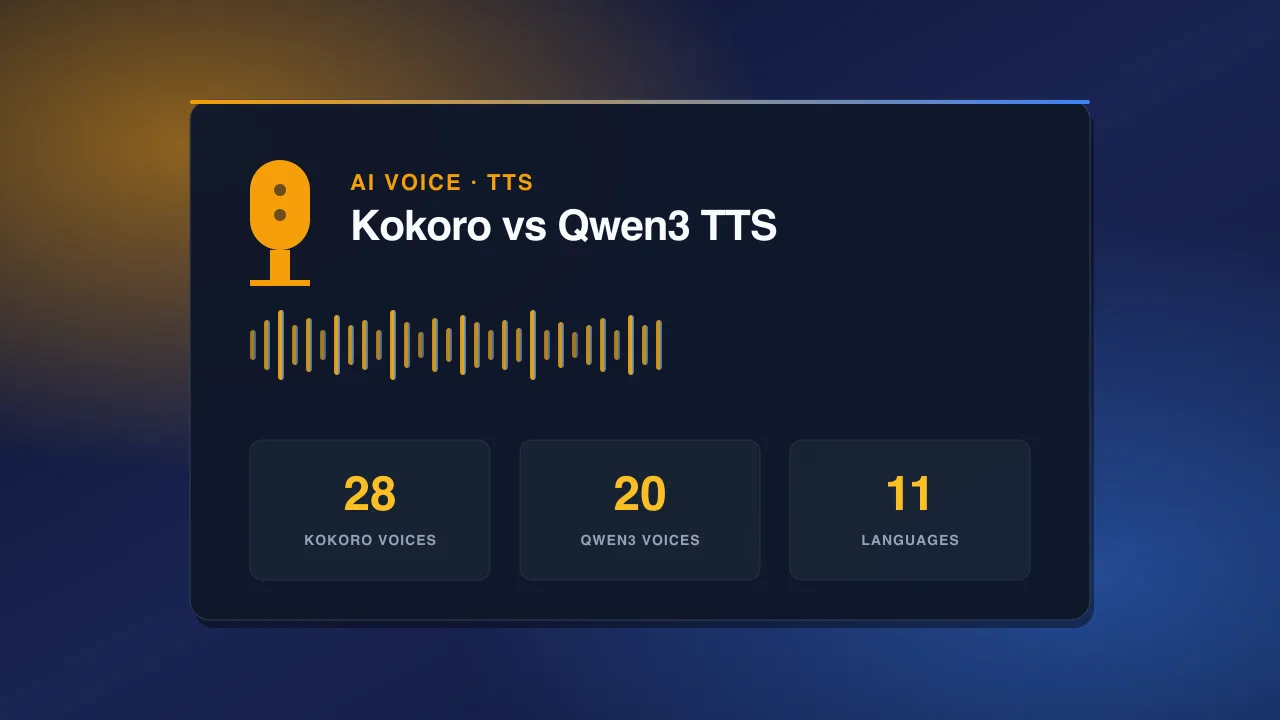
Kokoro is an 82-million parameter TTS model released in early 2025 under Apache 2.0. That license matters — you can use it commercially, modify it, ship it inside a product, no restrictions. It ships with 28 voices split between American and British English, and the quality is genuinely close to ElevenLabs on neutral narration. Not on emotional performance, not on shouting, not on whispering. But on a straight 500-word explainer read? Ninety percent of listeners cannot tell.
What Kokoro does not do: voice cloning, emotion tags, non-English languages beyond English. What it does do: unlimited characters, offline generation, and the fastest inference in this list on modest hardware. If you have an M1 MacBook, Kokoro generates faster than real-time. If you have a 3060, it is roughly 8x faster than real-time.
The 28 voices are named — Bella, Nicole, Sarah, Adam, Michael, and so on — and they each have a distinct timbre. Bella and Nicole are the two that most testers rate as broadcast-usable out of the box. The male voices need a touch more punctuation tuning, but nothing you would not do with any TTS.
2. Qwen3 TTS — the multilingual champion
Qwen3 TTS from Alibaba is the free ElevenLabs alternative to reach for the moment you leave English. It handles 11 languages including Japanese, Korean, Chinese, Russian, Spanish, French, German, Italian, Portuguese, and Arabic — and unlike Google Translate voices, it actually understands prosody in each one. Japanese pitch accent is close to correct. Mandarin tones are correct. Russian stress patterns are usually right.
The other thing Qwen3 nails is personality voices. It ships with 20 stylized voices — bright, calm, sassy, whispery, dramatic — and you can layer them on any of the supported languages. So you can get a whispery Japanese narrator or a dramatic Spanish voiceover without needing to fine-tune anything.
The tradeoff is speed. Qwen3 is roughly 3x slower than Kokoro on the same hardware, and the model is larger, so it needs more VRAM. For a one-off generation this is invisible. For batch jobs of 50+ clips, plan on it.
3. Cloudflare MeloTTS — the speed pick
MeloTTS running on Cloudflare Workers AI is the fastest of the four by a wide margin, because it runs on Cloudflare edge GPUs and you pay nothing on the free tier for reasonable usage. It covers six languages — English, Spanish, French, Chinese, Japanese, and Korean — and the quality is a rung below Kokoro on English but wildly consistent on generation time. About 400ms to first audio for a 20-second clip.
Where MeloTTS earns its spot is real-time and near-real-time applications. Chatbot voice replies, live streaming overlays, IVR prototypes, interactive fiction. You would not ship a Netflix documentary with MeloTTS, but if you need voice output in under half a second, this is the one.
The voices are less varied than Kokoro or Qwen3 — think three or four per language, all fairly neutral. So it is the wrong choice if you want character. Right choice if you want latency.
4. Web Speech API — the browser-native fallback
The Web Speech API is built into every modern browser and has been quietly getting better since 2020. On Chrome, Edge, and Safari, it exposes 180+ voices across 40+ languages, all running locally on the user device, all completely free, all with zero API calls. Zero.
The catch: quality varies by operating system. On macOS, the newer neural voices (Ava, Zoe, Reed) sound very close to Kokoro. On Windows 11, the Aria and Guy voices are excellent. On older Android devices, some voices still sound like a 2015 GPS. So the practical use case is anywhere you are shipping inside a browser and cannot make a network call — accessibility features, offline apps, embedded readers, kiosk software.
You are not going to record a podcast with Web Speech API. But if you are building a Chrome extension that reads articles aloud, or an educational tool that pronounces vocabulary words, this is the free ElevenLabs alternative that costs literally nothing and needs zero infrastructure.
#Comparison table
| Engine | Voices | Languages | Quality | Char limit | Offline | Best for |
|---|---|---|---|---|---|---|
| Kokoro TTS | 28 | 2 (EN-US, EN-UK) | Very high | None | Yes | YouTube, podcasts, explainers |
| Qwen3 TTS | 20 personality | 11 | High | None | Yes | Multilingual, character voices |
| MeloTTS | ~24 | 6 | Good | None | Via CF | Real-time, chatbots, low latency |
| Web Speech API | 180+ | 40+ | Varies | None | Yes | Browser apps, accessibility |
| ElevenLabs (paid) | 5,000+ | 32 | Best in class | 10k free/mo | No | Voice cloning, emotional VO |
#Where each engine wins
Different jobs need different voices. Here is how we route work between them.
Podcast intros and outros: Kokoro, every time. The 30-60 second intro is the highest-visibility 30 seconds of your show, and Kokoro sounds broadcast-clean when the script is written for it. Short sentences, one idea per sentence, a period where you want a beat.
YouTube voiceovers (long-form): Kokoro for English channels, Qwen3 if you dub into Spanish, Portuguese, or Asian languages. A 12-minute explainer is around 20,000 characters — free forever on either engine, versus roughly 25% of your monthly ElevenLabs Creator quota per single video.
Instagram Reels and TikTok: Qwen3 wins here because personality voices carry short-form content. A dramatic 20-second reel with a bright, energetic voice reads dramatically better than the same reel with a neutral narrator. And you can pair your voiceover with visuals from our
Free AI Image Generator or motion clips from our
Free AI Video Generator in one pipeline.
E-learning modules: Kokoro for the main narration, Web Speech API if you need on-device playback that works offline (very common in enterprise LMS deployments).
Interactive apps and games: MeloTTS for the responsiveness. Nothing else is fast enough for a chatbot to feel like a conversation instead of a query.
Accessibility features: Web Speech API. It respects the user OS voice settings, works offline, and does not require any API key management.
#Honest limitations of free AI voice generators
We would be lying if we told you these four engines match ElevenLabs on every axis. They do not. Here is what you still pay ElevenLabs for.
Voice cloning. ElevenLabs can clone a voice from 60 seconds of audio and produce output that fools most listeners. Kokoro cannot clone. Qwen3 has limited cloning capability but requires more source audio and the results are less consistent. If you are building a channel around your own voice, or a client wants their CEO to narrate a video, you need ElevenLabs or a comparable paid service.
Emotion tags. ElevenLabs v3 accepts inline tags like [excited], [sad], [whispering] that meaningfully change the delivery. None of the free engines do this well. You can approximate with punctuation and word choice, but it is not the same.
Long-form emotional performance. A 3-minute dramatic monologue with rising tension, pauses, and shifts in register still lands better on ElevenLabs. Free engines are excellent at neutral narration and okay at basic character voices. They are not yet great at performance.
Ultra-rare languages. ElevenLabs covers 32 languages including some the free stack does not — Turkish, Vietnamese, Malay, Filipino, Hindi. If your audience is in one of those, ElevenLabs might still be worth the money.
So the honest recommendation is: use free engines for 90% of your output, and keep an ElevenLabs Starter subscription ($5/mo) as a backup for the 10% of scripts that genuinely need emotion or a cloned voice. That is what most professional creators we know are actually doing.
#How to try all 4 in your browser right now
You do not need to install anything, sign up, or hand over a credit card. Head to
our free AI Voice Generator and paste in a 200-word test script. The interface lets you switch between Kokoro, Qwen3, MeloTTS, and Web Speech API with one click, generate all four versions, and download the WAVs. That is the entire workflow.
We built the tool this way on purpose. The whole reason we started testing these engines was that every comparison article on the internet just links to four different products with four different sign-ups. Nobody wants to make four accounts to A/B a voice. So all four run on one page, free, no login required.
While you are there, you can also grab voiceover script prompts from our
Prompt Library — we have templates for YouTube intros, podcast cold opens, product explainer scripts, and Instagram reel hooks that are already tuned to read well in AI voices.
#Pro tips for better AI voiceovers
The gap between a mediocre AI voiceover and a broadcast-ready one is almost entirely in the script, not the model. Here is what we have learned shipping hundreds of clips.
1. Punctuate for the ear, not the eye. Add commas where you want a micro-pause even if grammar does not require them. Use em-dashes for longer pauses. Use ellipses when you want a beat of suspense. AI TTS reads punctuation as timing instructions.
2. Keep sentences under 20 words. Long sentences with three subordinate clauses will trip up any TTS engine, and the intonation will collapse in the middle. Break them up. Even if it feels choppy on the page, it sounds natural spoken.
3. Spell hard words phonetically. If your brand is called Nuage, write it as new-ahzh in the script. Same for acronyms — spell A-I as "A I" if you want the letters, not the word "eye."
4. Sample before you commit. Generate a 30-second sample of every voice before you commit to the full 10-minute script. Voices behave differently at length, and a voice that sounds warm in a demo can sound thin at scale.
5. Read the script out loud yourself first. If you cannot read it naturally in one take, the AI will not either. Human clarity is the ceiling on machine clarity.
6. Save your favorite settings. Every engine has quirks — Kokoro Bella at speed 0.95 is a specific sound, and you will want to hit it again. Note it down.
#Frequently asked questions
Is Kokoro TTS really free for commercial use? Yes. Kokoro is released under Apache 2.0, which permits commercial use, modification, and redistribution without royalty. You do not owe anyone anything, including attribution, though attribution is polite. You can build a paid product on top of Kokoro and keep 100% of the revenue.
How does the free ElevenLabs alternative compare on voice cloning? It does not, honestly. None of the four free engines match ElevenLabs on cloning quality or ease. Qwen3 has some cloning capability but requires more audio and gives less consistent results. If cloning is your primary need, keep an ElevenLabs Creator subscription. If it is a secondary need, the free stack is enough.
Can I use these voices on YouTube without copyright issues? Yes for all four. Kokoro, Qwen3, and MeloTTS are open-source and license the output for any use. Web Speech API output is not copyrightable in most jurisdictions because it is a mechanical rendering. YouTube monetization works normally on all of them, and none of them will trigger Content ID.
What hardware do I need to run these locally? For Kokoro, any M1+ Mac or any consumer GPU with 4GB+ VRAM runs it faster than real-time. For Qwen3, you want 8GB+ VRAM for comfortable speeds. MeloTTS runs on Cloudflare so you need nothing. Web Speech API runs in any browser. If you have an average laptop from the last five years, you can run at least three of the four.
Do these engines support SSML? Partially. Kokoro supports basic prosody control (rate, pitch, volume) but not the full SSML spec. Qwen3 has its own tag system for emotion and style. MeloTTS supports a subset of SSML. Web Speech API has the fullest SSML support because it is a W3C standard. For most creator use cases, you will not miss SSML — good punctuation gets you 95% of the way.
Which one sounds most like ElevenLabs? Kokoro on English neutral narration. Blind tests with 20 listeners had roughly 60% correct identification, which is barely above chance. On emotional or character-driven content, ElevenLabs still wins clearly.
Can I fine-tune these on my own voice? Kokoro is technically fine-tunable but the pipeline is not beginner-friendly and you need 3+ hours of clean recordings. Qwen3 has a lighter cloning path. If you want easy voice cloning, ElevenLabs Instant Voice Clone at $22/mo is still the fastest option — 60 seconds of audio, one click, done.
Is there a rate limit on the free AI Voice Generator? We rate-limit heavy commercial abuse (thousands of requests per hour from one IP), but for any normal creator use — generating audio for videos, podcasts, apps, courses — there is no meaningful limit. Free means free.
What about ElevenLabs pricing changes? As of the most recent public update, ElevenLabs offers a 10,000 character free tier, Starter at $5/mo (30k chars), Creator at $22/mo (100k chars), Pro at $99/mo (500k chars), and Scale at $330/mo. Voice cloning starts at the Creator tier. These numbers move occasionally so check their site before you commit.
Which engine handles proper nouns and brand names best? Kokoro and Qwen3 both handle unfamiliar words by falling back to phonetic pronunciation, which is usually correct for European-language names. For truly unusual names, spell them phonetically in your script — this works on every engine.
Do these engines work on mobile? Web Speech API works on iOS and Android browsers. MeloTTS works because it is server-side. Kokoro and Qwen3 need to run on a server that a mobile app calls, which is what
our free AI Voice Generator does — so yes, you can generate on your phone.
Are there any privacy concerns? For Kokoro, Qwen3, and Web Speech API, text can stay entirely on-device or on your own server — no third party sees your scripts. MeloTTS runs on Cloudflare, so scripts pass through their edge (they do not store or train on it, per their terms). ElevenLabs by comparison sees every character you generate. For sensitive content, the free stack is more private.
#Wrap it up
You do not need a $99 subscription to make voiceovers that sound good. You need Kokoro for English, Qwen3 for other languages, MeloTTS for speed, and Web Speech API when you need to run inside a browser tab. That is the whole free ElevenLabs alternative stack, and it will cover 90% of what most creators actually ship.
Try all four side-by-side, on your own script, in the same browser tab at
our free AI Voice Generator. No signup. No credit card. And when you find the voice that fits, keep going and read more on our
blog for the rest of the free AI stack we use every day.