How to Share Claude Code Skills With Your Team Sharing Claude Code skills effectively within a team can significantly enhance collaboration and consistency in AI-assisted development workflows. While personal skills stored in `~/.claude/skills/` are convenient for individual use, they do not propagate across team members. To ensure everyone benefits from shared AI capabilities, adopting project-level skills is essential.
Why Share Claude Code Skills at the Project Level
Individual skill files are isolated and cumbersome to distribute manually. Without a centralized approach, team members risk working with inconsistent AI prompts or missing out on valuable automations. Project-level skills stored inside the repository offer a single source of truth. When combined with version control, these skills become easy to update, track, and collaborate on.Setting Up a Shared SKILL.md Library
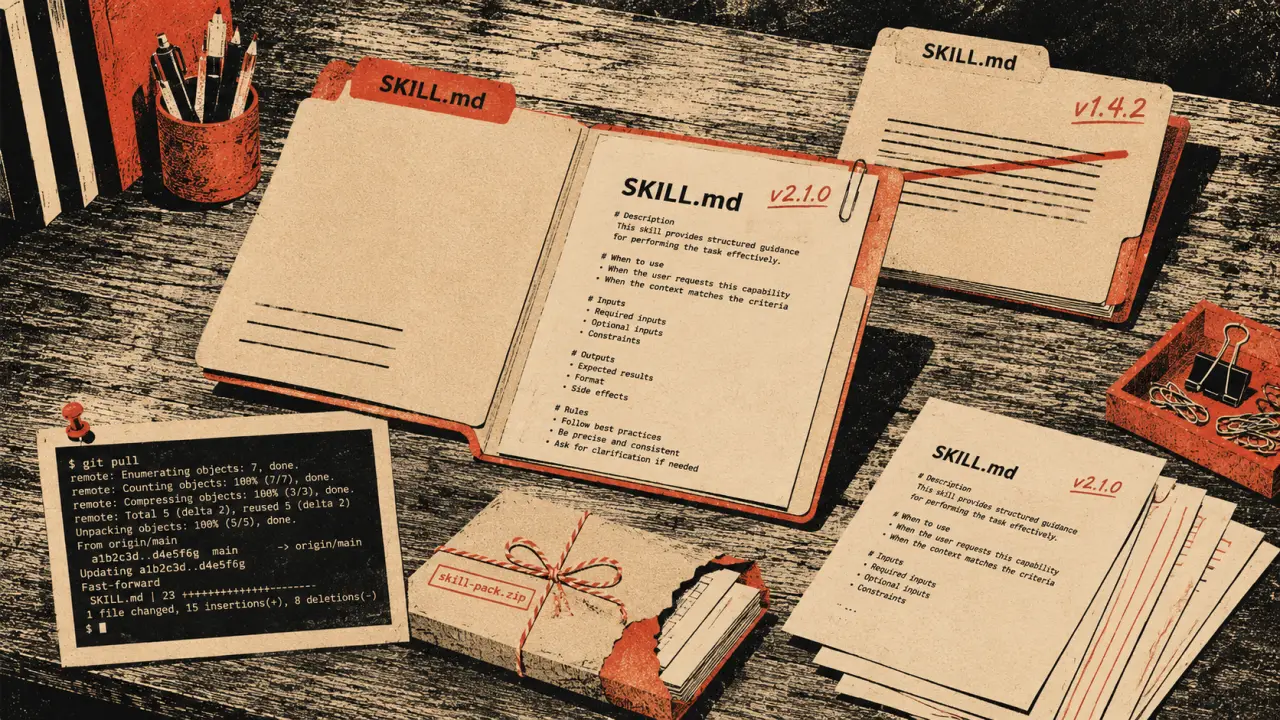
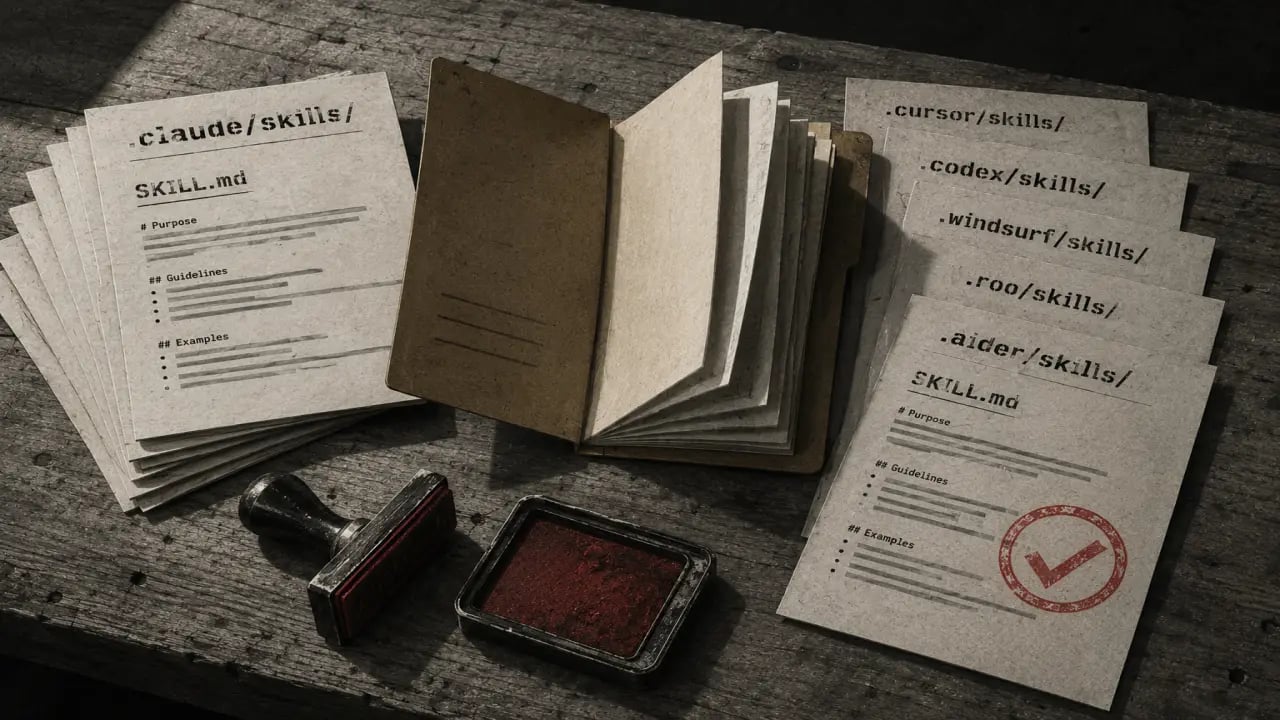
The foundation of sharing Claude Code skills is the `.claude/skills/` directory located at the root of your project repository. Each skill is a folder containing a `SKILL.md` file that defines prompts, examples, and instructions for Claude. This structure enables the AI to access standardized prompts tailored to your team's workflow. To set this up, follow these steps: 1. At your project root, create the skills directory: `mkdir -p .claude/skills/your-skill-name/` 2. Inside this directory, add a `SKILL.md` file describing the skill's purpose and including prompt templates. 3. Stage and commit these files using Git: `git add .claude/skills/` and `git commit -m "Add shared Claude skill for [function]"` 4. Push the commit to your remote repository: `git push` Once pushed, anyone cloning or pulling the repo will have immediate access to these skills in their Claude environment without additional setup.Version Control Strategies for Skill Management
Using Git to manage your `.claude/skills/` directory brings many benefits. You can track changes, review skill updates, and revert if needed. Here are some best practices: - Use clear commit messages explaining the intent behind skill changes. - Review pull requests thoroughly when modifying shared skills to maintain quality and relevance. - Tag releases or versions of your project to correspond with stable skill sets, so teams can sync to a known good state. - Consider branching strategies to test new skill versions before merging to the main branch. These practices ensure your team always works with reliable and well-maintained Claude skills.Best Practices for Team Adoption
Sharing skills is just the first step. To maximize adoption and impact, consider the following tips: - Document the purpose and usage of each skill clearly within `SKILL.md` files, so new team members understand their value. - Hold a team demo or workshop to showcase how to leverage shared Claude skills effectively. - Encourage feedback and iterative improvement by inviting team members to propose enhancements via Git pull requests. - Integrate skill updates into your team's regular development cadence, such as sprint planning or retrospectives. - Monitor usage and gather success stories to highlight the benefits of shared AI prompts.Real-World Use Cases
Here are some practical scenarios where sharing Claude Code skills can transform team workflows: 1. Code Review Automation: Create a skill that prompts Claude to analyze diff outputs and suggest improvements or catch potential bugs, standardizing review quality. 2. Documentation Generation: A skill that helps convert code comments or function signatures into detailed markdown documentation, ensuring consistency across projects. 3. Bug Triage Assistance: Using Claude to classify and prioritize incoming bug reports based on descriptions, helping teams manage workloads efficiently. 4. Onboarding Support: Develop a skill that provides new hires with tailored explanations of codebase conventions and best practices, speeding up their ramp-up time. 5. Release Notes Drafting: Automate the creation of release notes from commit messages and pull requests summaries, reducing manual effort.Tips for Maintaining Your Shared Skills
To keep your shared Claude skills effective over time, consider these maintenance tips: - Regularly review and update skills to reflect changes in your codebase or team priorities. - Archive or remove deprecated skills to avoid confusion. - Use consistent naming conventions and folder structures for easy navigation. - Leverage CI/CD pipelines to validate SKILL.md files for formatting and completeness before merging. - Encourage cross-team collaboration when skills apply to multiple departments or projects.Conclusion
Sharing Claude Code skills via a project-level `.claude/skills/` directory is a powerful way to unify AI-assisted workflows across your team. By leveraging Git for version control and following best practices for adoption and maintenance, your team can enjoy consistent, scalable, and efficient AI prompt usage. This approach eliminates setup friction, fosters collaboration, and ultimately boosts productivity in your software development lifecycle.Frequently Asked Questions
Are these prompts free? Yes — all PromptSpace prompts are free to copy and use. Browse our ChatGPT Prompts library for hundreds more.Do these work on the free tier? Most work on free tiers. Complex prompts may perform better on paid versions (ChatGPT Plus, Claude Pro) with larger context windows.
How do I get better AI results? Be specific: include your role, desired format, target audience, and any constraints. More context always improves output.
Can I modify these prompts for my use case? Absolutely — treat every prompt as a starting template. Customize the role, topic, tone, and format to match your needs.