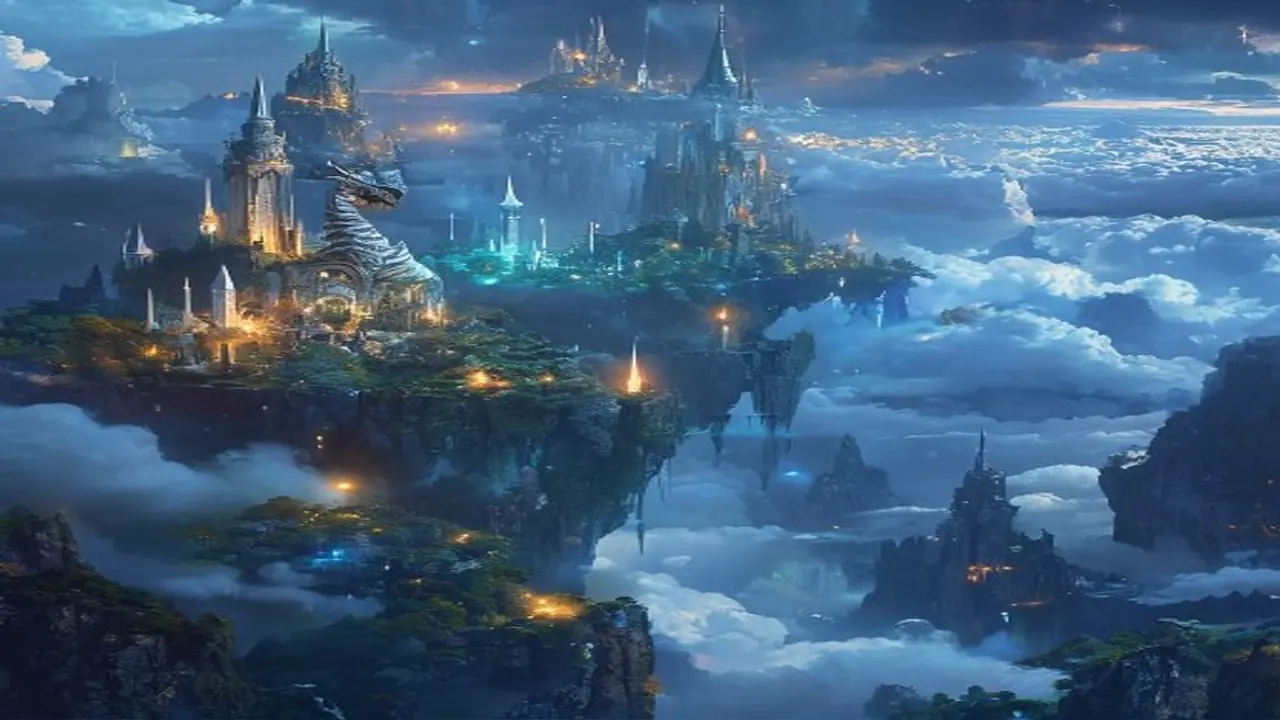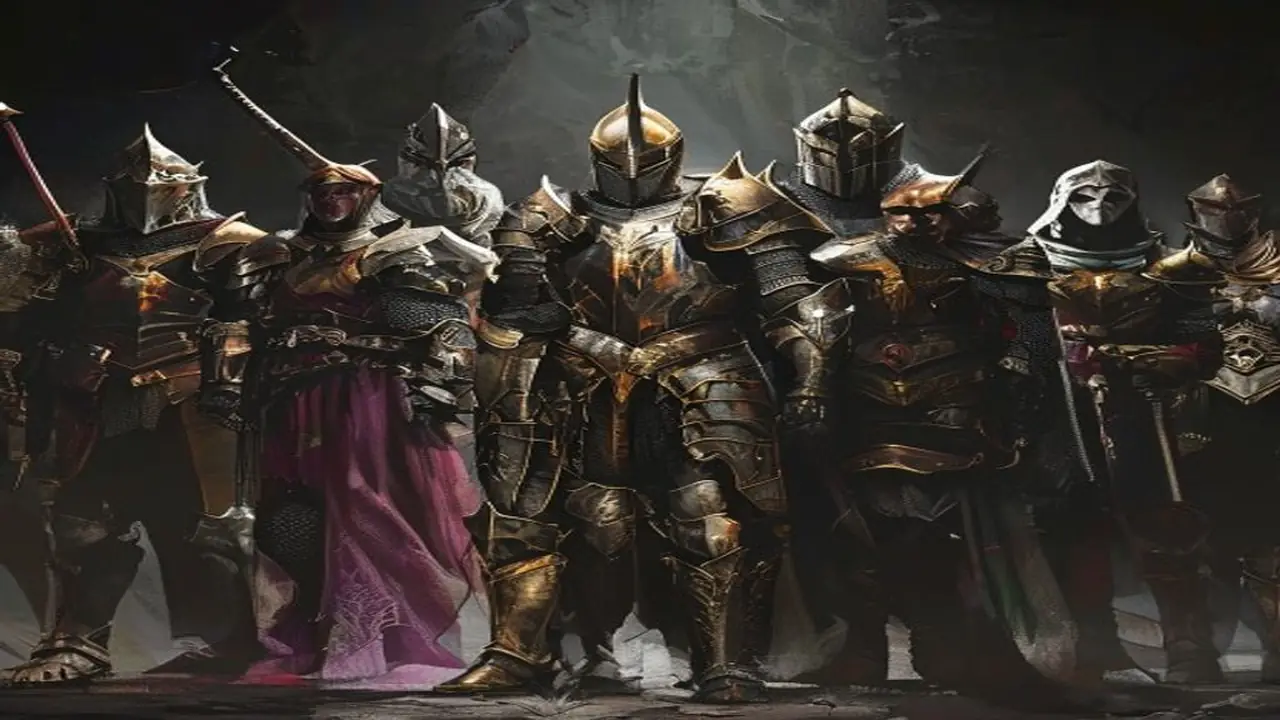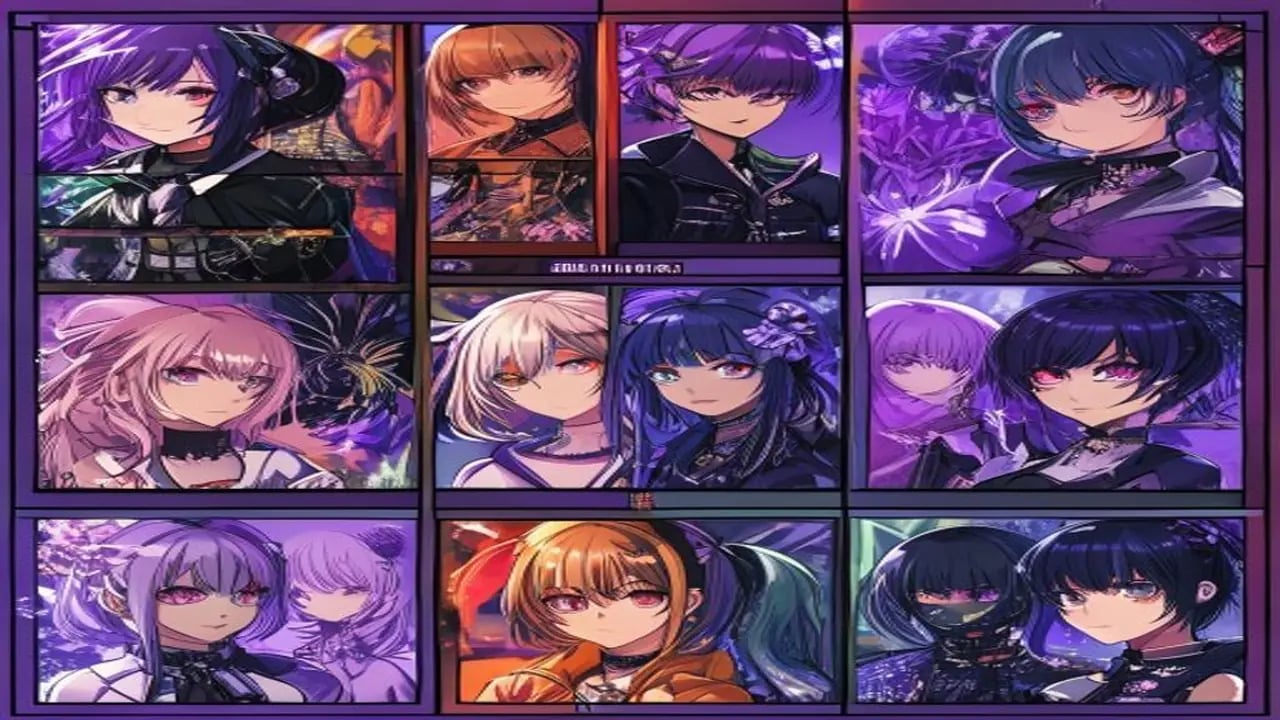
Stable Diffusion with anime-specific fine-tuned models (AnimagineXL, AnyLoRA, Counterfeit, Waifu Diffusion) produces anime art that rivals professional illustrators. This collection at https://www.promptspace.in/images?category=anime gives you 50 copy-ready prompts tested across the most popular anime models, with negative prompts included.
How to use Stable Diffusion anime prompts: use AUTOMATIC1111 or ComfyUI with an anime-tuned checkpoint. Recommended: AnimagineXL 3.1 for SDXL or AnyLoRA for SD 1.5. The prompts below are formatted for AUTOMATIC1111's prompt syntax where descriptors are comma-separated. Always pair with the standard anime negative prompt at the bottom of this article.
SD anime prompts work differently from Midjourney. Quality boost tags are required at the start: 'masterpiece, best quality, ultra-detailed, 8k UHD, professional digital art'. These activate the model's high-quality training data. Without them, results are mediocre. Always lead with quality boosters.
Prompt 1: masterpiece, best quality, ultra-detailed, 1girl, beautiful anime girl, silver hair with blue highlights, long flowing hair, bright blue eyes with detailed iris, wearing white shrine maiden outfit with red hakama, cherry blossom background, spring sunset, volumetric lighting, detailed fabric folds, anime illustration style. Negative: ugly, deformed, blurry, low quality, extra limbs, missing fingers, distorted face, plastic skin.
Prompt 2: masterpiece, best quality, 8k, 1boy, anime warrior, dark purple short hair, intense amber eyes, wearing detailed black armour with golden trim, dramatic battle pose, lightning background, dynamic perspective, bokeh background, dramatic lighting, cinematic composition, concept art style, detailed armour textures. Negative: ugly, distorted proportions, floating limbs, blurry, low res, watermark.
Prompt 3: masterpiece, best quality, ultra-detailed, 2girls, school uniform, twin sisters, matching black twin tails, sitting under a sakura tree, school courtyard, golden hour lighting, detailed background, slice of life anime style, warm colour palette, detailed eyes, natural expressions, friendship theme. Negative: extra fingers, distorted faces, bad anatomy, ugly, watermark.
Prompt 4: masterpiece, best quality, fantasy wizard character, old man, long white beard, detailed wrinkled face, wearing deep blue robes with constellation patterns, holding glowing magical staff, mystical forest background, fireflies, moonlight, detailed magical particles, Studio Ghibli inspired, painterly style. Negative: ugly, bad anatomy, watermark, signature, low quality.
Prompt 5: masterpiece, best quality, ultra-detailed, anime girl, neon cyberpunk city, rain-soaked street reflections, wearing holographic jacket, short neon pink hair, purple glowing eyes, dynamic standing pose, night scene, city lights bokeh, detailed cyberpunk environment, futuristic aesthetic, moody atmosphere. Negative: blurry, distorted, extra limbs, plastic looking skin.
Negative prompt master list for anime: (worst quality, low quality:1.4), bad anatomy, extra limbs, missing limbs, floating limbs, disconnected limbs, mutated hands, malformed hands, extra fingers, missing fingers, ugly, disfigured, out of focus, blurry, watermark, signature, text, logo, (bad proportions:1.2), asymmetric face. Add :1.4 to the most critical ones to weight them higher.
Sampling settings for best anime results: Sampler: DPM++ 2M Karras or Euler a. Steps: 25-35. CFG scale: 7-8 (higher = more prompt adherence, lower = more creative). Resolution: 832x1216 for portraits, 1024x1024 for square compositions. Enable ESRGAN 4x upscaling in the extras tab for final renders.
LoRA models boost anime character quality significantly. Anime-style LoRAs for specific styles (Studio Ghibli aesthetic, makoto shinkai style, cell-shaded anime) can be stacked. Use syntax:
Are these prompts free to use commercially? Stable Diffusion (the base model) is open source under a research licence. The specific checkpoint models you use (AnimagineXL, etc.) have their own licences — check each model's CivitAI page. Most allow personal use; commercial use varies. Always check the specific model licence before monetising generated images.
Browse more AI art prompts for every style at https://www.promptspace.in — 4,000+ free prompts, no signup. Related: Stable Diffusion Landscape Prompts at https://www.promptspace.in/blog/75-flux-prompts-photorealistic-landscapes-2026 and FLUX vs Stable Diffusion comparison at https://www.promptspace.in/blog/flux-vs-stable-diffusion-2026.
What makes these prompts effective is their ability to clearly convey specific visual and stylistic elements that Stable Diffusion can interpret to generate detailed and vibrant anime characters. Each prompt is carefully crafted to include descriptive keywords related to character design, expressions, poses, and environments, which helps produce consistent and high-quality results. By combining creativity with precise language, these prompts unlock the full potential of the AI model to bring unique anime characters to life.
To customize these prompts for different results, try adjusting the level of detail or focusing on particular aspects such as emotion, lighting, or background elements. You can also experiment with adding or removing style references, like specific anime genres or artists, to shift the overall aesthetic. Mixing and matching keywords allows you to tailor the output to your vision, whether you want a more realistic, chibi, or futuristic anime character.
A common mistake when using these prompts is being too vague or overly complex, which can confuse the AI and lead to less coherent images. Avoid using contradictory descriptors or too many unrelated concepts in a single prompt, as this dilutes the focus and quality of the generated character. Additionally, neglecting to specify important details like pose or expression may result in generic or unintended outputs.
For advanced variations, consider incorporating negative prompts to exclude unwanted features or styles, enhancing the precision of your results. Layering prompts by generating multiple images with slight modifications and then combining the best elements can also yield unique and refined characters. Using techniques like prompt weighting or blending different prompts can further expand creative possibilities and control over the final image.
Another technique involves experimenting with different model checkpoints or fine-tuned versions of Stable Diffusion that specialize in anime art. These specialized models often respond better to certain prompt structures and keywords, improving detail and style accuracy. Pairing your prompts with post-processing tools or upscalers can also enhance the visual quality and polish of your anime characters.
Remember that prompt engineering is an iterative process; don’t hesitate to tweak and refine your prompts based on the outputs you receive. Keeping a prompt journal or log can help track which combinations produce the best results and inspire new ideas. Sharing your successful prompts with the community can also provide valuable feedback and open up collaborative opportunities.
Avoid relying solely on default prompts or copying others without experimentation, as this limits your creative growth and the uniqueness of your characters. Instead, use the provided prompts as a foundation to build upon and adapt according to your artistic goals. Being mindful of model limitations and continuously learning about prompt dynamics will improve your overall experience with Stable Diffusion.
In summary, these 50 prompts are a powerful starting point for generating stunning anime characters, but the real magic happens when you experiment and personalize them. Embrace the trial-and-error nature of AI art creation, and don’t be afraid to push boundaries with your ideas. With patience and creativity, you’ll unlock endless possibilities and bring your anime visions to life in exciting new ways.