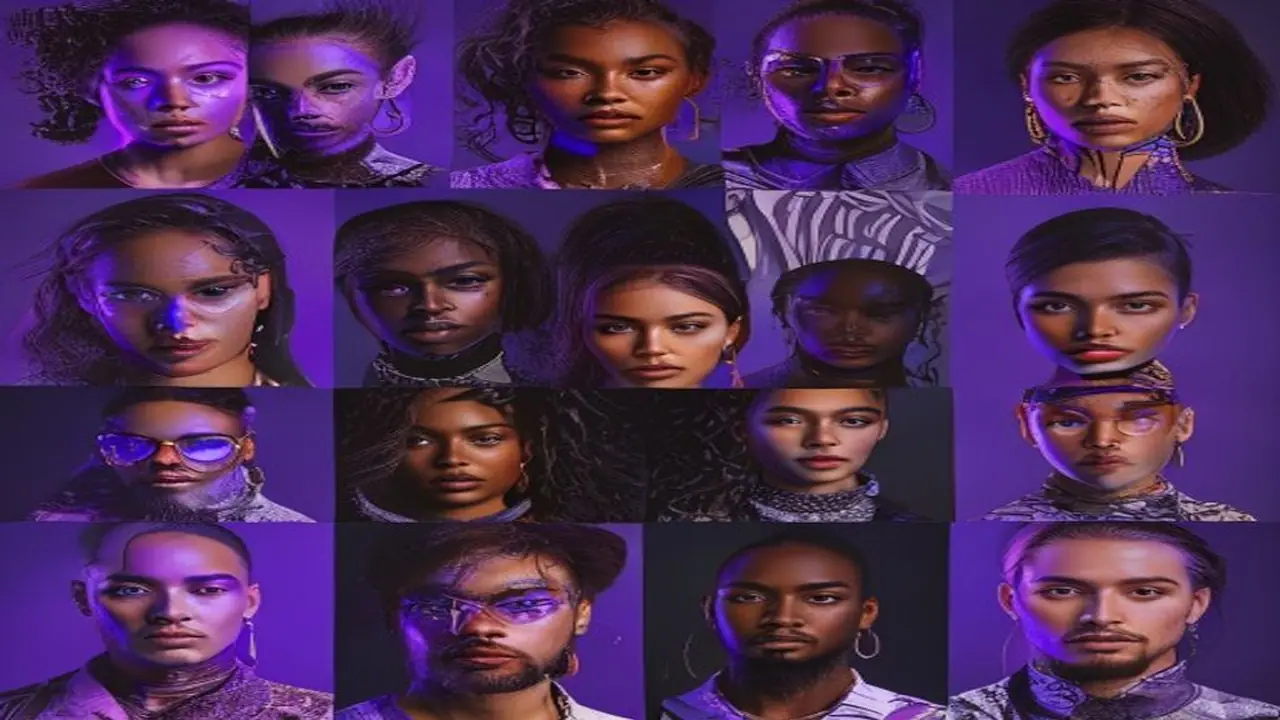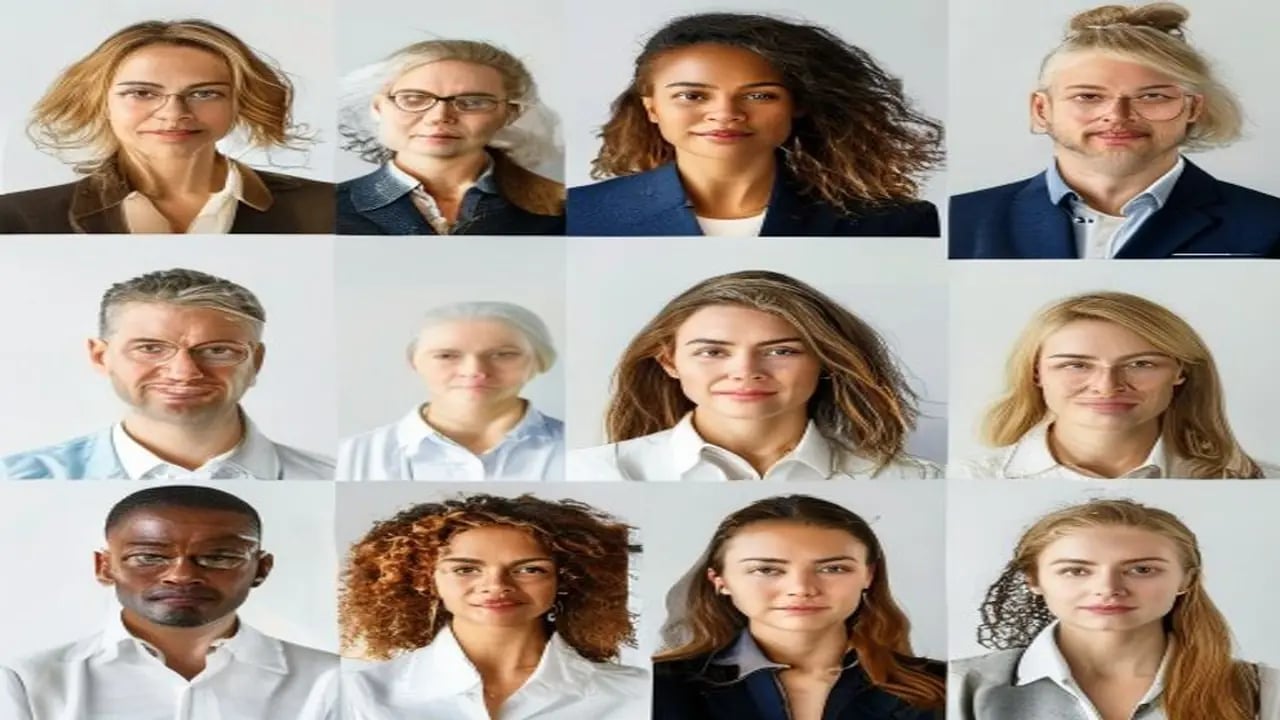
A professional headshot costs $200-500 at a photo studio. AI tools can generate photorealistic professional portraits for free — and you can iterate until you get the exact look you want. This collection at https://www.promptspace.in/images?category=portrait gives you 50 prompts optimised for professional contexts: LinkedIn, corporate websites, speaker bios, and conference badges.
Using AI headshot prompts: for Midjourney, add --ar 1:1 or --ar 2:3 for portrait crops. Add --style raw for maximum photorealism. For DALL-E 3, it follows detailed instructions precisely, making it better for specific professional contexts. For both models, specify the background, lighting style, and attire explicitly — don't leave anything to interpretation.
The single most important element of a professional headshot is the eyes. In prompts, always include 'sharp focus on eyes', 'catchlights in eyes', 'natural expression'. These three phrases dramatically improve the quality and professionalism of AI-generated headshots. A portrait with dull, unfocused eyes looks amateur regardless of how well everything else is rendered.
Prompt 1 — Corporate professional male: Professional LinkedIn headshot of a 38-year-old man, friendly confident smile, well-groomed dark hair, wearing a charcoal grey suit with white dress shirt open collar, clean light grey gradient background, three-point studio lighting, catchlights in eyes, sharp focus, DSLR portrait quality, approachable executive appearance.
Prompt 2 — Creative professional female: Professional headshot of a 30-year-old creative director, confident warm smile, natural minimal makeup, wearing a structured burgundy blazer, soft blurred modern office background with window light, natural lifestyle photography style, clean editorial aesthetic, suitable for agency website or LinkedIn, sharp focus on face.
Prompt 3 — Tech professional: Professional headshot of a software engineer, smart casual style, wearing a clean navy blue crew neck sweater, modern blurred coworking space background, natural window light from the left, approachable expression, slightly informal tech company aesthetic, suitable for GitHub profile or tech company about page.
Prompt 4 — Medical professional: Professional headshot of a female doctor, wearing white medical coat over light blue scrubs, stethoscope visible, neutral hospital corridor background slightly blurred, professional clinical lighting, warm genuine smile, approachable and trustworthy expression, suitable for hospital website or medical practice profile.
Prompt 5 — Executive leadership: Corporate executive portrait, older distinguished man in his 50s, silver-grey hair, wearing a dark navy business suit with subtle tie, plain white or light grey background, dramatic but professional three-point lighting, direct confident gaze, award-winning portrait photography quality, suitable for annual report, board of directors page.
Background options for headshots: 'clean white studio background' (most versatile, works on any website), 'soft bokeh outdoor environment' (approachable, natural), 'modern office interior blurred' (corporate professional), 'dark dramatic studio background' (power, authority), 'solid brand colour background' (consistent company headshot series). Specify the background to control the impression.
Style variations for different industries: Technology companies favour casual smart looks (no ties, open collar shirts, authentic expressions). Law and finance favour conservative formal looks (full suit, neutral background, direct gaze). Healthcare favours approachable expressions with clinical clothing markers. Creative industries favour unusual crops, expressive settings, and distinct personal style.
Using AI headshots on LinkedIn: LinkedIn recommends using a real photograph. AI-generated headshots raise authenticity questions on professional networking platforms. Consider using AI headshots for speaker bios, website about pages, and informal digital profiles where the context doesn't require documented authenticity. For LinkedIn specifically, some users successfully use AI-enhanced versions of their real photos (improved lighting, background replacement) which is a middle ground.
Can I use any face from these prompts? The AI generates fictional faces that look like real people. You cannot trademark or claim exclusive rights to an AI-generated face since it's not your actual image. For personal branding purposes, you ideally want an image that looks like you — which requires either providing a photo of yourself (with tools like PortraitAI or InsightFace LoRA in SD) or using these prompts as a style reference for your actual photographer.
More portrait and headshot prompts at https://www.promptspace.in. Related: Midjourney Realistic Portrait Prompts at https://www.promptspace.in/blog/50-midjourney-v6-prompts-realistic-portraits-2026 and AI Photography Guide at https://www.promptspace.in/blog/ai-photography-prompts-guide.
These AI headshot prompts are effective because they are designed to capture a professional and approachable look that suits LinkedIn profiles and portraits. They focus on elements such as lighting, background, attire, and facial expressions that convey confidence and authenticity. By using these prompts, you can generate images that align well with professional branding and networking goals.
To customize the prompts for different results, consider adjusting details like the setting, mood, and style to better reflect your industry or personal brand. For example, you might specify a more casual or creative vibe for artistic fields, or a formal and polished look for corporate roles. Experimenting with descriptors such as lighting conditions, color schemes, and facial expressions can also help tailor the output to your preferences.
A common mistake when using these prompts is being too vague or generic, which can lead to bland or irrelevant images. Avoid overloading prompts with conflicting instructions that confuse the AI. Additionally, neglecting to specify important details like background or attire can result in images that don’t fit your intended professional context.
For advanced variations, try incorporating specific artistic styles, camera angles, or lighting techniques into your prompts to create unique and eye-catching portraits. Using terms like 'golden hour lighting,' 'shallow depth of field,' or 'cinematic portrait' can elevate the realism and aesthetic appeal. You can also experiment with combining multiple prompts or layering concepts to generate more complex images.
Remember that AI-generated headshots are a starting point and can be further refined with photo editing tools to enhance details or adjust colors. It’s also helpful to generate multiple versions and select the best one that truly represents your professional image. Consistent experimentation with prompt wording will improve the quality and relevance of your results over time.
When customizing prompts, keep your target audience in mind to ensure the final image resonates with them. For instance, a tech professional might opt for a modern, minimalist background, while someone in education might prefer a warm, inviting setting. Tailoring the tone and style of your headshot can make a significant difference in how your profile is perceived.
Avoid relying solely on AI-generated images without reviewing them carefully for professionalism and appropriateness. Sometimes, subtle facial expressions or background elements might not align perfectly with your desired image. Always double-check for any unintended artifacts or inconsistencies that could detract from your profile’s credibility.
In summary, these AI headshot prompts provide a versatile foundation for creating compelling LinkedIn profile photos and portraits. Don’t hesitate to experiment with different styles, settings, and expressions to find what best represents your professional identity. With practice and creativity, you can leverage AI tools to craft a standout image that opens doors and builds connections.