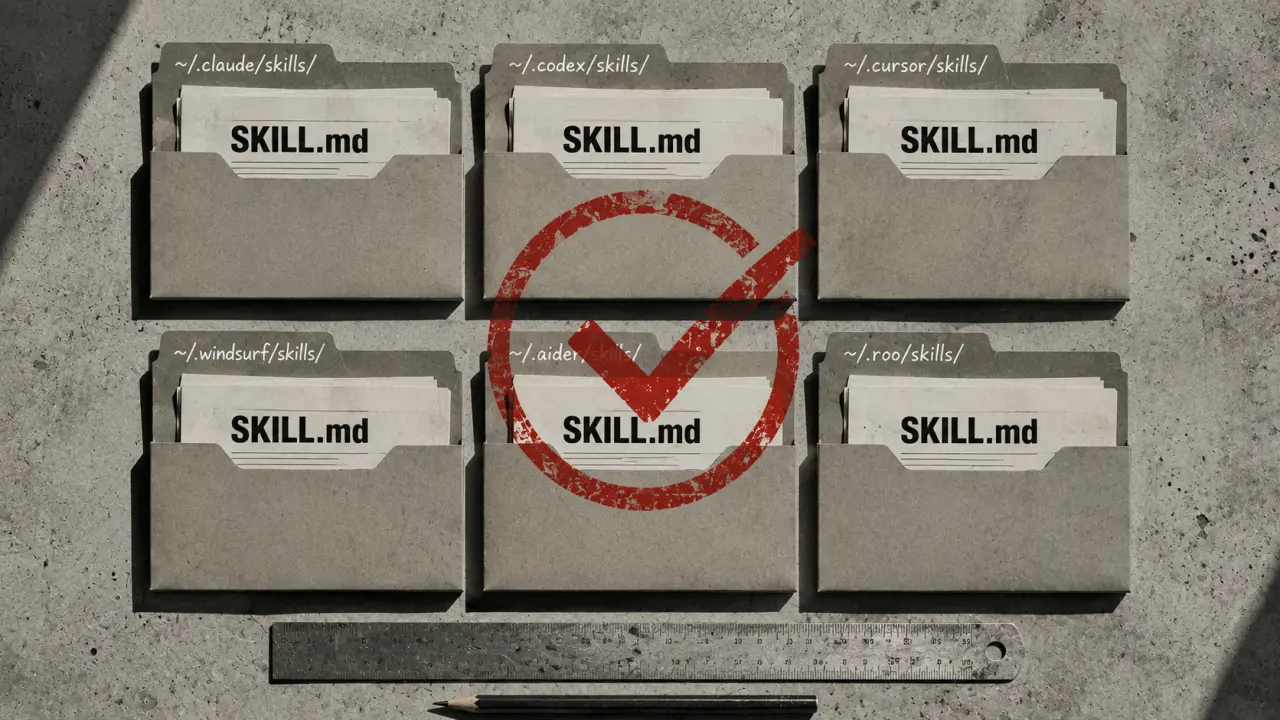
Gemini CLI is Google's powerful command-line AI coding agent designed to streamline your development workflow by allowing you to customize its behavior through skills. These skills are defined in SKILL.md files, which enable you to extend Gemini CLI's capabilities in a modular and reusable way. Understanding where Gemini CLI stores these skills and how you can organize them is crucial for efficient use and management of your AI coding assistant.
Where Are Gemini CLI Skills Stored?
Gemini CLI organizes skills into two main categories: personal skills and project-level skills. Personal skills are stored globally on your machine, making them accessible across all projects you work on. On the other hand, project-level skills are stored locally within a specific repository, allowing you to tailor Gemini's behavior to the unique needs of that project.Personal Skills Location
Personal skills are stored in the directory `~/.gemini/skills/`. This path is consistent across platforms, with slight variations based on your operating system. For example, on macOS, this translates to `/Users/yourname/.gemini/skills/`, whereas on Linux, it's `/home/yourname/.gemini/skills/`. Within this directory, each skill gets its own folder containing a `SKILL.md` file which defines the behavior and instructions for that skill.Example Directory Structure for Personal Skills
Here’s a sample layout of what your personal skills directory might look like:~/.gemini/skills/ ├── code-reviewer/ │ └── SKILL.md ├── test-generator/ │ └── SKILL.md └── git-commit-writer/ └── SKILL.md
Each folder corresponds to a specific skill, making it easy to add, remove, or update skills without affecting others.
Project-Level Skills Directory
In addition to personal skills, Gemini CLI supports project-level skills stored inside the `.gemini/skills/` folder relative to your project root directory. This allows teams or individual projects to maintain custom AI behaviors without polluting your global skillset. For example, if you’re working on a unique codebase requiring specific linting rules or architectural guidelines, you can define a skill locally to enforce those standards.Why Use Project-Level Skills?
Project-level skills provide contextual customization. They ensure that when team members clone the repository, they have access to the exact Gemini CLI enhancements needed for that project. This approach promotes consistency and reduces onboarding friction. If your repository root is `/my-project`, the skills live at `/my-project/.gemini/skills/`. These are loaded automatically by Gemini CLI when you operate within that project.Cross-Agent Compatibility of SKILL.md Files
One of the convenient features of Gemini CLI is that it supports the widely adopted SKILL.md format. This means that the same skill files you use with other AI agents like Claude Code, OpenClaw, or Codex CLI work out of the box with Gemini CLI. You don’t have to rewrite or convert your skills to use them with Gemini, which saves time and maintains consistency across different tools.How to Add a New Skill
Adding a new skill to Gemini CLI is straightforward. Follow these steps:1. Create a new directory for your skill inside either `~/.gemini/skills/` for personal use or `.gemini/skills/` for project-level. 2. Inside this directory, create a `SKILL.md` file. 3. Write your skill’s instructions in the `SKILL.md` file using markdown format. 4. Restart Gemini CLI or reload the skills if necessary.
For example, if you want to add a skill that helps generate commit messages, you could create the directory `git-commit-writer` and write the prompts or instructions in `SKILL.md`. Once saved, Gemini CLI can invoke this skill whenever you need assistance writing commit messages.
Practical Use Case: Code Review Automation
Imagine you are working on a large codebase where manual code reviews are time-consuming. By creating a `code-reviewer` skill in your personal or project-level skills directory, you can automate this process. Your `SKILL.md` could include instructions like analyzing diffs for common bugs, enforcing style guides, or suggesting improvements.When you run Gemini CLI with this skill active, it can provide detailed review comments, saving hours of manual work and improving code quality.
Tips for Managing Gemini CLI Skills
1. Keep skills modular: Design each skill to perform a specific task. This makes them easier to maintain and reuse. 2. Use version control for project-level skills: Since `.gemini/skills/` lives inside your repo, track changes using Git to share updates with your team. 3. Backup personal skills: Regularly back up your `~/.gemini/skills/` folder to avoid losing customizations. 4. Document skill usage: Add README files or comments inside `SKILL.md` to explain how to invoke and use the skill effectively. 5. Test skills locally first: Before deploying skills in a team environment, test them in your personal directory to ensure they work as expected.Real-World Example: Integrating Gemini CLI Skills into CI/CD
Teams can integrate Gemini CLI skills into their Continuous Integration/Continuous Deployment pipelines to automate tasks such as generating release notes or validating commit messages. For example, a project-level skill called `release-note-generator` could parse commit histories and summarize changes automatically, improving transparency and reducing manual documentation overhead.Summary
Knowing where Gemini CLI stores its skills and how to organize them empowers you to harness the full potential of this AI coding assistant. Personal skills stored in `~/.gemini/skills/` provide reusable capabilities across projects, whereas project-level skills under `.gemini/skills/` enable targeted, context-specific enhancements. The cross-agent compatibility of SKILL.md files further simplifies skill management by allowing you to leverage existing resources across different AI tools. With this knowledge and practical tips, you’re ready to customize and optimize your Gemini CLI experience for maximum productivity.Frequently Asked Questions
Are these prompts free? Yes — all PromptSpace prompts are free to copy and use. Browse our ChatGPT Prompts library for hundreds more.Do these work on the free tier? Most work on free tiers. Complex prompts may perform better on paid versions (ChatGPT Plus, Claude Pro) with larger context windows.
How do I get better AI results? Be specific: include your role, desired format, target audience, and any constraints. More context always improves output.
Can I modify these prompts for my use case? Absolutely — treat every prompt as a starting template. Customize the role, topic, tone, and format to match your needs.