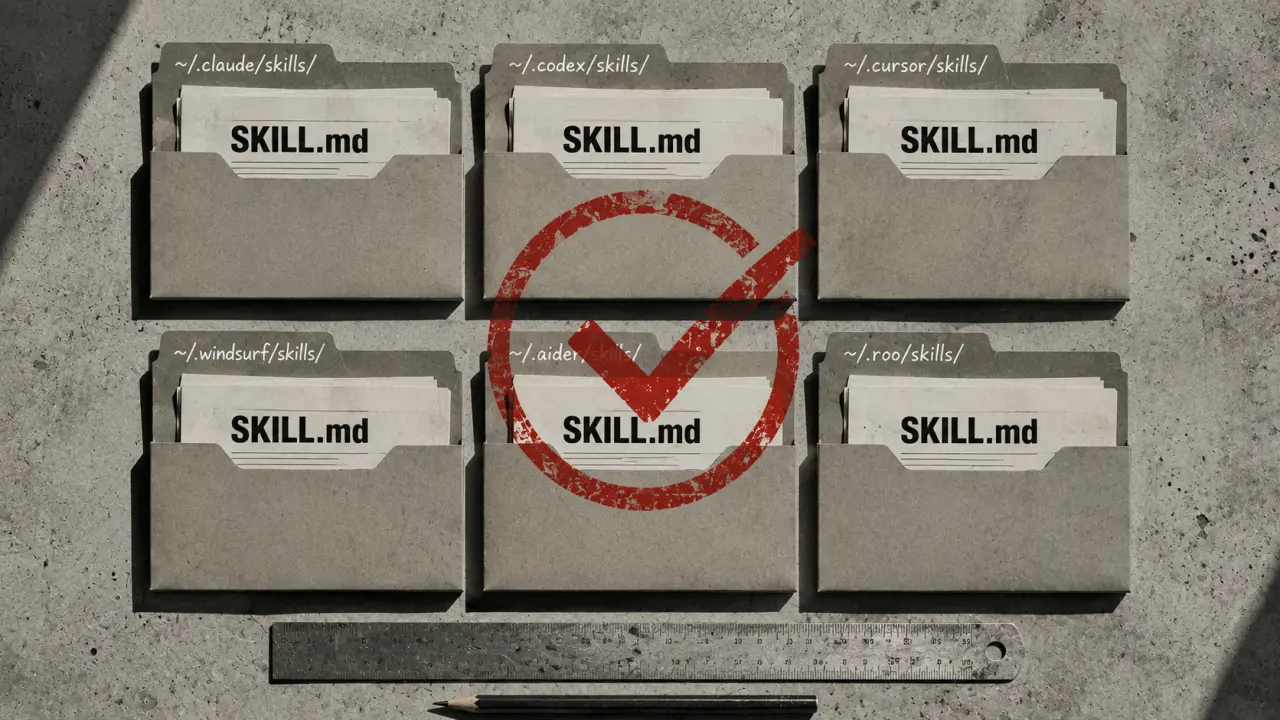
A skill in Codex CLI is essentially a set of instructions bundled into a SKILL.md file that an AI agent reads to understand and execute a specific workflow. These skills allow you to extend the capabilities of the AI by teaching it new tasks or automations tailored to your needs. Understanding where Codex CLI stores these skills is crucial for managing, sharing, and customizing your AI workflows effectively across different projects and environments.
Where Are Codex CLI Skills Stored?
Codex CLI organizes skills in a directory structure that closely mirrors those used by Claude Code and OpenClaw, which are other AI agents compatible with the same skill format. This compatibility means that the skills you create for Codex CLI can typically be used interchangeably with these agents, making your workflows highly portable and future-proof.Personal vs. Project-Level Skills
Codex CLI distinguishes between personal and project-level skills by storing them in separate directories. Personal skills are stored globally on your machine and are accessible from any project you work on, while project-level skills are stored locally within the project directory and are only available when working within that project.Quick Answer
Personal skills are stored at `~/.codex/skills/` (where `~` is your home directory), and project skills reside inside a `.codex/skills/` directory relative to the root of your project repository. When you start a Codex CLI session, it scans both these directories to load all available skills automatically.Where Does Codex CLI Store Personal Skills?
Your personal skills live at `~/.codex/skills/`. This means that any skill you place here becomes globally available across all your projects without needing to duplicate the skill files in each repository. This is ideal for commonly used automations or utilities you want to access everywhere.Example Directory Structure for Personal Skills
Here is what your personal skills directory might look like:``` ~/.codex/skills/ ├── code-reviewer/ │ └── SKILL.md ├── git-commit-writer/ │ └── SKILL.md └── env-doctor/ ├── SKILL.md └── references/ └── common-issues.md ```
Each skill lives in its own folder, which contains a SKILL.md file describing the workflow. Supporting files like reference documents or templates can also be stored within the skill directory to provide context or additional data for the AI to use.
Platform-Specific Paths
On macOS, the full path to your personal skills folder expands to something like `/Users/yourname/.codex/skills/`. On Linux systems, it is `/home/yourname/.codex/skills/`. Windows users leveraging Windows Subsystem for Linux (WSL) will find their skills inside the WSL environment, typically at `/home/yourname/.codex/skills/`.Managing Project-Level Skills
For project-specific skills that only make sense within the context of a particular codebase or team environment, you store them inside a `.codex/skills/` directory at the root of your project. This keeps your global skills clean and allows you to version-control project-specific AI workflows alongside your code.Example Project Directory Structure
If you're working on a project called `my-app`, your project structure might look like this:``` my-app/ ├── .codex/ │ └── skills/ │ ├── bug-fixer/ │ │ └── SKILL.md │ └── performance-optimizer/ │ └── SKILL.md ├── src/ ├── README.md └── package.json ```
This setup enables team members to share skills easily by committing the `.codex/skills/` directory to version control, ensuring everyone has access to the same AI workflows.
How Codex CLI Loads Skills
When Codex CLI starts, it scans both the personal skills directory and the project-level `.codex/skills/` directory. It merges these so that all available skills can be used in a session, with project-level skills potentially overriding personal skills if they share the same name. This makes it easy to customize or extend skills for particular projects without losing your global defaults.Practical Steps to Add a New Skill
1. Decide whether the skill is personal (useful across projects) or project-specific. 2. Create a new directory inside the appropriate `skills` folder (`~/.codex/skills/` for personal or `.codex/skills/` in your project). 3. Inside that directory, create a `SKILL.md` file describing your AI workflow. 4. Optionally, add any reference files or templates that the skill requires. 5. Restart Codex CLI or reload the session to have the new skill recognized.For example, to add a personal skill called `auto-doc-generator`, you would create `~/.codex/skills/auto-doc-generator/SKILL.md` with your instructions.
Tips for Structuring Your SKILL.md Files
- Be clear and concise in your instructions. - Use markdown formatting to organize steps, examples, and parameters. - Include context or background information to make the task easier for the AI. - Provide sample inputs and expected outputs. - Reference external files if your skill depends on templates or data.Real-World Use Cases
- Code Review Automation: A skill that scans your code for common issues and suggests improvements before you push changes. - Git Commit Message Writer: A skill that analyzes your code diff and generates a meaningful commit message. - Environment Health Check: A skill that diagnoses common environment setup problems and guides fixes. - Bug Fixer: A project-level skill that helps debug and patch known issues specific to your codebase. - Performance Optimizer: A skill that reviews code for performance bottlenecks and suggests optimizations.Cross-Agent Compatibility
One of the powerful features of Codex CLI skills is their compatibility with other AI agents like Claude Code and OpenClaw. Since all these agents use the same SKILL.md format, you can develop a skill once and deploy it across multiple platforms without rewriting it. This reduces duplication and accelerates AI workflow development.Best Practices for Skill Sharing
- Use version control for project-level `.codex/skills/` folders to facilitate team collaboration. - Regularly update and document your skills to keep them effective. - Share personal skills by publishing them as repositories or reusable packages if your workflow allows. - Test your skills thoroughly across different projects to ensure compatibility.Summary
Codex CLI stores skills in two main locations: `~/.codex/skills/` for personal, global access and `.codex/skills/` within project directories for project-specific workflows. Both directories are scanned at startup, and the same SKILL.md files can be used across compatible AI agents. By organizing and managing your skills effectively, you can greatly enhance your AI-powered development workflows and share useful automations readily with your team.Frequently Asked Questions
What AI tools do developers use most in 2026? Claude Code, GitHub Copilot, and Cursor AI dominate developer workflows. See our Developer Prompts collection.Are AI coding tools worth it? Yes — developers consistently report 20–40% productivity gains on repetitive tasks. Most subscriptions pay for themselves within the first week.
Copilot vs Cursor — which is better? Cursor handles complex multi-file edits better. Copilot integrates into more editors. Most developers who try Cursor prefer it for complex projects.
Is AI-generated code production-ready? AI produces solid starting points, not final code. Always review, test, and refine AI-generated code before deploying to production.