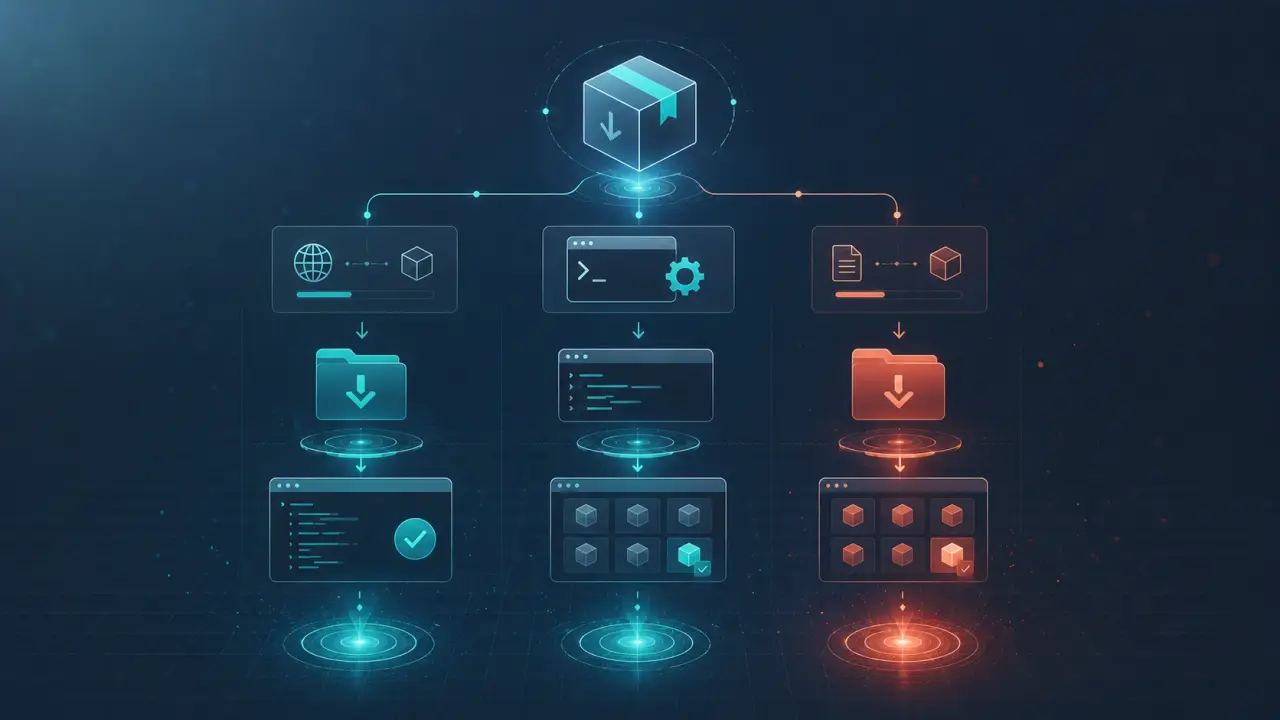
Importing skills into Claude Code is essential for enhancing its capabilities and tailoring the AI assistant to your specific needs. These skills, usually defined in SKILL.md files, enable Claude to perform specialized tasks, understand new commands, or integrate with external tools and services. Fortunately, Claude automatically detects any skills placed in the appropriate directory, making it straightforward to expand its functionality. This guide covers every method to import skills into Claude, from downloading pre-built options to creating your own from scratch, with practical tips and step-by-step instructions.
From a Marketplace (Recommended)
One of the safest and simplest ways to import skills into Claude is through marketplaces like Agensi. These platforms curate a variety of skills vetted for security and quality, ensuring you get reliable and tested extensions. Agensi, for example, offers a growing library of SKILL.md files that you can download either for free or purchase for premium capabilities.How to Import Skills from Agensi
1. Visit the Agensi Skills Marketplace and browse the available skills by category or popularity. 2. Select a skill that fits your needs and click either Download (for free skills) or Buy (for paid skills). 3. Once downloaded, you will typically receive a ZIP archive containing the SKILL.md file and any related resources. 4. Open your terminal or file explorer and navigate to your Claude skills directory, usually located at `~/.claude/skills/`. If this directory doesn’t exist, create it. 5. Unzip the downloaded archive directly into the skills folder using the following command:```bash unzip skill-name.zip -d ~/.claude/skills/ ```
6. Restart Claude Code or refresh its skill index to ensure it detects the new skill.
Real-World Tip
To avoid overwriting existing skills, use unique folder names for each skill. For example, unzip into `~/.claude/skills/skill-name/` instead of dumping all files directly into the skills directory.Cloning Skills from GitHub
Many developers share their Claude skills openly on GitHub, allowing you to clone repositories directly into your skills folder. This method is great if you want to customize the skill or contribute to its development.Step-by-Step Guide:
1. Find a Claude skill repository on GitHub. Look for repos that include a SKILL.md file and clear installation instructions. 2. Open your terminal and navigate to the skills directory:```bash cd ~/.claude/skills/ ```
3. Clone the repository:
```bash git clone https://github.com/username/skill-repo.git ```
4. Once cloned, ensure the SKILL.md file is present in the new folder. 5. Restart Claude or reload skills to activate the new import.
Pro Tip
Keep your cloned skills up to date by occasionally running `git pull` inside each skill’s directory. This will fetch the latest changes and bug fixes from the original repository.Using the Built-in Plugin Browser
Claude Code often includes a plugin or skill browser that simplifies importing skills without manual downloads or command-line work. This is especially helpful for users less comfortable with terminal commands.How It Works:
- Open Claude Code and navigate to the Plugin or Skills tab. - Browse the catalog of available skills, which may be integrated from various sources including official marketplaces and community submissions. - Select the skill you want and click Install or Import. - Claude handles the download and placement of the skill files automatically.Benefits
This method reduces the risk of errors during installation and keeps your skills organized. Plus, it often allows easy updates and uninstallations through the same interface.Creating Skills from Scratch
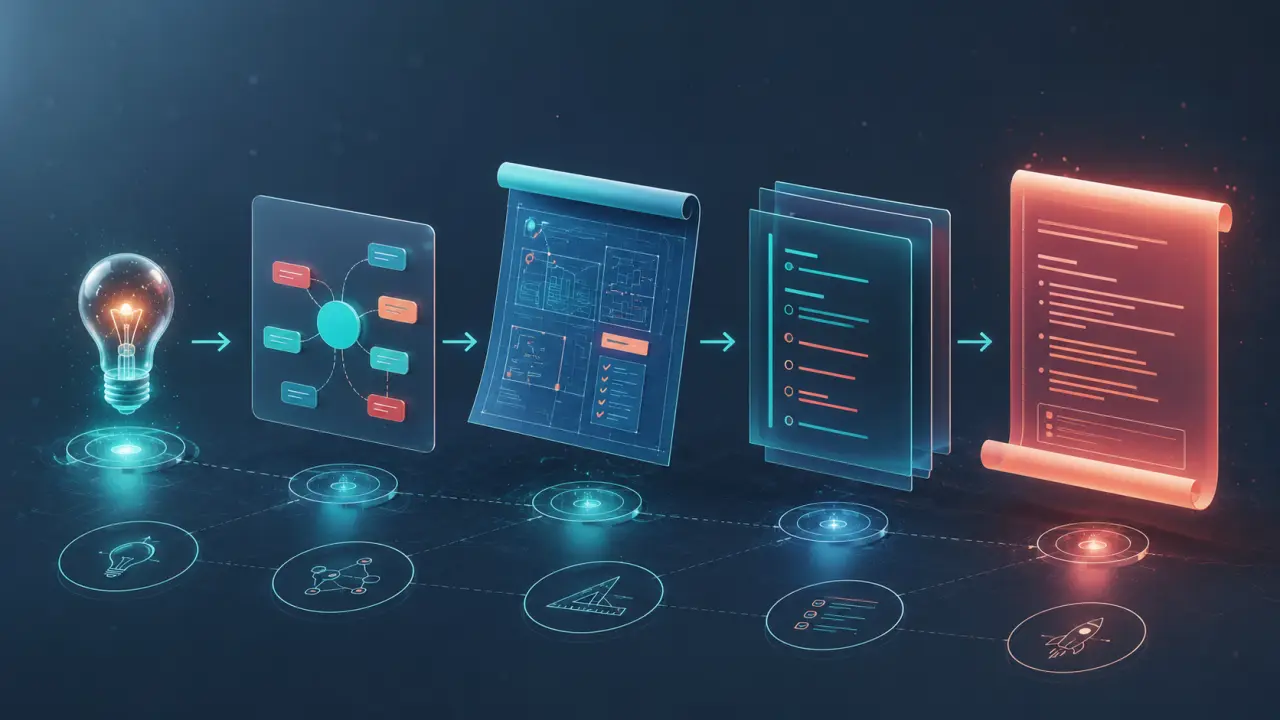
For power users and developers, creating your own Claude skill can unlock entirely new functionalities tailored to your workflows.Basic Structure of a SKILL.md File
A SKILL.md file defines triggers, commands, and responses that Claude will recognize. Here’s a simplified example:``` name: Weather Info triggers: - "weather" commands: - "current weather" response: "Fetching current weather for your location..." ```
Creating Your Skill
1. In the skills directory, create a new folder named after your skill, e.g., `weather-info`. 2. Inside this folder, create a file named SKILL.md. 3. Define your skill’s commands, triggers, and responses following Claude’s skill format. Refer to existing SKILL.md files for examples. 4. Save the file and restart Claude to load your new skill.Testing and Debugging
Use Claude’s debug mode or logs to test your skill’s behavior and fix any issues. Iterative testing ensures your skill works smoothly before you share it with others.Importing Skills from Compatible Agents
Claude Code supports importing skills from other AI agents like OpenClaw and Codex CLI, as long as they use compatible SKILL.md formats.Steps to Import:
1. Locate the SKILL.md files in the source agent’s skill directory. 2. Copy the skill folder or SKILL.md files into `~/.claude/skills/`. 3. Restart Claude to detect the new skills.This approach lets you leverage a broader ecosystem of AI skills without rebuilding everything from scratch.
Managing and Organizing Your Skills
As you accumulate more skills, it’s important to keep them organized for easy maintenance: - Use descriptive folder names. - Keep track of skill versions and update dates. - Regularly remove unused or deprecated skills to reduce clutter. - Backup your skills directory before major updates or changes.Final Tips for Successful Skill Importing
- Always verify the source of skills, especially when downloading from third-party sites, to avoid security risks. - Use version control (like Git) for your custom skills to track changes. - Test new skills in a controlled environment before deploying them in production workflows. - Engage with the community forums or support channels for help with complex skills or troubleshooting.With these methods and tips, importing skills into Claude Code becomes a smooth process, empowering you to customize your AI assistant for virtually any task or integration. Explore marketplaces, contribute to open-source skill repositories, or craft your own skills—the possibilities are endless.
Frequently Asked Questions
Are these prompts free? Yes — all PromptSpace prompts are free to copy and use. Browse our ChatGPT Prompts library for hundreds more.Do these work on the free tier? Most work on free tiers. Complex prompts may perform better on paid versions (ChatGPT Plus, Claude Pro) with larger context windows.
How do I get better AI results? Be specific: include your role, desired format, target audience, and any constraints. More context always improves output.
Can I modify these prompts for my use case? Absolutely — treat every prompt as a starting template. Customize the role, topic, tone, and format to match your needs.