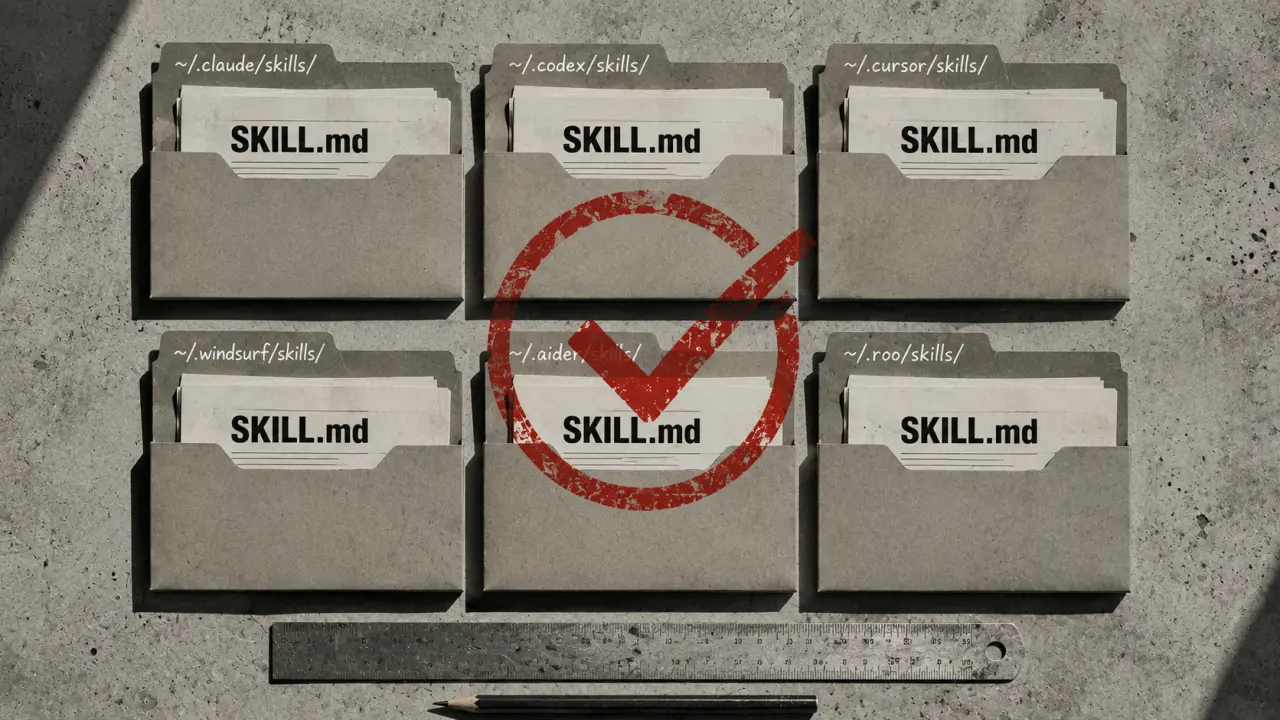
Claude Code Skills vs Cursor Rules vs AGENTS.md: A 2026 Developer's Guide
If you're running more than one AI coding agent — and by mid-2026 most engineers are — you've hit the annoying problem: every agent wants its own file format for the same context. Claude Code wants a `.claude/skills/*.md` folder with SKILL.md files. Cursor wants `.cursor/rules/*.mdc` files with frontmatter. Copilot wants an `AGENTS.md` at the repo root. Gemini CLI has its own thing. Codex CLI has yet another thing. If you haven't picked an agent yet, our Gemini CLI vs Claude Code comparison and Claude Code vs Codex CLI teardowns are the fastest way to shortlist. You end up copying the same architecture-notes / testing-conventions / deploy-workflow content into four different places, forgetting to update three of them when you change one, and eventually just picking one agent because managing the cross-platform sync is more work than the agents save you. This is a comparison of the three formats that matter in 2026 — Claude Code Skills, Cursor Rules, and AGENTS.md — plus a portable pattern that lets you write the same content once and have it work across all three. I've been running this setup for four months on a real codebase; the notes below are what I would have wanted the first time.What each format actually is
Before comparing, worth being precise about what each one does, because they overlap but aren't the same thing.Claude Code Skills
A Claude Code Skill is a Markdown file with YAML frontmatter that Claude Code loads on demand. Location: `~/.claude/skills/Cursor Rules
Cursor Rules live in `.cursor/rules/*.mdc` files at the project root. Each `.mdc` file is Markdown with optional YAML frontmatter. Frontmatter fields include `description`, `globs` (which files trigger the rule), and `alwaysApply` (whether the rule loads on every request regardless of file match). The mental model is glob-based file matching rather than task-based description matching. A rule with `globs: ['src/**/*.ts']` gets attached whenever the user is editing TypeScript files in src. A rule with `alwaysApply: true` loads on every request. Cursor's rule system is more prescriptive than Claude's — the rules are less "here's how to do this task" and more "here are the constraints for this codebase." Rules stack: multiple rules can apply to the same file simultaneously, and Cursor concatenates them into the system prompt.AGENTS.md
AGENTS.md is a single Markdown file at the repo root (no frontmatter, no rules engine, no progressive disclosure). It's a spec that emerged in early 2026 as agents like GitHub Copilot, Cline, Aider, and OpenCode converged on "one file, at the root, human-readable, machine-parseable." The full spec is at https://agents.md/. The pitch is simplicity. No engine to configure, no file matching, no frontmatter. Just prose that describes the project — its architecture, its conventions, its deploy process, its testing approach. Agents that support AGENTS.md read the whole file on session start and use it as system-context. AGENTS.md is the least clever of the three formats and by far the easiest to write. It's also the least efficient — everything loads every session, so if you write a 5,000-token AGENTS.md, that's 5,000 tokens of every conversation window, forever.The head-to-head comparison
Six dimensions that matter in practice:Schema flexibility
Claude Skills: rich. Frontmatter has `name`, `description`, arbitrary custom fields. Supports linked files, scripts, templates. Best for structured, reusable knowledge.Cursor Rules: medium. Frontmatter supports description, globs, alwaysApply, and a few Cursor-specific flags. Multi-file layout via multiple .mdc files but no deep linking.
AGENTS.md: flat. One file, no frontmatter, no linked structure. What you write is what agents get.
Activation model
Claude Skills: semantic — Claude decides whether a skill's description matches the current task.Cursor Rules: glob-based — rules attach when the user is editing matching files.
AGENTS.md: always-on — the whole file loads at session start. The Claude semantic model is the smartest but also the most error-prone. If you mis-describe a skill, Claude never triggers it. The Cursor glob model is deterministic but doesn't scale — if you have 50 rules, you either write brittle glob patterns or every rule fires on every edit. The AGENTS.md always-on model is dumbest but most reliable.
Token budget
Claude Skills: lightest at rest — descriptions only. Heaviest on trigger — full skill body loads.Cursor Rules: middle — glob-attached rules pile onto every matching edit. Can silently balloon if you don't watch.
AGENTS.md: predictable — same size every session. If your AGENTS.md is 3,000 tokens, expect 3,000 tokens of overhead per session. For long-running sessions where token budget matters, Claude's progressive-disclosure model wins by a lot. For short one-off sessions, AGENTS.md is fine and simpler.
Cross-agent portability
Claude Skills: Claude-only. Cursor and Copilot ignore `.claude/skills/`.Cursor Rules: Cursor-only. `.cursor/rules/` is proprietary.
AGENTS.md: the most portable format. Supported by Copilot, Cline, Aider, OpenCode, Cursor (as fallback), and Codex CLI. Claude Code does not natively parse AGENTS.md, but you can trivially reference it from a skill. AGENTS.md is the closest thing to a cross-agent standard in 2026. Not universal, but the widest coverage of any single format.
Community/marketplace
Claude Skills: growing marketplace. Anthropic curates a set of official skills; third-party skills are exchanged via GitHub repos. Search 'awesome-claude-skills' for community lists. Our own curated shortlist of the 20 best free SKILL.md skills, plus category-specific picks for testing, Git automation, and code review, is where most readers of this post end up next.Cursor Rules: smaller ecosystem. Cursor Directory (cursor.directory) is the main hub for community rules.
AGENTS.md: small but growing. Most content is per-project rather than reusable across projects.
Learning curve
Claude Skills: highest. Progressive disclosure, description writing, file structure, script embedding. Two weeks of skill-writing before you're producing good skills.Cursor Rules: medium. Glob patterns and rule stacking take a bit to internalize but the format is otherwise simple.
AGENTS.md: lowest. Write prose, save the file, done.
The portable pattern: write once, use everywhere
The setup that's been working for me across a 30k-file codebase: Layer 1 — AGENTS.md at repo root. Everything a fresh agent needs to be productive: architecture overview, package structure, testing conventions, deploy workflow, coding standards. Aim for 2,000–3,000 tokens. This is your baseline that every agent sees. Layer 2 — Claude Code Skills for procedural workflows. Things that are more "how to do X" than "how the codebase is structured." Examples: how to add a new migration, how to write a good PR description, how to handle a specific type of bug. Each skill is ~500 tokens in the description and 1,500 tokens in the body. Only loads when relevant. Layer 3 — Cursor Rules for editing constraints. Rules that fire while editing specific files. Examples: `.ts` files need explicit return types; `test/` files use vitest not jest; `migrations/` files must include a `down` function. Glob-based, deterministic, invisible until you're editing the matching file. The key architectural decision: don't duplicate content across layers. AGENTS.md has the architecture. Skills have workflows. Rules have constraints. If you find yourself writing the same thing in two places, you're doing it wrong — either merge upward (to AGENTS.md) or downward (to a specific skill or rule). Cross-reference between layers. In a Cursor rule, reference the AGENTS.md section for context ("see AGENTS.md § Testing conventions for the vitest setup"). In a Claude skill, reference AGENTS.md for architecture ("assumes AGENTS.md § Package structure has been read"). The cross-references keep each file lean and force a single source of truth.The migration path if you already have context files
If you're already deep into one format and want to add the others without a rewrite: Starting from AGENTS.md (most common): copy AGENTS.md into `.claude/skills/project-overview/SKILL.md` with a frontmatter block wrapping it. Add a description like `Project architecture, testing conventions, and deploy workflow for [project-name].` — Claude will now load it on relevant tasks. For Cursor, add a single `.cursor/rules/project-overview.mdc` with `alwaysApply: true` pointing at the same content (or import via symlink). One source, three consumers. Starting from Claude Skills: extract the always-relevant skills (project overview, testing conventions) into an AGENTS.md at the repo root. Keep task-specific skills as skills. Copilot and Aider now work at parity with Claude on the always-relevant stuff; Claude retains the progressive-disclosure advantage on task-specifics. Starting from Cursor Rules: consolidate any `alwaysApply: true` rules into AGENTS.md. Keep the glob-attached rules as Cursor rules (they don't translate cleanly to other agents anyway). Copilot and Claude now work at parity on cross-project standards; Cursor keeps its per-file editing advantages.What each format is genuinely bad at
Claude Code Skills: discoverability. If Claude doesn't semantically match your skill's description to the task, it never loads. You end up writing keyword-stuffed descriptions like a bad LinkedIn profile. And skills don't compose well — you can't have Skill A automatically load Skill B; each is evaluated independently. Cursor Rules: portability. Beautiful within Cursor, dead outside it. If you migrate the project to a team using Copilot, you have to rewrite the rules to AGENTS.md format. AGENTS.md: scale. As the file grows past 4,000 tokens, agents start ignoring the later sections. There's no way to say "read this only when working on migrations" — you either put it in AGENTS.md and pay the full-session token cost, or you leave it out. Anyone claiming one of these is "the future" is wrong. They're solving different problems and will coexist for at least the next 18–24 months.Combining all three: a real example
Here's what a well-structured setup looks like on a real Next.js + Spring Boot monorepo I work on: AGENTS.md at repo root (2,400 tokens): - One paragraph on the monorepo (Next.js frontend, Spring Boot API) - Package structure map (5 subprojects, what each does) - Testing conventions (vitest for FE, JUnit 5 for BE, Playwright for e2e) - Deploy workflow (git push → GitHub Actions, ~6 min to prod) - Coding standards (import order, naming conventions, comment discipline) - Where secrets live and how to load them locally Claude Skills (5 skills, ~600 tokens each in body): - `add-new-api-endpoint`: procedure for adding a new REST endpoint end-to-end - `add-new-blog-post`: procedure for adding a blog post to the static data / DB layer - `debug-cf-cache`: how to check whether Cloudflare is caching correctly, common failure modes - `write-migration`: template + checklist for a new MongoDB migration - `pre-deploy-check`: what to verify before pushing to main Cursor Rules (8 rules, glob-scoped): - `*.ts` → require explicit return types on exported functions - `*.tsx` → prefer server components; mark client components with 'use client' - `test/**` → use vitest not jest; test files named `*.test.ts` - `src/data/*.js` → static content; no imports from src/lib - `migrations/` → require `up()` and `down()` functions - `src/components/ads/` → don't touch AdSense IDs; changes require review - `src/app/api/` → use the shared error handler; no try/catch swallowing - `next.config.mjs` → don't modify CSP without security review Total setup: ~4 hours to write initially, saves ~30 minutes per week per developer thereafter. Break-even at ~2 weeks; strongly positive by month 2.Frequently Asked Questions
Which format should I use if I'm only running one AI coding agent?AGENTS.md, regardless of which agent. It's the simplest to write, the easiest to maintain, and if you ever switch agents (or add a second one), you don't have to rewrite. The only reason to skip AGENTS.md is if you're deeply invested in Claude Code and want to exploit progressive disclosure for a large context library — in which case, write skills and add a small AGENTS.md that references them.
Can I just symlink the same file across all three locations?Sort of. A symlink from `AGENTS.md` to `.claude/skills/project-overview/SKILL.md` breaks because Claude expects a specific frontmatter block. What works: symlink AGENTS.md to `.cursor/rules/000-project-overview.mdc` (add `alwaysApply: true` at top — Markdown treats it as content that agents ignore, but Cursor parses it). Then have a Claude skill that references `../../../AGENTS.md` in its body. Not perfect, but keeps one source of truth.
What about MCP servers — where do they fit vs skills?**Different concept. MCP (Model Context Protocol) servers add *capabilities* to an agent — the ability to query a database, hit an API, run a script. Skills add *procedural knowledge* — how to do something with the capabilities the agent already has. You usually want both: an MCP server that gives Claude access to your database, and a skill that documents how to write a good migration for that database. Our deep-dive on how skill marketplaces work also covers the MCP-vs-skill decision boundary in more detail. Does GitHub Copilot support Claude Code Skills or Cursor Rules?
Copilot supports AGENTS.md natively. It ignores `.claude/skills/` and `.cursor/rules/` entirely. If your team is mixed (some on Copilot, some on Claude Code, some on Cursor), AGENTS.md is the shared baseline; agent-specific stacks are additive. Are AGENTS.md files versioned in git?
Always. AGENTS.md is code-adjacent artifact and should live in the repo, be reviewed in PRs, and be version-controlled with the codebase. Same rule applies to `.cursor/rules/` and `.claude/skills/` at project scope. User-level `~/.claude/skills/` is personal and lives outside the repo. How much does this stack cost to maintain?
Minimal once set up. AGENTS.md updates roughly once a month as architecture evolves. Claude skills update quarterly. Cursor rules update rarely — mostly when a new lint rule or convention is added. If you're spending more than an hour a month maintaining these files, they're too detailed; simplify.