I'd been bouncing between Claude Code, Codex CLI, and a half-broken bash script of my own when a friend on Discord pointed me at Hermes Agent. Two days later I'd uninstalled the others. This is a guide to what it actually is, why open-source matters here, and how to get it running in about sixty seconds.
Hermes Agent is an open-source AI coding assistant built by Nous Research, the team behind the Hermes, Nomos, and Psyche models. It's a CLI you can talk to from your terminal, from Telegram, from Discord, even over SMS. It runs on your laptop, a $5 VPS, or a serverless sandbox that hibernates when idle. And it's MIT licensed, which means you can fork it, audit it, or ship it inside your company without a procurement meeting.
What is Hermes Agent and how does it differ from a coding copilot?
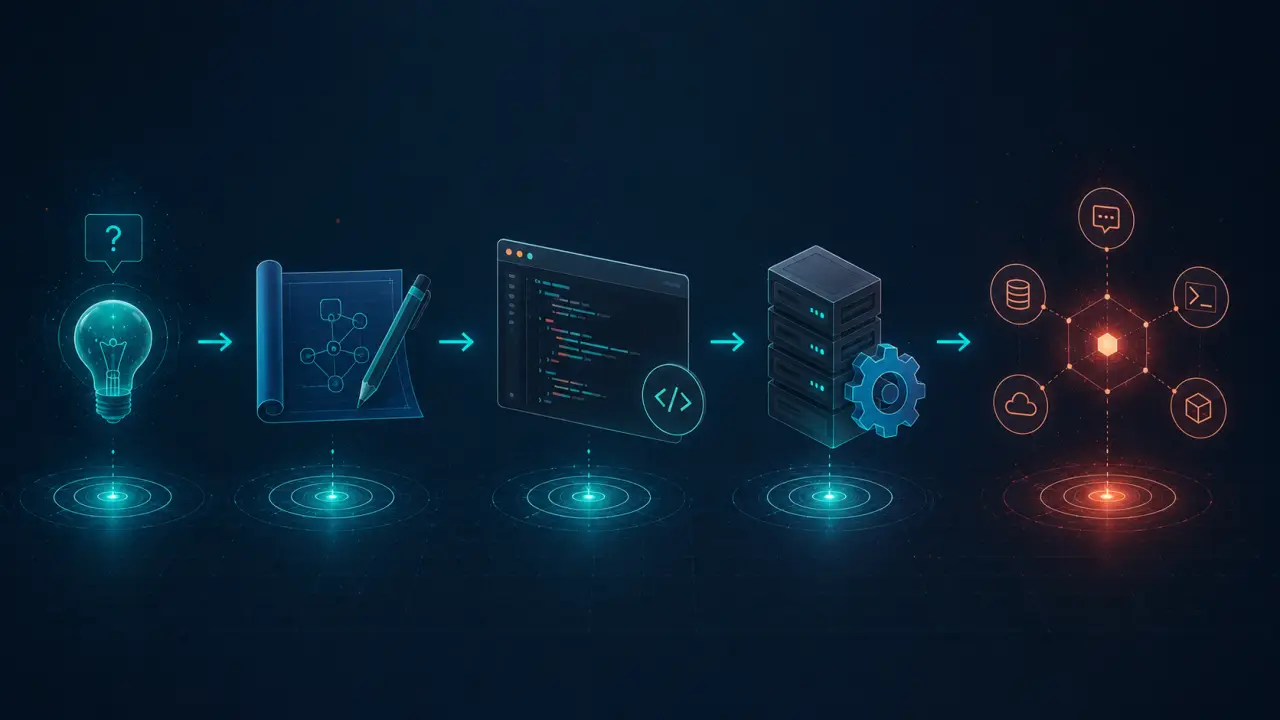
Most AI coding tools live inside an editor. They autocomplete a function or rewrite a file. Hermes is closer to a real autonomous agent that happens to be very good at coding. It runs a loop: read the goal, pick a tool, execute, observe, decide what's next. Then it remembers what it learned for the next session.
The thing that hooked me is the learning loop. After a complex task, Hermes can write itself a skill (a small reusable procedure stored as markdown) and reuse it the next time a similar problem shows up. It also keeps a long-term memory file, searches its own past conversations with FTS5, and uses Honcho to build a model of how you work. None of the other CLIs I've tried do all of that.
- Autonomous, not autocomplete: picks tools, runs commands, recovers from errors
- Persistent across sessions: memory and skills survive restarts
- Lives outside the IDE: CLI, Telegram, Discord, Slack, more
- Model-agnostic: swap providers with one command, no code changes
How to install Hermes Agent in 60 seconds
The installer handles uv, Python 3.11, Node, ripgrep, ffmpeg, and the rest. You don't need to touch any of it manually.
Linux, macOS, WSL2, or Termux:
curl -fsSL https://raw.githubusercontent.com/NousResearch/hermes-agent/main/scripts/install.sh | bashWindows (native PowerShell, currently early beta):
irm https://raw.githubusercontent.com/NousResearch/hermes-agent/main/scripts/install.ps1 | iex
After it finishes, reload your shell and run hermes:
source ~/.bashrc # or ~/.zshrc on macOS hermes # start chatting
If anything looks off, hermes doctor diagnoses common issues. On Windows I'd still recommend WSL2 over native. That's where the project gets the most testing.
Quickstart: your first Hermes Agent conversation
The fastest path is the setup wizard. It walks you through the provider, model, and a few sensible defaults.
hermes setup # full guided setup hermes # then start a chat
If you already know which provider you want, skip the wizard:
hermes model # choose provider + model interactively hermes tools # toggle which tools are enabled hermes # start chatting
One detail worth knowing: Hermes requires a model with at least 64K context. Hosted models like Claude, GPT-5, Gemini, Qwen, and DeepSeek all clear that easily. If you're running Ollama or llama.cpp locally, set the context window explicitly with -c 65536 or it'll be rejected at startup.
Multi-model providers: Claude, OpenAI, Gemini, and local LLMs
This is where Hermes earns its keep for me. I switch between Claude for reasoning, GPT for vision tasks, and a local Qwen for cheap batch jobs, and the agent doesn't care.
Out of the box it speaks to:
- Nous Portal: zero-config OAuth, made by the same team
- OpenRouter: one API key, 200+ models including Gemini and Llama
- Anthropic Claude: direct API or OAuth via a Claude Max plan
- OpenAI: API key or ChatGPT OAuth (uses Codex models)
- GitHub Copilot: your existing subscription works
- NVIDIA NIM, Z.AI/GLM, Kimi/Moonshot, MiniMax, DeepSeek, Hugging Face
- AWS Bedrock: Claude, Nova, Llama via Converse API
- Custom endpoint: vLLM, SGLang, Ollama, anything OpenAI-compatible
Switching is a single command:
hermes model anthropic/claude-opus-4.6 hermes model openrouter/google/gemini-2.5-pro hermes model custom # for local Ollama, vLLM, etc.
The skills system: procedural memory that compounds
Skills are the killer feature. After Hermes finishes a complex task, say setting up a Postgres backup pipeline, it can save the procedure as a skill in ~/.hermes/skills/. Next time you ask for something similar, it loads the skill into context and skips the trial and error.
You can write skills yourself, browse the community catalog at agentskills.io, or let the agent generate them. They're plain markdown, so you can review and edit them like any other file.
/skills # list installed skills /skill-name # invoke a skill in chat /skills create # ask Hermes to make a new one
The standard is open. A skill written for Hermes works in any other compatible runtime, and the inverse is true too. That's the kind of detail that signals a project taking interoperability seriously.
Memory, 70+ tools, and the agent loop
Hermes ships with around 70 built-in tools across web search, file editing, shell execution, vision, image generation, TTS, and code execution. You toggle them with hermes tools.
Memory has three layers:
- Working memory: the current conversation
- Long-term memory: a curated
MEMORY.mdthe agent updates with periodic nudges - Session search: FTS5 full-text search across every past chat with LLM-summarized recall
And on top of that, Honcho dialectic user modeling builds an evolving picture of your preferences. The longer you use it, the less you have to repeat yourself. After a month of use, mine knows my preferred test framework, my naming conventions, and that I hate when an agent rewrites my whitespace.
Cron scheduling and parallel subagents
This is what pushes Hermes past being a chat tool. The built-in cron scheduler accepts natural language. "Every weekday at 9am, summarize my GitHub notifications and send it to me on Telegram" works as a single instruction.
/cron add "daily 7am: pull yesterday's PRs, summarize, deliver via Discord" /cron list /cron remove 3
For parallel work, Hermes can spawn isolated subagents. Each one runs in its own context with its own tools, so you can fan out three independent tasks (lint, test, deploy) and the parent agent just collects the results. There's also Programmatic Tool Calling: write a small Python script that the agent runs via execute_code, collapsing a multi-step pipeline into a single inference turn. That alone has saved me a lot of token spend.
Running Hermes Agent on Telegram, Discord, and Slack
The messaging gateway is one process that fans out to 20+ platforms. Telegram, Discord, Slack, WhatsApp, Signal, Matrix, Mattermost, Email, SMS, Microsoft Teams, Google Chat, and a fistful of China-region apps.
hermes gateway setup # walk through bot tokens, allowed users hermes gateway start # run the gateway as a service
I run mine on a $4/month VPS. I message my agent from a train, it executes on the VPS, results stream back to my phone. It also handles voice memo transcription, so I can ramble at it while I'm walking and it figures out what I meant. That replaces about half of what I used to use Notion for.
Hermes Agent vs Claude Code vs Codex CLI
I've used all three. Here's the honest breakdown:
- Claude Code is polished and fast inside a single repo. It's tied to Anthropic's models, costs add up, and it doesn't run remotely or persist memory across sessions in the same way.
- OpenAI Codex CLI is solid for ChatGPT subscribers and tightly integrated with OpenAI's stack. Same caveats: single provider, no messaging gateway, lighter on autonomy.
- Hermes Agent is multi-provider, runs anywhere from your laptop to Modal serverless, has cron and subagents and skills, and you can read every line of the source.
If you live inside one vendor's ecosystem and you're happy there, Claude Code or Codex CLI are fine. If you want to mix models, run remotely, automate on a schedule, or own your tooling, Hermes is the obvious pick. The fact that it's MIT licensed means it'll still be there if Anthropic or OpenAI shifts pricing tomorrow.
Why an open-source AI coding assistant matters in 2026
Closed CLIs ship features fast, but you're a tenant. Pricing changes, models get deprecated, your prompts and skills are locked into someone else's format. I've watched too many tools become unusable after a Series B.
Open source flips the calculus:
- Audit the loop: see exactly what context the agent sends to the model
- Self-host the gateway: your Telegram bot, your VPS, your data
- Fork on demand: if a feature's missing, add it; if it leaves, fork it
- Compose with other tools: MCP support means any MCP server plugs in
- Skills are portable: open standard at agentskills.io, not a proprietary format
Hermes also exposes machine-readable docs at /llms.txt and /llms-full.txt, which means the agent can ingest its own documentation. That's a small thing that says a lot about the team.
Tips I wish I'd known on day one
A few small things that'll save you time:
- Run
hermes setupfirst, nothermes. Skipping the wizard is a rite of passage I don't recommend. - Put a
SOUL.mdin~/.hermes/to set the agent's default voice. Mine says "be concise, no preamble, ask before destructive commands." - Use
/compresswhen conversations get long. It summarizes earlier turns and frees context. - Set
terminal.backendtodockerif you're paranoid about shell commands. Each session runs in an isolated container. - Star
hermes claw migrateif you're coming from OpenClaw. It imports memories, skills, and API keys in one shot.
FAQ: Hermes Agent open-source AI CLI
Is Hermes Agent really free?
Yes. The CLI is MIT licensed. You only pay for the LLM calls you make through whatever provider you pick.
Can it use Claude, GPT, and Gemini at the same time?
Not in the same turn, but you can switch between them with hermes model in seconds. OpenRouter gives you one key for 200+ models if you don't want to manage multiple accounts.
Does it work offline with local models?
Yes. Point it at Ollama, vLLM, or any OpenAI-compatible endpoint with hermes model → custom endpoint. Make sure your local model has at least 64K context.
How is it different from Claude Code?
Hermes is multi-provider, runs on remote servers, has scheduled tasks, supports messaging platforms, and is fully open source. Claude Code is more polished inside a single repo but tied to Anthropic.
Is Telegram support hard to set up?
Run hermes gateway setup and follow the prompts. You'll need a bot token from BotFather, which takes about two minutes.
Can I trust it with shell access?
You configure an approval allowlist for commands. You can also run sessions inside Docker, Singularity, or a Modal sandbox so nothing touches your host.
Ready to build with Hermes Agent?
Hermes Agent is the open-source AI coding assistant I'd been waiting for: model-agnostic, persistent, scriptable, and small enough to actually understand. Install it, run a real conversation, then layer on the gateway and cron once the basics feel solid. The official docs are excellent if you want the deep dive.
Once you've got it running, the next thing that'll level you up is your prompt library. We collect tested, dev-friendly prompts for coding agents, debugging, code review, and architecture work over at promptspace.in. Drop in, grab a few, and feed them to your new agent.