A color picker is an essential tool for anyone working with digital colors, whether you are a graphic designer, web developer, or digital artist. It allows you to select, identify, and convert colors between various color models such as HEX, RGB, and HSL. These models serve different purposes and are used across different platforms and media, making a versatile color picker indispensable for accurate color management.
HEX, RGB, and HSL are among the most commonly used color models in digital design. HEX codes are six-digit hexadecimal values that represent colors in web design and CSS. RGB stands for Red, Green, Blue, and it defines colors by specifying the intensity of these three primary colors on a scale from 0 to 255. HSL stands for Hue, Saturation, and Lightness, which offers a more intuitive way to adjust colors based on their shade, vibrancy, and brightness.
Using a free color picker online can save you time and effort by providing instant access to these color values without the need for specialized software. Whether you want to match a color from an image, create a custom palette, or convert color codes for your project, an online color picker is a convenient and accessible solution.
One of the key features of a good free color picker online is the ability to pick colors directly from your screen. This means you can sample any color from an image, website, or application and get its exact HEX, RGB, and HSL values instantly. This feature is especially useful for designers who need to replicate colors accurately across different media.
Another important aspect is the conversion between color models. For example, if you have a HEX code but need to use RGB values for a graphics program or HSL for CSS animations, a color picker tool can perform these conversions seamlessly. This eliminates the need for manual calculations or multiple tools.
Many online color pickers also offer additional features like color palettes and schemes. You can generate complementary, analogous, triadic, or tetradic color schemes based on your chosen color. This helps designers create harmonious color combinations that enhance the visual appeal of their projects.
Accessibility is another critical consideration. Some color pickers include tools to check color contrast and ensure your color choices meet web accessibility standards. This is vital for creating content that is readable and usable by people with visual impairments or color blindness.
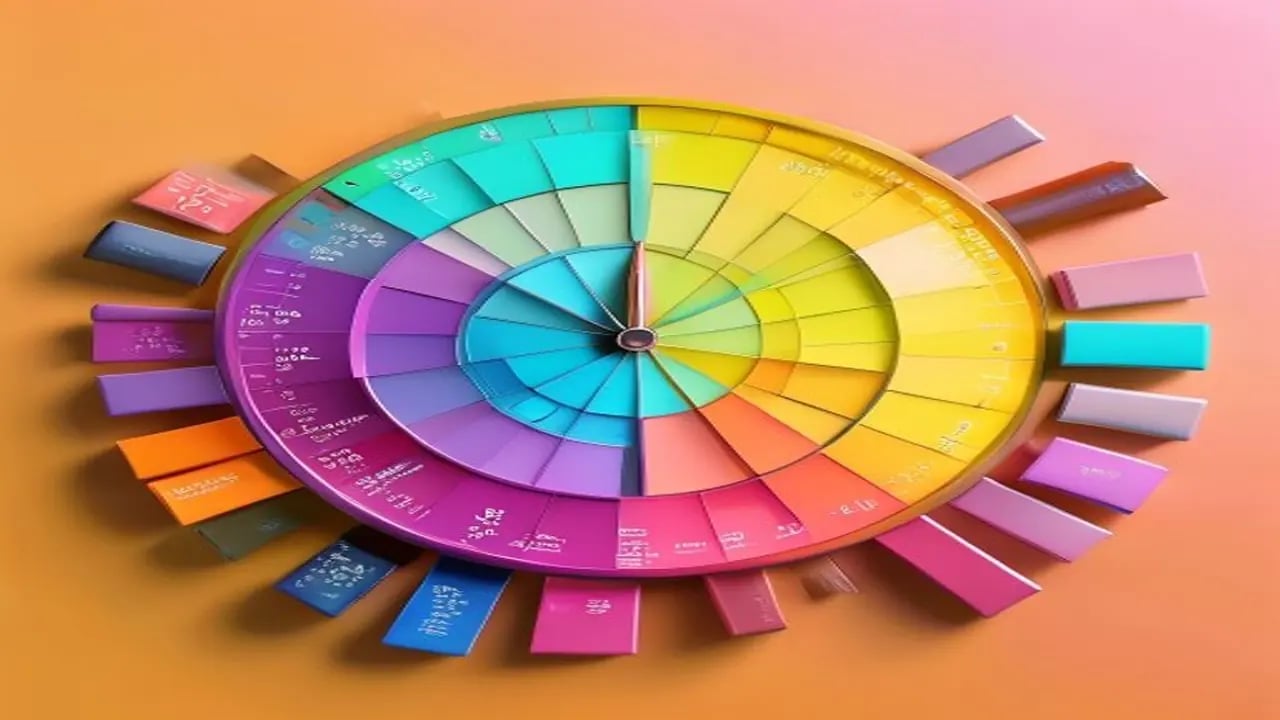
The user interface of a free color picker online is usually straightforward and intuitive. Most tools feature a color wheel or gradient area where you can visually select colors, along with input fields for HEX, RGB, and HSL values. Sliders often allow fine-tuning of each color component, making it easy to adjust colors precisely.
For developers, having access to color values in different formats is crucial. For instance, CSS requires HEX or HSL for styling web elements, while canvas or WebGL programming might use RGB or RGBA values for rendering graphics. A versatile color picker supports all these formats, including alpha transparency where applicable.
Some advanced online color pickers also support CMYK values, which are essential for print design. CMYK stands for Cyan, Magenta, Yellow, and Key (black), and it is the standard color model for printing. Although less common in web design, having CMYK support helps designers prepare files for professional printing.
The ability to save and export your selected colors is another useful feature. Many online color pickers allow you to create and save custom palettes, which you can then export as CSS files, JSON, or image swatches. This helps maintain consistency across projects and streamlines your workflow.
Color pickers often integrate with other design tools or platforms. Some offer browser extensions or plugins that let you pick colors without leaving your workspace. Others provide APIs that developers can use to incorporate color picking functionality into their own applications.
When choosing a free color picker online, consider factors such as ease of use, the range of supported color models, additional features like palette generation, and accessibility tools. The best tools are those that combine simplicity with powerful features to meet the needs of both beginners and professionals.
Using a color picker effectively can improve your design process by ensuring color accuracy and consistency. It helps you avoid guesswork and reduces the risk of color mismatches that can affect the overall look and feel of your project.
In summary, a free color picker online is a versatile and practical tool that supports various color models including HEX, RGB, and HSL. It allows you to pick colors from any source, convert between formats, generate palettes, check accessibility, and save your selections for future use.
Whether you are designing a website, creating digital art, or preparing print materials, a reliable color picker is a must-have tool. It bridges the gap between creative ideas and technical implementation by providing precise color information at your fingertips.
Explore the features of promptspace.in’s free color picker online to experience a seamless color selection and conversion process. With its user-friendly interface and comprehensive color tools, you can enhance your creative projects with confidence and ease.
Start using a free color picker online today to unlock the full potential of your color choices and bring your designs to life with vibrant, accurate colors that resonate with your audience.