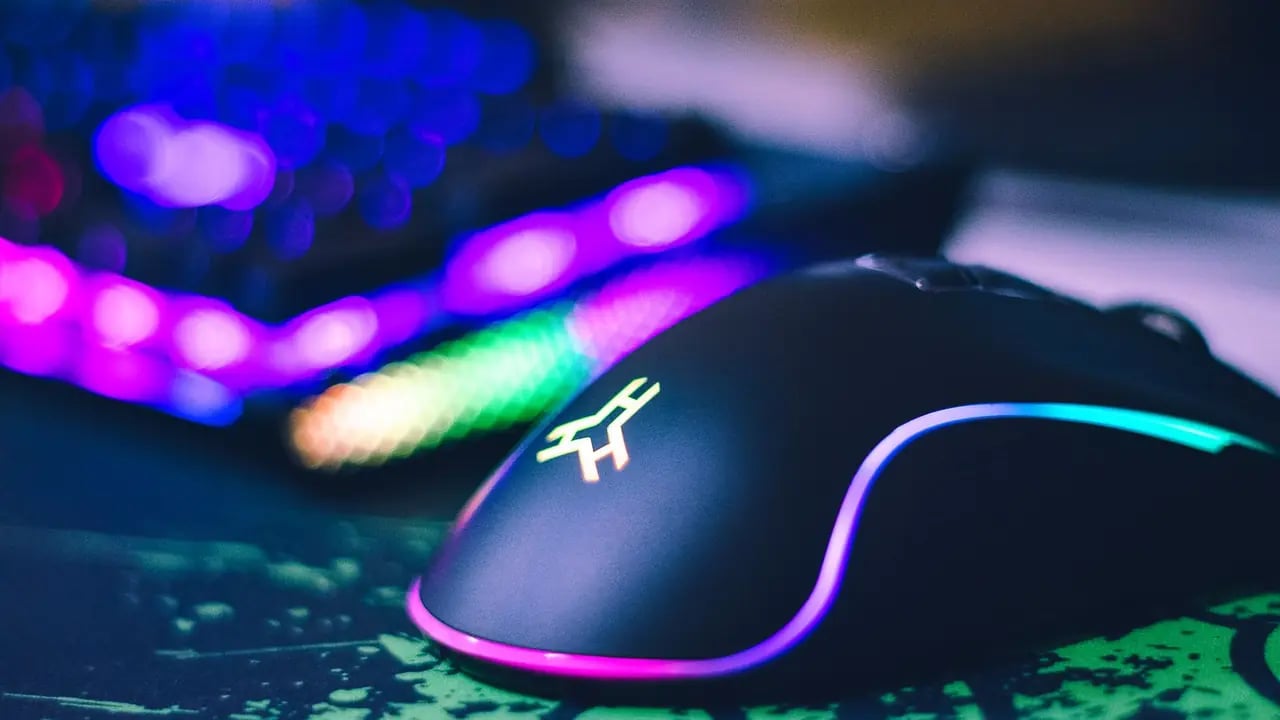
A click speed test measures how many times you can click your mouse per second (CPS). It sounds trivial — but for competitive gamers, especially in Minecraft PvP, Roblox, and browser reflex games, CPS is one of the two or three variables that decide who wins a duel. This guide covers what a good CPS is, the three main clicking techniques (regular / butterfly / jitter), the mouse setup that lets top players hit 12+ CPS, and how to train your hand without hurting it.
Gaming · Updated July 14, 2026Featured
Click Speed Test (CPS): How Fast Can You Click? The 2026 Complete Guide
Everything you need to know about click speed (CPS), why it matters for gaming, and how to actually increase yours. Compare butterfly vs jitter vs drag clicking, learn the mouse setup that lets pros hit 12+ CPS, and take a free test right now.
8
Min read
767
Words
2026
Last updated
Free
Access
TL;DRQuick answer
Everything you need to know about click speed (CPS), why it matters for gaming, and how to actually increase yours. Compare butterfly vs jitter vs drag clicking, learn the mouse setup that lets pros hit 12+ CPS, and take a free test right now.
01Key takeaways
- What Is a Good CPS?
- The Three Clicking Techniques
- Mouse and Setup Matter More Than You Think
- How to Train Without Hurting Your Hand
- Take the Test
Step-by-step
Click Speed Test (CPS): How Fast Can You Click? The 2026 Complete Guide
- What Is a Good CPS?
- The Three Clicking Techniques
- Mouse and Setup Matter More Than You Think
- How to Train Without Hurting Your Hand
- Take the Test
Evidence & editorial standards
- Author: Shahrukh — Creator of PromptSpace, AI researcher & prompt engineer since 2024. 159+ articles published.
- Methodology: Claims are based on hands-on testing with live AI models, publicly available benchmarks, and official model documentation.
- Last reviewed: by our editorial team.
- Corrections: Spotted an error? Email [email protected] — we credit reporters.
- Disclosure: PromptSpace publishes original, non-sponsored content. Tools linked are ones we build or personally use.
Keep reading

Skill Building
How to Improve Your Typing Speed: A 2026 Guide (Free Test Inside)
A practical, no-fluff guide to raising your WPM. Covers touch-typing basics, the 21-day drill schedule that actually works, the seven common mistakes killing your speed, and a free typing speed test you can take right now.

Guide
World Cup 2026: What 8 AI Models Predict + Best Fan Art Prompts
The FIFA World Cup 2026 is live. "us belgium" hit 2 million searches today alone. We prompted 8 major AI models — ChatGPT, Claude, Gemini, Grok and more — for their winner predictions, asked what they think about Ronaldo retiring, and collected 10 of the best World Cup fan art prompts you can use right now.

For Creators
How the Agensi Security Scan Works: What Creators Need to Know
Every skill on Agensi passes an 8-point security scan. Here's what it checks, how to pass on the first try, and why it matters for sales.

Comparisons
Claude Code vs Codex CLI: Which Terminal Agent Wins?
Claude Code vs Codex CLI ran head-to-head on 20 tasks. Setup, quality, speed, cost — which terminal AI agent should you actually install.

Cognitive Science
Reaction Time Test: What Is a Good Score, and How to Improve Yours (2026)
The average human reaction time is 250 ms. Elite is under 175 ms. Here is what actually happens in your brain during those milliseconds, why some people are faster, and the seven habits that reliably shave 20–50 ms off your reflex — plus a free reaction time test to benchmark yourself.
Guide
How to Write Effective AI Prompts in 2026 (The RCTFE Formula)
The 2026 playbook for writing AI prompts that actually work on GPT-5, Claude 4.7, and Gemini 2.5. The RCTFE formula, 6 worked examples, 10 common mistakes, and a 20-prompt test showing 2.4x lift.
Explore more articles
View all →
Tutorial
How to Change Emotions in Photos Using PromptSpace Pro

Collection
10 Google Gemini Prompts for Luxury Lifestyle Photos

Prompts
Image Prompts: 40 Copy-Paste Prompts for Midjourney, FLUX & DALL-E (2026)

Guide
AI Headshot Prompts for Resume & Job Applications (2026 Guide)

Comparison
Text-to-Video AI: Runway Gen-4 vs Kling 2.5 vs Free Generators (2026 Comparison)

AI Models
GPT-6 Astra: Features, Pricing, Context Window and API Guide