AI Image to Video Free: Animate Any Photo in 60 Seconds (No Signup, 2026)
You have a great AI-generated image or a beautiful photo — and you want it to move. Subtle parallax, a slow zoom, a breeze through the hair, water rippling. Image-to-video AI makes this possible, and in 2026 the best tools to do it are free, require no signup, and produce no watermarks. Here's how.What Image-to-Video AI Actually Does
Image-to-video models take a still image and generate a short video clip showing what that scene might look like in motion. The AI infers depth, physics, and motion from the image and creates a plausible animation.Wan 2.2 and LTX Video 2.3 (the models powering the free PromptSpace AI Video Generator) both support image-to-video mode. You upload your image, describe the motion you want, and get back a 2–5 second MP4 clip.
What it's good at: - Subtle camera motion (parallax, slow zoom, pan) - Atmospheric elements (wind in hair, fabric movement, water) - Nature animation (clouds moving, leaves rustling, flames) - Product showcase (slow rotation, floating effect)
What it struggles with: - Complex human motion (walking, running, dancing) - Face animation with dialogue - Objects with precise physics (pouring liquids, bouncing balls) - Any motion longer than 5 seconds
How to Animate Any Image Free (Step by Step)
Step 1: Go to tools.promptspace.in/ai-video-generator and click the Image to Video tab.Step 2: Upload your image (JPG, PNG, WebP, up to 10MB). Works with: - AI-generated images (from Midjourney, DALL-E, FLUX, PromptSpace) - Your own photographs - Product photos - Illustrations and artwork
Step 3: Describe the motion you want in the prompt field. This is where most people get it wrong — see the motion prompt formulas below.
Step 4: Select your model. Wan 2.2 for best quality, LTX Video for faster results.
Step 5: Hit Generate. Wait 45–90 seconds. Download your MP4.
Motion Prompt Formulas That Work
The prompt for image-to-video describes the *motion* you want, not the image content (the model can already see the image). Keep prompts short and motion-focused:Parallax/Depth Effect (makes images look 3D): `Slow parallax effect, subtle depth motion, scene coming to life, cinematic`
Slow Zoom In: `Slow, smooth zoom into [subject], steady camera, cinematic, atmospheric` Example: *Slow smooth zoom into the woman's face, steady camera, cinematic, warm light*
Wind/Atmospheric: `Gentle breeze, [element] moving naturally, soft motion, realistic physics` Example: *Gentle breeze, hair moving naturally, fabric rippling, soft atmospheric motion*
Nature Animation: `[Natural element] moving, realistic physics, atmospheric, cinematic` Example: *Clouds drifting slowly across sky, sun rays shifting, atmospheric, cinematic*
Camera Pan: `Slow camera pan [left/right/up/down], smooth and steady, cinematic`
Water/Reflection: `Water surface rippling gently, reflections shimmering, slow motion, atmospheric`
Fire/Smoke: `Flames flickering naturally, smoke rising, warm light dancing on surroundings`
Product Float: `Product floating gently, soft rotation, studio lighting, clean background`
Animate Your AI Images for Instagram Reels
The most powerful use case: generate a stunning still image with the PromptSpace AI Image Generator, then animate it with image-to-video. This gives you:1. Complete creative control over the visual (image generation) 2. Professional motion (image-to-video) 3. No stock footage license issues 4. Zero cost
The exact workflow: 1. Generate your image: `Golden hour portrait, woman in flowing dress, warm light, FLUX.1, 9:16 portrait` 2. Upscale it to 4K: PromptSpace AI Upscaler 3. Upload to image-to-video, prompt: `Gentle breeze, hair and dress flowing naturally, slow drift, cinematic warm light` 4. Download the MP4, import into CapCut 5. Add trending audio, auto captions, post
This workflow produces Reels that look like expensive professional cinematography — because the AI image is already perfect and the motion just brings it to life.
Best Images to Animate (and Worst)
Animate these for best results: - Portraits with hair, fabric, or nature elements (motion looks natural) - Landscapes with sky, water, or atmospheric elements - Product shots with floating or studio background possibilities - Nature and botanical close-ups - Urban and architecture (camera motion works well) - Abstract and artistic images (AI motion looks intentional)Avoid animating: - Images with complex text (text morphs and distorts) - Faces with open mouths (lip movement is always wrong) - Highly detailed technical images (morphing is visible) - Images with precise geometric patterns - Anything where accuracy matters more than aesthetics
Pro tip: Images with a clear foreground subject + atmospheric background produce the best parallax effects. The AI separates them naturally and the depth motion looks cinematic.
Combine Image-to-Video with AI Voice for Complete Reels
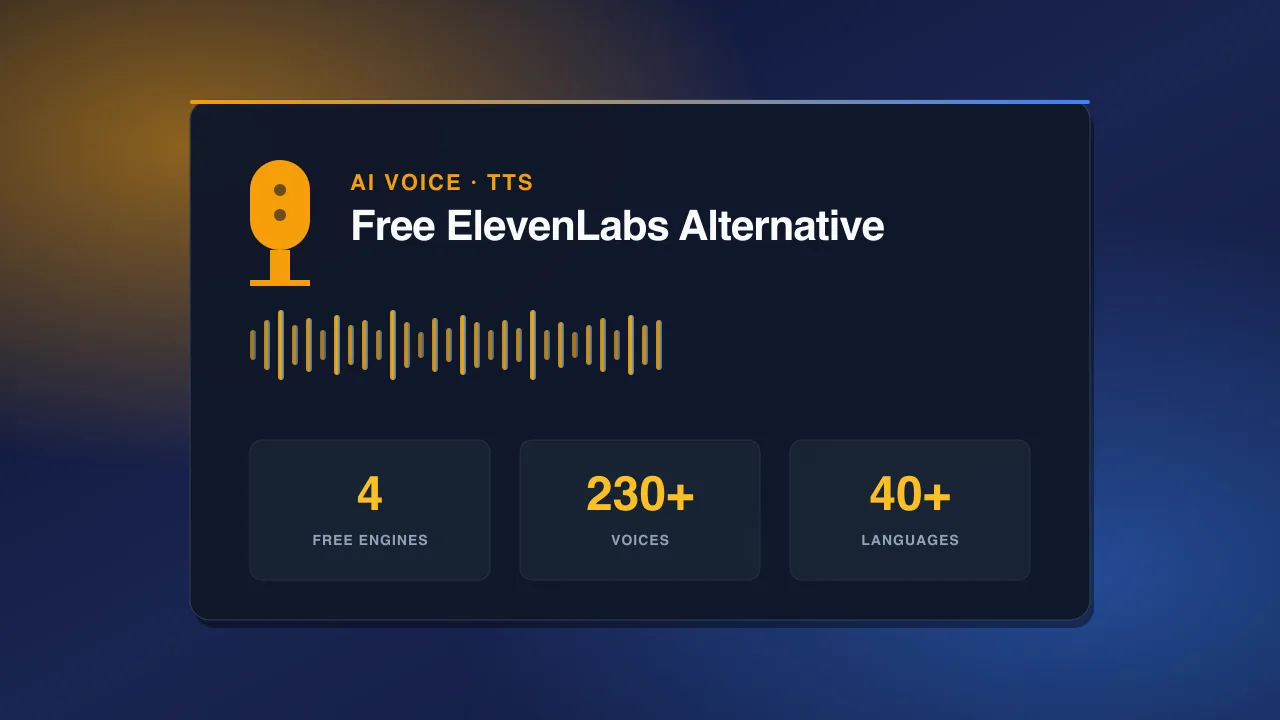
Animated images + voiceover = a complete reel without ever recording yourself:1. Generate image → AI Image Generator 2. Animate it → AI Video Generator (image-to-video tab) 3. Write your script → ChatGPT or Claude 4. Record voiceover → PromptSpace AI Voice Generator (free, 230+ voices) 5. Edit in CapCut → sync video + voice + auto captions + trending audio 6. Post → Instagram Reels, TikTok, YouTube Shorts
This is how faceless content channels are scaling to millions of followers in 2026 — no camera, no mic, no studio. Just AI tools that are all free.