I tested dozens of PromptSpace Pro prompts and kept the 10 that consistently produce professional-looking results. Copy them, swap in your product or subject, and stop guessing.
The problem: You're using PromptSpace Pro but your images look generic. Other people get photorealistic product shots and professional portraits - you get mediocre results with weird artifacts.
The difference: It's not the tool. It's the prompts.
PromptSpace Pro (powered by Google's Gemini 3 Pro Image) is ranked #1 on LMArena for a reason. But like any powerful AI, it needs the right instructions to shine.
This post gives you 10 tested prompts that work specifically with PromptSpace Pro's strengths: character consistency, photorealistic rendering, and natural language understanding.
Copy them. Modify them. Build your own library.
Why These Prompts Work
Most people write prompts like this:"A photo of a watch"
And get generic results.
These prompts work because they include:
- Specific subject details (what exactly are we showing?)
- Technical photography terms (lighting, lens, composition)
- Style references (brands, aesthetics, moods)
- Quality markers (resolution, detail level)
PromptSpace Pro understands natural language better than most AI image generators. You can describe what you want conversationally - but the more specific you are, the better the result.
Prompt 1: Professional Product Photo (Electronics)
Use for: Headphones, phones, laptops, gadgetsProfessional product photo of premium wireless earbuds on light gray marble surface, soft box lighting from left creating gentle shadows, subtle reflection on surface, minimalist composition, Apple-style product photography, clean white to gray gradient background, 8k detail, macro photography, shallow depth of field focusing on earbud details
Why it works:
- "Apple-style" gives instant aesthetic direction
- "Soft box lighting" creates professional shadows
- "Marble surface" elevates perceived value
- Technical specs (8k, macro) trigger higher detail generation
Modify it:
- Change "earbuds" to your product
- Change "marble" to "concrete," "wood," or "glass"
- Add "floating in mid-air" for dynamic shots
Prompt 2: Lifestyle Product Photo (In Use)
Use for: Any product that benefits from contextLifestyle photo of a person holding a smartwatch during morning workout, gym background softly blurred, natural window lighting creating lens flare, sweat on skin, motivational atmosphere, fitness photography style, Canon 85mm f/1.8 bokeh look, shallow depth of field, athletic lifestyle aesthetic
Why it works:
- Shows product in real context (not just floating)
- "85mm f/1.8" gives specific lens characteristics
- Lifestyle beats product-only for engagement
- Motion and atmosphere create emotional connection
Modify it:
- Change "gym" to "cafe," "office," or "outdoor trail"
- Change "smartwatch" to any wearable
- Add "golden hour lighting" for warmth
Prompt 3: Professional Headshot
Use for: Profile photos, business portraits, avatar generationProfessional headshot of a confident business person in their 30s, soft studio lighting with catchlights in eyes, neutral gray background, wearing navy blazer over white shirt, slight genuine smile, sharp focus on eyes, corporate photography style, 85mm lens perspective, f/1.8 aperture, LinkedIn professional photo aesthetic
Why it works:
- Specific age range gives better facial features
- "Catchlights in eyes" creates life and connection
- "85mm lens" gives flattering portrait perspective
- Corporate style cues prevent overly artistic results
Modify it:
- Change age/gender to match your needs
- Change "navy blazer" to specific clothing
- Add "outdoor setting with blurred city background" for casual look
Prompt 4: Fashion/Clothing on Model
Use for: Clothing, accessories, fashion brandsFull-body fashion photo of a model wearing a black leather jacket, standing against a weathered brick wall, moody cinematic lighting, high fashion editorial style, detailed texture of leather visible, confident pose with hands in pockets, Vogue magazine aesthetic, professional fashion photography, sharp details on clothing
Why it works:
- "Editorial style" elevates beyond basic product shots
- Texture emphasis shows material quality
- Full-body gives complete view of fit
- Fashion context sets proper expectations
Modify it:
- Change "leather jacket" to any clothing item
- Change "brick wall" to studio, street, or nature setting
- Add "motion blur" for dynamic walking shots
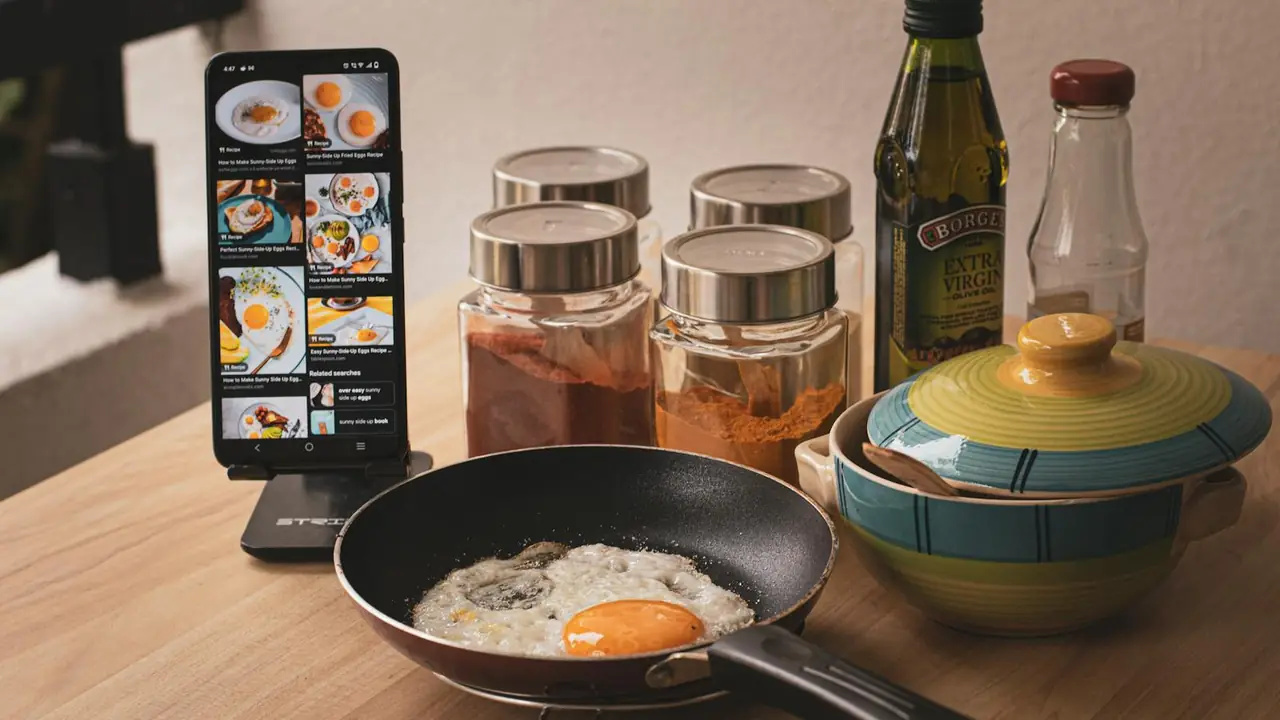
Prompt 5: Food Photography
Use for: Restaurants, food products, recipesAppetizing food photography of a gourmet burger with melting cheese dripping down the side, steam rising, wooden cutting board, rustic kitchen background, professional restaurant lighting, shallow depth of field, food magazine quality, macro detail on ingredients, warm color grading, appetizing composition
Why it works:
- "Steam rising" adds freshness and appeal
- "Melting cheese dripping" creates desire
- Food-specific lighting prevents flat results
- Macro detail shows quality ingredients
Modify it:
- Change "burger" to any dish
- Add "overhead shot" for flat-lay style
- Add "ingredients scattered around" for context
Prompt 6: Interior/Architecture
Use for: Real estate, interior design, furnitureModern minimalist living room interior, floor-to-ceiling windows with city view at golden hour, designer furniture in neutral tones, warm ambient lighting, architectural photography style, clean lines and geometric shapes, Scandinavian design aesthetic, professional interior photography, 8k architectural visualization
Why it works:
- Time of day (golden hour) sets mood
- Design style references guide aesthetic
- Architectural photography framing
- Context (city view) adds aspirational quality
Modify it:
- Change "living room" to kitchen, bedroom, office
- Add "cozy evening atmosphere with fireplace" for warmth
- Change "modern" to "industrial," "coastal," or "bohemian"
Prompt 7: Character/Avatar (Consistent Style)
Use for: Brand mascots, consistent virtual influencers, gaming charactersProfessional character portrait of Alex, 30s tech entrepreneur, short brown hair, friendly smile, wearing casual blazer over t-shirt, clean modern office background, consistent character design, photorealistic rendering, professional headshot style, warm lighting, approachable expression, suitable for brand avatar
Why it works:
- Naming the character helps consistency across generations
- Specific details (age, hair, clothing) anchor the identity
- "Consistent character design" signals intent to AI
- Professional style keeps it usable for business
Pro tip: Save this prompt. Use it repeatedly with small variations ("Alex presenting to a team," "Alex working on laptop," "Alex at a conference") to create a consistent avatar across your content.
Prompt 8: Marketing/Banner Image
Use for: Website headers, social media banners, adsWide banner image of a diverse team collaborating around a modern conference table, laptops and documents visible, bright natural lighting from large windows, professional corporate photography, dynamic composition showing movement and energy, successful business atmosphere, diverse professionals, technology company aesthetic, inspirational teamwork scene
Why it works:
- "Wide banner" signals aspect ratio needs
- Diverse representation for modern audiences
- Energy and movement prevent static results
- Corporate context keeps it professional
Modify it:
- Change "team collaborating" to specific scenario
- Add "tech startup office with fun decor" for casual vibe
- Change to "remote work setup with video calls" for modern context
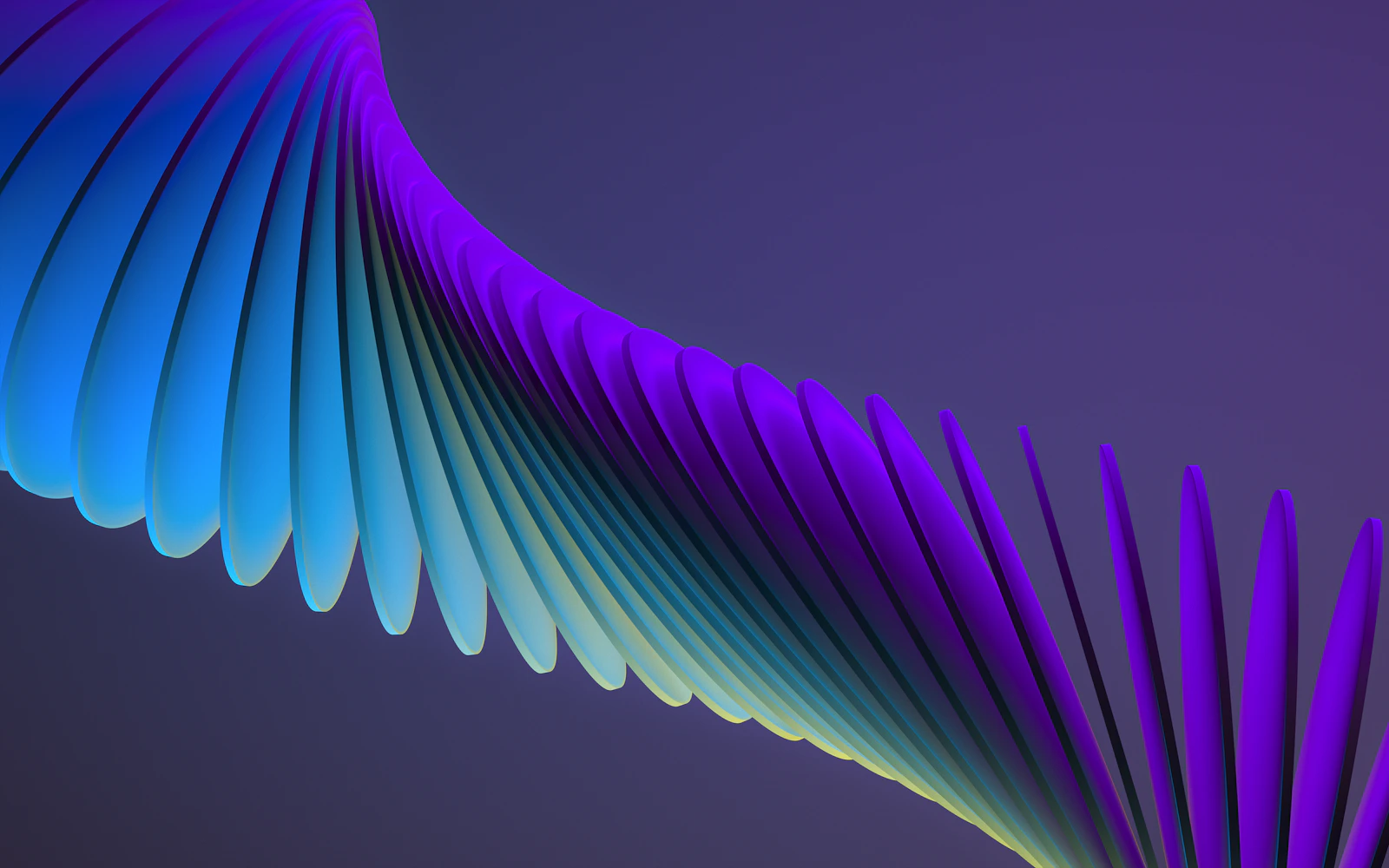
Prompt 9: Artistic/Creative Concept
Use for: Blog headers, social media content, creative projectsSurreal artistic composition of floating geometric shapes in vibrant gradient colors, dark moody background, cinematic lighting with dramatic shadows, contemporary digital art style, Octane render quality, abstract but balanced composition, modern aesthetic suitable for tech blog, artistic yet professional
Why it works:
- "Surreal" and "floating" unlocks creative possibilities
- "Octane render" signals high-quality 3D aesthetic
- Abstract shapes work for generic tech/content
- Dark background provides text overlay space
Modify it:
- Change "geometric shapes" to "organic flowing forms"
- Add "bioluminescent elements" for sci-fi feel
- Change "vibrant gradient" to specific brand colors
Prompt 10: E-commerce/Retail
Use for: Online stores, marketplace listings, catalogsClean e-commerce product photo of a luxury handbag on white pedestal, soft studio lighting from both sides, minimal shadows, pure white background for marketplace listing, professional retail photography, sharp focus on product details, luxury brand aesthetic, suitable for Amazon/Wildberries product card
Why it works:
- "White background" meets marketplace requirements
- "Pedestal" elevates perceived value
- Dual lighting eliminates harsh shadows
- Specific marketplace mention guides output
Modify it:
- Change "handbag" to any product
- Add "lifestyle context" version with props
- Create "angle variation set" with multiple views
Change the Subject
Replace the main item with your product/subject:- "earbuds" → "skincare bottle"
- "smartwatch" → "coffee mug"
- "burger" → "salad bowl"
Change the Setting
Swap environments to match your brand:- "marble surface" → "rustic wood table"
- "gym" → "home office"
- "studio" → "outdoor garden"
Change the Style
Adjust the aesthetic direction:- "Apple-style" → "Nike athletic"
- "corporate" → "casual lifestyle"
- "minimalist" → "luxury premium"
Change the Lighting
Lighting sets the entire mood:- "soft box" → "dramatic side lighting"
- "natural window" → "neon night"
- "golden hour" → "blue hour twilight"
1. Use Natural Language
Unlike Midjourney (which needs specific syntax), PromptSpace Pro understands conversation:- Generate base image
- "Add a coffee cup on the table"
- "Make the background slightly blurred"
- "Warm up the overall color tone"
3. Reference Real Brands
Mentioning brands gives instant style direction:- "Apple-style" = clean, minimal, premium
- "Nike" = athletic, energetic, bold
- "Vogue" = high fashion, editorial
- "National Geographic" = documentary, natural
4. Specify Technical Details
Adding photography terms improves quality:- "85mm lens" = flattering portraits
- "f/1.8 aperture" = shallow depth of field
- "macro photography" = extreme detail
- "golden hour lighting" = warm, flattering
Building Your Own Prompt Library
These 10 prompts are starting points. As you use PromptSpace Pro, you'll develop your own:- Save what works - Keep prompts that generate great results
- Document variations - Note what changes improve results
- Organize by use case - Product photos, portraits, social media, etc.
- Share with your team - Consistent prompts = consistent brand imagery
Want more prompts? Browse our full prompt library at promptspace.in - organized by tool, use case, and difficulty level.
Quick Reference: Prompt Structure Template
Use this structure for any new prompt:[Photo type] of [subject], [setting/background], [lighting description], [photography style], [technical specs], [quality markers]
Example breakdown:
[Professional product photo] of [wireless earbuds], [on light gray marble surface], [soft box lighting from left], [Apple-style product photography], [85mm lens, f/1.8], [8k detail, macro photography]
The Bottom Line
PromptSpace Pro is powerful - but only if you give it good instructions. These 10 prompts work because they're specific, technical, and tested.Start here:
- Copy Prompt #1 (product photo)
- Modify it for your product
- Generate and refine
- Save your version to your prompt library
Then expand:
- Try Prompt #3 for professional headshots
- Use Prompt #7 for consistent brand avatars
- Experiment with Prompt #9 for creative content
The best AI image creators aren't using better tools - they're using better prompts.
Share this article:
Copy linkXFacebookLinkedIn
Frequently Asked Questions
Is this free to use? Yes — PromptSpace provides free AI prompts for any AI tool. Try them instantly with our free AI image generator — no account needed.Which AI model works best with these prompts? These prompts work across Midjourney, DALL-E 3, FLUX, and Stable Diffusion. Test in two tools to compare — results vary by model.
Can I use AI-generated images commercially? Yes on paid tiers of Midjourney, ChatGPT Plus, and Adobe Firefly. Always verify the specific platform's terms before commercial use.
How do I improve results if the first output isn't right? Add specific lighting, camera angle, and visual style references. Iterate 3–4 times with small changes to find the best output.