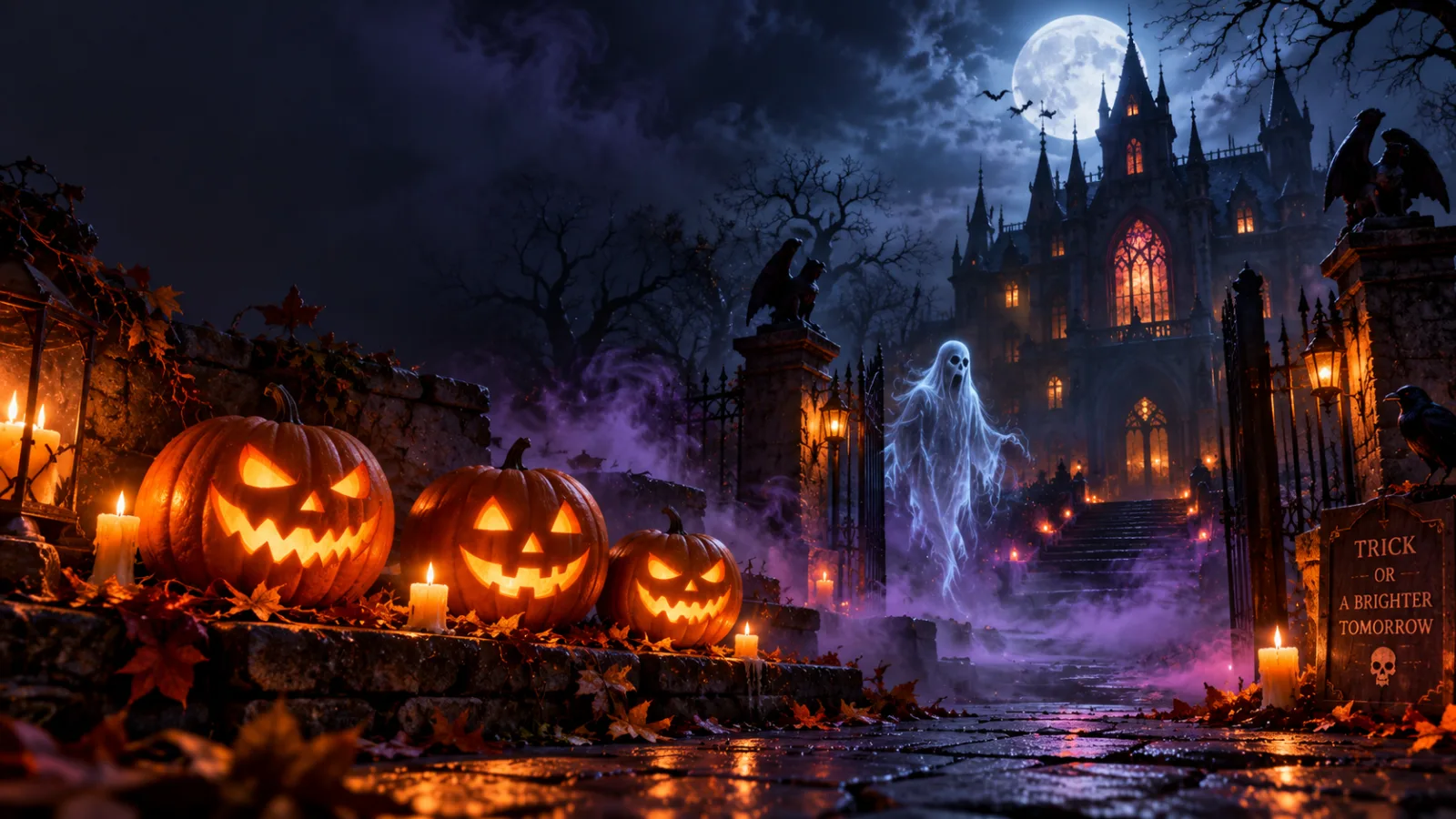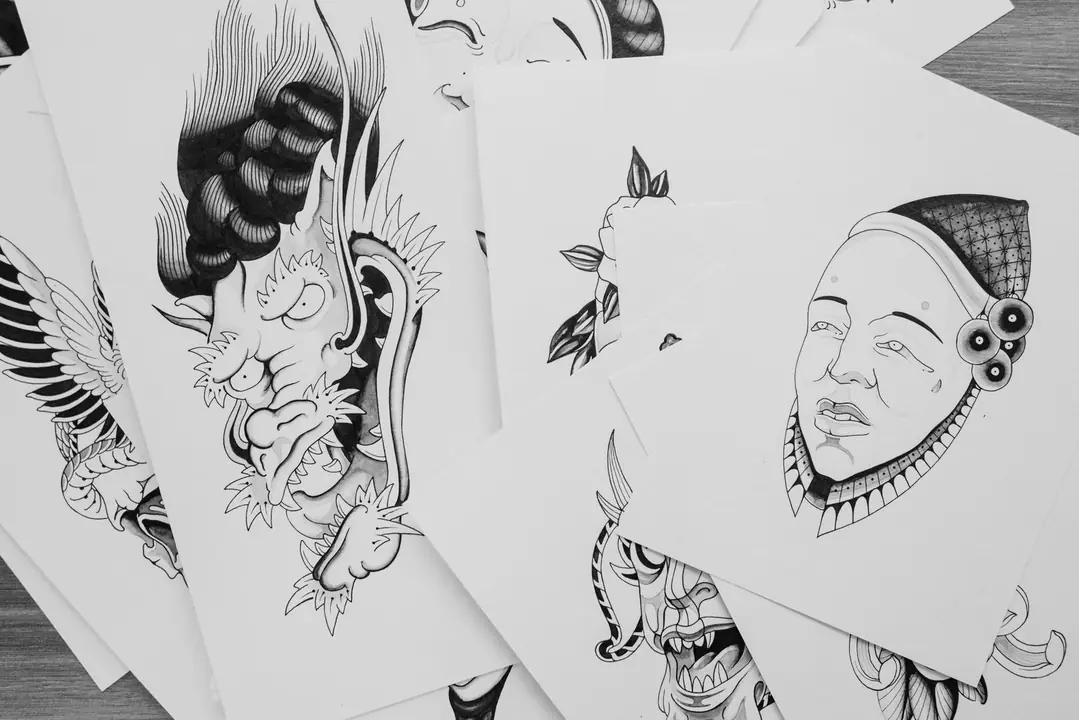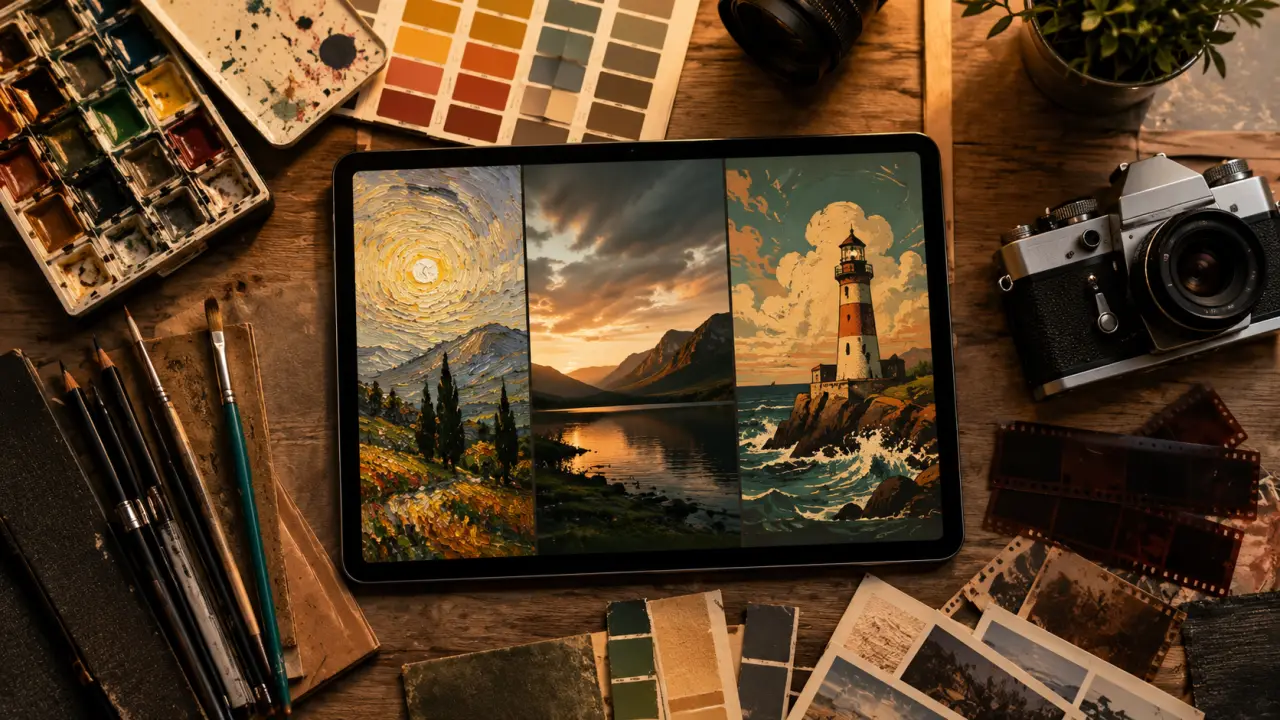
If you've been sleeping on Grok's image generation, you're missing out on one of the most capable — and least restricted — AI image tools available right now. Built on xAI's proprietary Aurora model, Grok can generate stunning photorealistic images, wild surreal art, and dark dramatic scenes that other tools would flatly refuse. Whether you're an X Premium subscriber or just curious about what Grok can do, this guide covers everything: how to access it, how it stacks up against Midjourney and DALL-E 3, and 40 battle-tested prompts you can use today.
What Is Grok AI Image Generation?
Grok is xAI's flagship AI assistant — built by Elon Musk's AI company and deeply integrated into the X platform (formerly Twitter). While Grok started as a text and reasoning model, it gained native image generation capabilities through Aurora, xAI's in-house diffusion model trained on a massive, diverse dataset.
Aurora isn't just a rebranded Stable Diffusion fork. xAI trained it specifically to complement Grok's personality: witty, unrestricted by excessive safety guardrails, and capable of handling requests that other platforms would reject. The result is an image generator that feels genuinely different — more expressive, more willing to explore dark or unconventional themes, and often more photorealistic out of the box than you'd expect.
As of 2026, Grok image generation is available directly inside the X app and on grok.com. You can generate images in a conversational flow — describe what you want, iterate on it, ask Grok to adjust the lighting or swap the style — all without leaving the chat interface.
The Aurora Model: What Makes It Different
Aurora is a latent diffusion model fine-tuned with reinforcement learning from human feedback (RLHF) to improve prompt adherence. Key characteristics:
- Strong text rendering — Aurora handles legible text in images better than most competing models, a historically notorious weakness of AI image generators.
- High photorealism — Skin textures, lighting gradients, and environmental detail are rendered with impressive fidelity at default settings.
- Coherent composition — Aurora tends to produce well-framed images even on complex multi-subject prompts, with less of the anatomical distortion (melting hands, merged faces) that plagues older diffusion models.
- Reduced content filtering — Compared to DALL-E 3 or Adobe Firefly, Aurora imposes fewer automatic refusals, allowing for more mature themes, dark imagery, and edgy humor.
How to Access Grok Image Generation
Getting started is straightforward, though access depends on your subscription tier:
Free Tier (Limited Access)
Users without an X Premium subscription can access Grok on grok.com with a standard X account login. Free-tier users get a limited daily quota for image generation — typically a handful of images per day — and may be routed to a slightly older model version during peak hours. It's enough to experiment and test prompts, but you'll hit the cap quickly if you're doing serious creative work.
X Premium (Full Access)
An X Premium (or X Premium+) subscription unlocks the full Grok experience:
- Higher daily image generation limits
- Access to the latest Aurora model version
- Faster generation times (priority compute)
- Image generation directly inside X posts and DMs
- Access to Grok's "unfiltered" mode for more creative latitude
X Premium is priced at approximately $8/month (or $16/month for Premium+), making it one of the more affordable ways to get serious AI image generation capabilities — especially if you're already using X regularly.
Via the X App
On mobile or desktop, tap the Grok icon in the X sidebar or compose window, type your image request, and Grok will generate it in-line. You can then post the image directly, save it, or ask Grok to iterate.
Grok vs. Midjourney vs. DALL-E 3 vs. ChatGPT Images: Side-by-Side Comparison
Every AI image tool has its own strengths, pricing model, and content philosophy. Here's how Grok stacks up against the big players as of mid-2026:
| Feature | Grok (Aurora) | Midjourney v7 | DALL-E 3 (ChatGPT) | ChatGPT 4o Images |
|---|---|---|---|---|
| Cost | Free (limited) / $8–16/mo (X Premium) | $10–$120/mo | Included with ChatGPT Plus ($20/mo) | Included with ChatGPT Plus ($20/mo) |
| Photorealism | ⭐⭐⭐⭐½ | ⭐⭐⭐⭐⭐ | ⭐⭐⭐⭐ | ⭐⭐⭐⭐⭐ |
| Artistic / Stylized | ⭐⭐⭐⭐ | ⭐⭐⭐⭐⭐ | ⭐⭐⭐½ | ⭐⭐⭐⭐ |
| Text in Images | ⭐⭐⭐⭐ | ⭐⭐⭐ | ⭐⭐⭐⭐ | ⭐⭐⭐⭐⭐ |
| Creative Freedom | ⭐⭐⭐⭐⭐ | ⭐⭐⭐½ | ⭐⭐½ | ⭐⭐⭐ |
| Dark / Mature Themes | ✅ Allowed (with limits) | ⚠️ Moderate filtering | ❌ Heavy filtering | ⚠️ Moderate filtering |
| Prompt Adherence | ⭐⭐⭐⭐ | ⭐⭐⭐⭐ | ⭐⭐⭐⭐½ | ⭐⭐⭐⭐⭐ |
| Conversational Iteration | ✅ Native | ⚠️ Limited | ✅ Via ChatGPT | ✅ Native |
| Platform Integration | X / grok.com | Web / Discord / API | ChatGPT / API | ChatGPT / API |
Bottom line: Midjourney still edges out Grok on pure artistic quality for stylized work, but Grok leads on creative freedom, dark/dramatic content, and value for money — especially if you're already an X Premium subscriber.
What Grok Does Uniquely Well
1. Fewer Content Restrictions
This is Grok's biggest differentiator. DALL-E 3 will refuse to generate images involving violence, death, horror, political figures, or anything remotely edgy. Grok takes a more permissive approach — you can generate dark fantasy, dystopian scenes, macabre illustrations, and satirical political imagery that would trigger automatic refusals elsewhere. This isn't a bug; it's a deliberate philosophy from xAI around creative freedom.
2. Seamless Social Integration
Because Grok lives inside X, you can go from prompt → image → posted tweet in about 20 seconds. No downloading, uploading, or switching apps. For content creators building an audience on X, this workflow advantage is significant.
3. Conversational Refinement
Grok remembers context within a conversation. You can say "make the background darker," "swap the character's outfit to a leather jacket," or "add fog in the foreground" and it will apply those changes coherently without you having to repeat the entire original prompt.
4. Strong Default Composition
Aurora tends to apply sensible compositional defaults — rule-of-thirds framing, natural depth of field, coherent light sourcing — even on simple prompts. You don't need to specify "bokeh" or "cinematic lighting" to get a well-composed image; those tendencies are baked in.
40 Best Grok AI Image Generation Prompts (2026)
These prompts are tested and refined for Aurora's strengths. Copy them directly or use them as templates.
📸 Photorealistic Prompts (1–10)
🎨 Artistic & Creative Prompts (11–20)
🌑 Dark & Dramatic Prompts (21–30)
😂 Humor & Surreal Prompts (31–40)
Grok Prompt Tips: What Works (and What Doesn't)
✅ What Works Well
- Specify a photographic reference: Mentioning a camera model ("shot on Canon 5D Mark IV"), lens ("85mm f/1.4"), or shooting style ("documentary photography," "editorial fashion") dramatically improves realism and composition.
- Name an artist or style: Aurora responds well to artist name-drops — "in the style of Caravaggio," "Edward Hopper mood," "Studio Ghibli aesthetic." Be specific rather than generic ("impressionist" is weaker than "Claude Monet water lilies style").
- Layer your descriptors: Include subject + action + setting + mood + style + technical detail. More specificity = less guesswork for the model.
- Use negative space intentionally: Describing what's absent ("empty streets," "minimalist background," "no other people") helps the model focus on your primary subject.
- Iterate conversationally: Don't try to perfect the prompt upfront. Generate a first pass, then say "make the lighting more dramatic" or "shift the color palette cooler." Grok's context retention makes this fast.
❌ What Doesn't Work
- Overly abstract concepts: "Generate loneliness" or "visualize abstract grief" produces inconsistent results. Anchor abstract emotions to concrete visual scenarios.
- Too many conflicting styles: "Photorealistic oil painting watercolor sketch" forces the model to split the difference awkwardly. Pick one dominant style and add one modifier.
- Vague scale references: "Big" and "small" are interpreted inconsistently. Use "a 10-story building," "the size of a grain of rice," "filling the entire frame."
- Assuming real faces: Like all major AI image generators, Grok won't generate realistic images of specific named public figures. You can describe types ("a 60-year-old senator type") but not individuals.
- Over-specifying color in hex codes: Aurora doesn't respond well to "#3A86FF blue." Use descriptive color language: "cobalt blue," "rust orange," "dusty rose."
Limitations to Know Before You Start
Grok's image generation is impressive, but there are real limits worth knowing:
- No real-person portraits: Generating realistic depictions of specific living (or recently deceased) public figures is restricted, even with Grok's looser content policy.
- Daily generation limits: Even X Premium subscribers have a daily quota. Heavy users doing large creative projects may hit the ceiling during peak sessions.
- No image editing (yet): As of mid-2026, Grok doesn't support inpainting or uploading your own images for editing. Generation is text-to-image only. This is a meaningful gap vs. ChatGPT 4o's image editing capabilities.
- Inconsistent multi-character scenes: Like most diffusion models, Aurora struggles with prompts requiring 3+ distinct characters with precise positional relationships. Simpler compositions yield better results.
- No commercial license clarity: xAI's terms around commercial use of generated images are evolving. Check current terms before using Grok-generated images in commercial products or marketing.
- Platform lock-in: You can't currently access Aurora via a standalone API. All generation happens through Grok's interface, meaning no programmatic batch generation.
FAQ: Grok AI Image Generation
1. Is Grok image generation free?
Yes, with limitations. You can generate a small number of images per day with a free X account via grok.com. X Premium ($8/month) significantly increases your daily limit and gives you access to the latest Aurora model with faster speeds. For regular use, the Premium subscription is worth it.
2. What is the Aurora model?
Aurora is xAI's proprietary image generation model, built in-house and powering all of Grok's image creation. It's a latent diffusion model trained with RLHF to improve prompt adherence, photorealism, and creative range. Unlike some competing products that license third-party models (like Stable Diffusion), Aurora is fully developed and controlled by xAI.
3. Can Grok generate NSFW or adult content?
Grok is more permissive than DALL-E or Adobe Firefly, but it still applies content policies. Explicit sexual content is not generated by default. The increased freedom applies more to violence, dark themes, horror, and edgy satire — areas where other platforms apply overly cautious filtering. Always check X/xAI's current content policies as these evolve frequently.
4. How does Grok compare to Midjourney for professional creative work?
Midjourney v7 still produces more stylistically sophisticated and painterly results for high-end artistic projects, particularly in fantasy concept art and fine art aesthetics. Grok/Aurora has a slight edge in photorealism and creative freedom. For most everyday creative tasks — social media content, illustrations, marketing visuals, personal projects — Grok is competitive and significantly more cost-effective.
5. Can I use Grok-generated images commercially?
xAI's terms of service grant users rights to use generated images, but the commercial use terms are evolving. As of mid-2026, review the current xAI Terms of Service before using images in commercial contexts. For high-stakes commercial projects, consult with a legal professional familiar with AI-generated content rights.
Final Thoughts
Grok's image generation is one of the most genuinely exciting developments in the AI creative tools space of 2026. The Aurora model punches above its weight class — especially for photorealistic imagery and content categories that other platforms won't touch. If you're an X Premium subscriber and haven't explored it yet, fire up grok.com and run some of these prompts today. You'll be surprised by what it can do.
The key to getting great results is the same as with any AI image tool: specificity, iteration, and learning the model's preferences. Use the 40 prompts above as your starting point, adapt them to your needs, and use Grok's conversational interface to refine until you get exactly what you're looking for.
🚀 Discover More AI Image Prompts on PromptSpace
PromptSpace is your go-to library for tested, high-quality prompts across Grok, Midjourney, DALL-E, Stable Diffusion, and every major AI image tool. Browse hundreds of prompts by category, copy with one click, and level up your AI image game.
Explore PromptSpace Free →