Best Free AI Tools for Indian Students and Freelancers in 2026 (Tested, No VPN Needed)
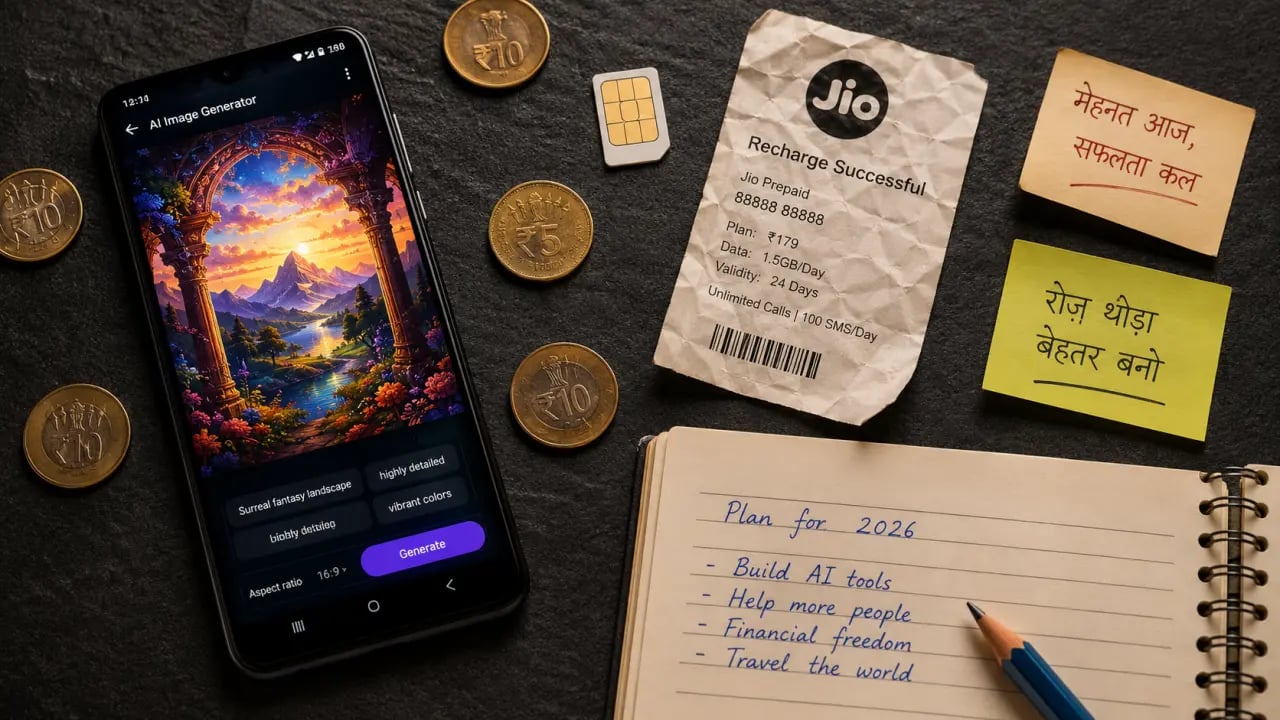
Here's a situation every Indian student or freelancer recognises: it's 1 AM, you're in a hostel room in Pune, the Jio 4G connection is barely pulling 3 Mbps, and you've just found the "perfect" AI image tool from some US blogger's list — only to hit a paywall that wants $20/month billed in USD. No UPI option. No free tier. Just a credit card form staring back at you.
Many Indian students and freelancers face this exact situation. Either the tool needs a VPN (which kills already-slow college WiFi), or the free tier is locked behind phone verification that rejects Indian numbers, or the servers are so congested that you time out before a single image loads.
This guide tested 14 free AI tools across major Indian networks (Jio, Airtel, BSNL) without a VPN. Here are the 9 that actually work for Indian users in 2026 — no international payment needed.
Every tool in this list was evaluated for real-world usefulness for Indian students, freelancers, and content creators — not by what some international tech reviewer thinks matters.
Table of Contents
Why Most AI Tool Lists Fail Indian Users
Every second blog post about "best AI tools 2026" is written by someone with a US credit card, 300 Mbps fiber, and no concept of what a ₹0 software budget actually means. They'll recommend Midjourney ($10/month, Discord-based, broken on Jio) or Adobe Firefly Pro without mentioning you need an Adobe subscription. Helpful.
Here's what actually blocks Indian users:
- VPN requirements: Some AI tools geo-restrict free tiers or certain features. Turning on a VPN on a college hostel connection often halves your speed — and some hostels block VPN ports entirely.
- USD-only billing: No UPI. No Paytm. No Indian debit card support. The free tier conveniently disappears behind an "upgrade now" modal after 3 uses.
- Phone verification rejections: A surprising number of AI platforms block +91 numbers during signup — a friction point that wastes time and forces Indian users to abandon otherwise good tools.
- Server overload: Free tiers on popular tools get hammered. HuggingFace Spaces, for example, can time out for 10–15 minutes during peak US hours — which is Indian daytime.
- Discord dependency: Tools that run inside Discord (Midjourney being the prime example) get sluggish or outright broken on Indian mobile networks. Image loading alone can take 2–3 minutes per generation.
The 9 tools below cleared all these hurdles. All tested on major Indian networks without a VPN. All free — either permanently or with a genuinely usable free tier.
9 Best Free AI Tools for India in 2026
1. FLUX on PromptSpace — Best Free AI Image Generator for India
🔗 Try FLUX Image Generator on PromptSpace →
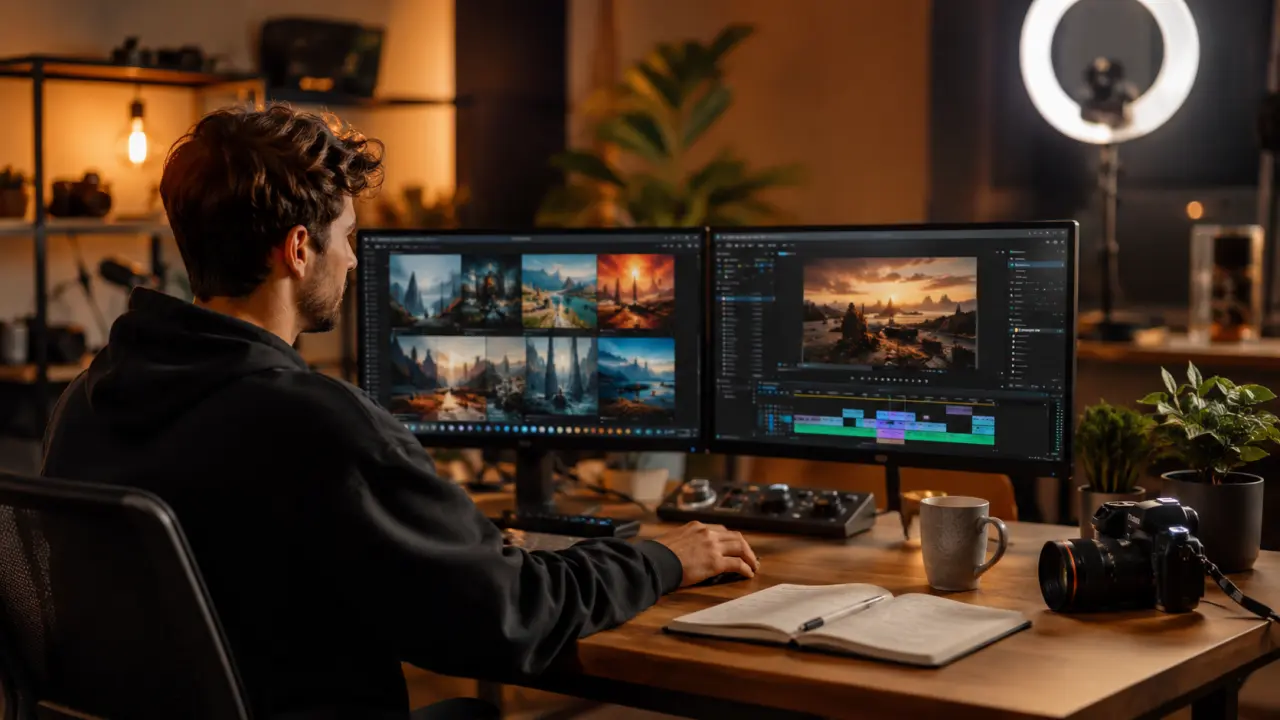
The standout pick for Indian users. PromptSpace's AI image generator runs Black Forest Labs' FLUX model — the same model that's been outperforming Midjourney and DALL-E 3 in quality benchmarks since late 2025 — and it's completely free, no login required.
Tested across Jio 4G, it generated a detailed product mockup in under 25 seconds. No sign-up form. No OTP. No credit card prompt. Just type a prompt and get your image.
Why it works for Indian users:
- No account needed — zero friction, works on any browser
- Free forever, not a "7-day trial" gimmick
- Works on 4G Jio and Airtel — no VPN required
- FLUX model produces photorealistic outputs, great for client thumbnails and social media creatives
- Supports detailed prompts — perfect for Fiverr and Upwork gig deliverables
For freelancers generating thumbnails, product images, or social creatives for clients, PromptSpace's FLUX tool is the single best free option available in India right now. No contest.
The broader PromptSpace platform also has other AI utilities worth bookmarking — check it out after trying the image generator.
2. ChatGPT Free Tier (GPT-4o mini)
ChatGPT's free tier now gives access to GPT-4o mini — which is genuinely capable for most student and freelancing tasks. It works in India without a VPN, and signup accepts +91 numbers without issue.
Best for: Assignment drafts, code debugging, email writing, summarizing long PDFs.
The free tier has daily limits on GPT-4o (the full model), so heavy use will hit a slowdown. But for 80% of everyday tasks, GPT-4o mini handles it well — Python scripts, gig descriptions, college internship reports — all in a single session without hitting a wall.
One tip: ChatGPT works fine on mobile browsers. No app required, which matters if your Play Store account is region-restricted for any reason.
3. Google Gemini — Best Free AI Chatbot for India
For Indian users, Gemini is arguably the top free AI chatbot. It's Google's product, so it works flawlessly on every Indian network, integrates with Google Workspace (which most colleges and offices already use), and the free tier has no meaningful usage cap for regular use.
Gemini 1.5 Flash — available free — handles long documents, multi-turn conversations, and image analysis. For BCA/MCA students working on project reports or presentations, the Google Docs + Gemini integration alone is worth it.
Best for: Research, long-form writing, integrating with Google tools you already use.
4. Canva AI (Free Tier)
If you're in India and in any creative field, Canva is probably already in your workflow. The free tier now includes solid AI features: Magic Write for text generation, AI image generation (limited credits), background removal, and the Magic Eraser tool.
The free plan provides enough AI credits to do real work — multiple client thumbnail projects without needing to upgrade. Works perfectly on Indian networks. Signup accepts Indian phone numbers and email.
Best for: YouTube thumbnails, Instagram posts, pitch decks, social media creatives.
The paid plan (Canva Pro) is ₹4,000/year with Indian billing — affordable for heavy users. But the free tier is genuinely strong for most everyday needs.
5. Microsoft Copilot (Free, No Subscription)
Microsoft Copilot is completely free — no Microsoft 365 subscription needed. You get GPT-4o access, image generation via DALL-E 3 (through the chat interface), and web browsing capability — all in one tool. It works on any Indian network with zero VPN issues.
For students, the web search integration is especially useful for research tasks. It pulls live information and cites sources, which ChatGPT's free tier doesn't do consistently.
Best for: Research with citations, quick image generation via chat, Office document drafting on Windows.
6. Stable Diffusion via HuggingFace
Stable Diffusion is open-source and completely free — the challenge is running it. Without a GPU laptop, HuggingFace Spaces hosts several free Stable Diffusion demos that run entirely in a browser.
The catch: HuggingFace Spaces can time out or queue for several minutes during peak hours — which coincides with Indian daytime since most Space hosts are in the US. When it works, the output quality is excellent. When it doesn't, expect a spinning loader for 10–20 minutes.
For reliability on time-sensitive work, PromptSpace's FLUX generator is the better choice over HuggingFace Spaces. But HuggingFace is worth bookmarking as a backup and for open-source model experimentation.
Best for: Experimentation, custom model testing, open-source enthusiasts.
7. Runway ML Free Tier — AI Video Generation
Runway ML is one of the best AI video tools available, and the free tier gives 125 one-time credits — enough to generate several short video clips. Features include image-to-video, text-to-video, and AI video editing tools.
Works in India without a VPN. Signup accepts Indian email. The free credits are one-time (not monthly renewals), so they're best saved for actual client projects rather than casual experiments.
Best for: Instagram Reels intros, short client video clips, YouTube intro animations.
8. Bing Image Creator (Free DALL-E 3)
Bing Image Creator gives free access to DALL-E 3 — which is genuinely good — with no subscription required. You get "boost credits" (fast generations) that replenish regularly, and unlimited slower generations after that. Works perfectly on Indian networks, and a Microsoft account with an Indian email is all that's needed.
It's well-suited for quick client mockups where you need 4–5 image variations fast. Quality is solid for social media work, though Microsoft's content filters are conservative with certain creative prompts.
Best for: Quick image variations, concept visuals, social media graphics.
9. Notion AI Free Tier
Notion AI is built into Notion's workspace, and the free tier provides a limited number of AI responses per month — enough to evaluate it seriously for real work. It handles writing assistance, summarization, action item extraction from notes, and translation.
For students managing college projects or freelancers tracking client deliverables, Notion combined with its AI features is a powerful workflow tool. Works perfectly in India with no VPN issues.
Best for: Project planning, note summarization, content outlines, client proposal drafts.
Best Free AI Tools for Specific Indian Use Cases
Engineering / BCA / MCA Students: Assignment Help and Code Debugging
For coding assignments — Java, Python, C++, DSA problems — ChatGPT free tier and Google Gemini are the two best bets. Both explain code logic clearly rather than just outputting answers. Gemini has an edge for students on Google Workspace since it integrates with Docs and Drive.
For report writing and project documentation, Notion AI is underrated. Dumping rough notes into Notion and asking it to structure them into a proper report format can save 2–3 hours per project cycle.
For project presentations with custom graphics, combine Gemini (for content) with PromptSpace's FLUX generator (for visuals) and Canva (for layout). That's a ₹0 workflow that produces genuinely professional results.
Freelancers on Fiverr and Upwork: Thumbnail Generation and Content Writing
The thumbnail and creative work pipeline that actually works for Indian freelancers:
- Generate base images using FLUX on PromptSpace — no login, instant, high quality
- Bring into Canva free tier for text overlays, sizing, and final polish
- Use ChatGPT for gig description copy and client communication drafts
This pipeline has zero monthly cost and produces deliverables that clients in the US and UK pay ₹2,000–5,000 per piece for — a competitive India-friendly workflow with no subscription overhead.
For long-form content gigs (blog posts, product descriptions), Gemini and ChatGPT free tiers split the work well — Gemini for research and structure, ChatGPT for natural-sounding draft prose.
Instagram Reels and YouTube Thumbnail Creators
For content creators, the most effective free AI stack is: FLUX on PromptSpace for custom thumbnail images → Canva AI for composition and text → Runway ML free credits for short video loops or transitions.
Bing Image Creator works well for quick concept visuals when you need 3–4 variations of a thumbnail idea to A/B test. Fast, free, no login beyond a Microsoft account.
For Instagram Reels script writing, Gemini is the better choice for Indian content creators when cultural context matters. In testing, a Holi-themed Reel script request showed Gemini's output needed far less editing — it grasped the cultural references without extra prompting.
Free AI Tools That Don't Work Well in India (Honest Section)
No honest guide would skip the failures. Here's what didn't perform well in testing:
Midjourney: The Discord bot interface is genuinely painful on Indian networks. On Jio 4G, each generated image took 2–4 minutes to load inside Discord. The /imagine command queued fine, but image preview rendering was inconsistent — sometimes refusing to display at all. On WiFi with 15+ Mbps it improves, but remains unreliable for mobile users. The free trial no longer exists — it's paid only now.
Some HuggingFace Spaces for Stable Diffusion: During Indian working hours (10 AM–6 PM IST), several popular Stable Diffusion Spaces showed 10–20 minute queue times or simply timed out. Avoid these when working against deadlines.
Adobe Firefly free tier: Works technically, but the free credits run out fast — just 25 generative credits per month. The signup flow for Indian users also sometimes glitches on Adobe's identity verification, with users reporting multiple failed attempts before completing registration.
Ideogram free tier: Image quality is good but the free plan limits you to 10 generations per day with watermarks. For professional or client work, the watermark is a dealbreaker.
Prompting Tips in Hindi/Hinglish
Most AI tools understand Hinglish prompts reasonably well, especially Gemini. A few approaches that actually help:
Image prompts (English works best): For AI image generators including FLUX on PromptSpace, stick to English for prompts — "Indian bride in red lehenga, golden jewelry, soft bokeh background, studio lighting, photorealistic" gets far better results than typing in Hindi. Be specific about skin tone, clothing style, and setting.
Chatbot prompts in Hinglish: Gemini handles Hinglish well. You can write prompts like: "Mujhe ek 500-word blog post chahiye about monsoon travel in Goa, informal Hindi-English mix tone mein." It understands and delivers.
Translate and refine: Write a rough idea in Hindi using Google Translate first to get clean English, then paste that into your image or text prompt. This small step noticeably improves output quality.
Add Indian context explicitly: "A street food vendor in Mumbai at night, neon signs, chai stall, realistic" — naming the Indian location and cultural context gives much more accurate, culturally relevant outputs compared to generic prompts.
FAQ: Free AI Tools in India — Real Questions, Real Answers
Do I need a credit card or international payment method to use these free AI tools?
No — for every tool on this list, the free tier requires zero payment information. Some tools ask for an account (email signup), but none require a card just to access the free version. FLUX on PromptSpace doesn't even need an account.
Do these AI tools work without a VPN in India?
Yes. All 9 tools were tested on Jio and Airtel networks without a VPN and loaded and functioned correctly. The only tools that sometimes need a VPN are certain HuggingFace Spaces and region-locked beta features on some platforms — those are noted specifically in the list above.
Is my data safe when using these free AI tools?
Standard caution applies: don't enter personal information like Aadhar numbers, bank details, or private client data into any AI tool. For assignments and creative work, the risk is low. For sensitive business documents, either use tools with enterprise privacy policies or avoid AI inputs for that content entirely. Google Gemini and Microsoft Copilot have clearer data handling policies than many smaller tools.
Are these free tiers actually free forever, or will they suddenly start charging?
Free tiers do change — that's the nature of SaaS products. PromptSpace's FLUX tool is free with no announced plans to change. Google Gemini and Microsoft Copilot are backed by companies with strong reasons to keep free tiers to compete with each other. ChatGPT has maintained a consistent free tier for over 2 years. HuggingFace-hosted tools are open-source and tend to stay free. Bookmark 2–3 options so you're not dependent on any single tool.
Can Indian students use ChatGPT for assignments? Is it allowed?
That's a policy question for your specific college, not a technical one. Technically, ChatGPT works fine for Indian students. Whether an institution allows AI assistance varies — many engineering colleges and universities have started publishing AI use policies in 2025–26. Check your institution's academic integrity policy. Using AI to understand a concept or debug code is generally considered more acceptable than submitting AI-generated text verbatim as your own work.
Ready to Try the Best Free AI Image Generator That Works in India?
No signup. No credit card. No VPN. Just open it and start generating.
Try FLUX Free on PromptSpace →
And while you're there, explore the full suite of free AI tools at PromptSpace.in — built with Indian users in mind.