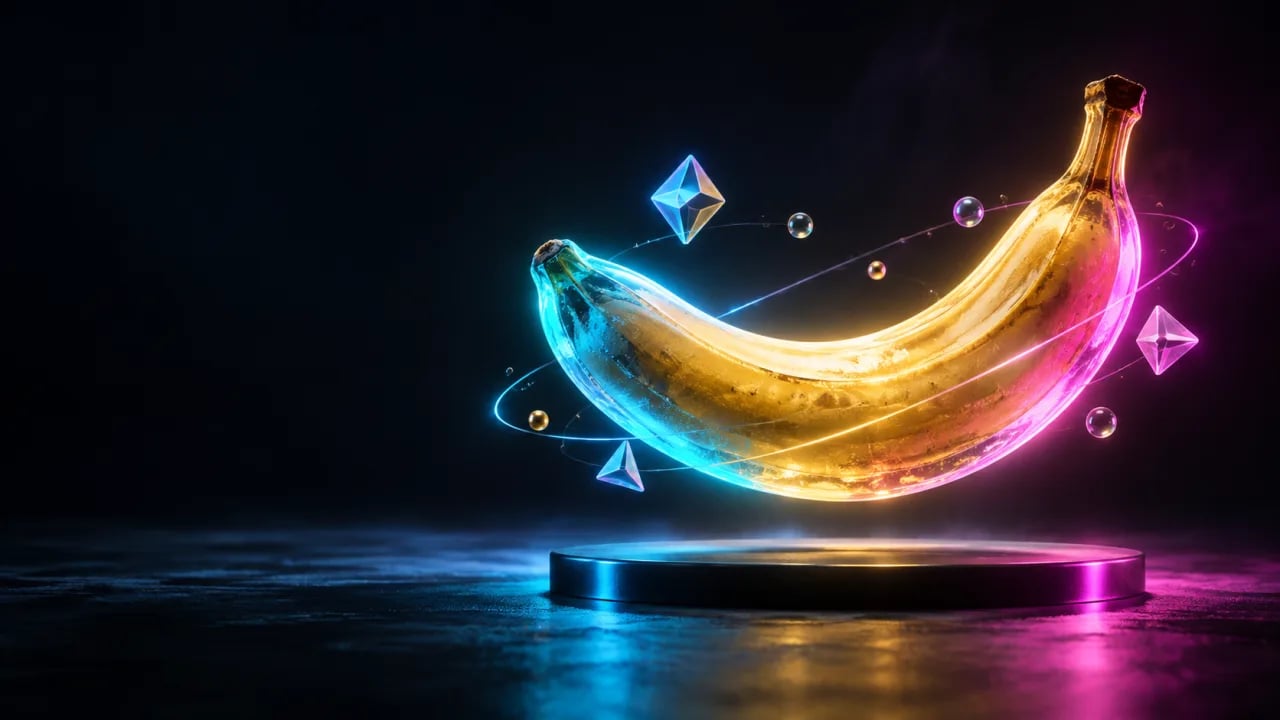
Nano Banana is the codename Google gave its viral image model that ships inside Gemini. It went from a leaked benchmark alias to the default image engine most Gemini users touch every day in 2026 — and the prompt style that works for it is not the one you learned for Midjourney or DALL-E. This guide is a practical playbook for writing nano banana prompts that produce the image you had in your head, including editing prompts (Nano Banana's real superpower), a comparison with the other big models, and copy-paste examples.
What Nano Banana actually is
Nano Banana is Google's internal name for the image generation and editing model exposed publicly as Gemini 2.5 Flash Image. It runs inside the Gemini app, AI Studio, and the Gemini API. Two things make it different from earlier Google models. First, it keeps character and object identity across edits — the same face, jacket, and coffee cup survive from image one to image ten. Second, it accepts natural-language edits on an existing image the way you would talk to a designer: "keep everything the same, just swap the background for a rainy Tokyo street."
You can read the official model notes on the Google DeepMind Gemini page. For a pure text-to-image workflow, our own AI image generator wraps the same style of prompting so you can test ideas without touching an API key.
The anatomy of a nano banana prompt
A prompt that works in Nano Banana usually has five parts, in this order: subject, action or pose, environment, lighting and camera, style. You do not need every part every time, but the model responds strongly to that sequence. Vague adjectives ("beautiful", "amazing") do almost nothing. Concrete nouns and named references do a lot.
A 34-year-old woman in a mustard raincoat, walking a small black dog, crossing a wet zebra crossing in Shinjuku at 8pm, neon signs reflecting in puddles, shot on a 35mm lens at f/1.8, shallow depth of field, cinematic color grade, film grain.
That prompt gives Nano Banana enough anchors — the coat color, the dog, the specific crossing, the lens — that two generations look like two frames from the same shoot.
Pro tip: Name your lens and aperture. "85mm at f/1.4" or "24mm wide, f/8" pushes Nano Banana into photographic mode far more reliably than words like "realistic" or "photorealistic," which it tends to over-interpret as glossy stock photography.
Editing prompts — the real superpower
Text-to-image is the party trick. Editing is where Nano Banana earns its keep. You upload one or more references in Gemini and describe the change in plain English. The model preserves what you did not mention — huge for product shots, thumbnails, and character consistency.
Using the uploaded photo, keep the person, pose, and clothing exactly the same. Replace only the background with a sunlit balcony in Lisbon overlooking terracotta rooftops. Match the original lighting direction (left, warm) and keep the same skin tones.
Take the product from image 1 (the ceramic mug) and place it on the wooden table from image 2. Add gentle morning light from a window on the right. Keep the mug's exact glaze, handle shape, and brand logo unchanged. Add a small linen napkin folded next to it.
Two rules make editing work. One, always say what to keep, not just what to change — otherwise Nano Banana will improve things you did not ask it to touch. Two, reference uploads by number ("image 1", "image 2") when you combine sources; it disambiguates faster than describing them.
Five prompt examples you can steal
These are tested patterns. Paste into Gemini, swap the bracketed pieces, iterate.
Isometric illustration of a [cozy bookshop interior], warm ambient light, soft pastel palette, thin black outlines, subtle paper texture, no text, centered composition, 3:2 aspect ratio.
Studio product shot of [a matte black wireless earbuds case] on a plain cream paper backdrop, three-point softbox lighting, slight top-down angle, crisp shadows, 100mm macro lens, catalog style.
Editorial portrait of a [South Indian grandmother laughing], natural window light from camera left, cotton saree in indigo, shallow depth of field, 85mm f/1.4, Kodak Portra 400 color palette, no retouching feel.
Line-art logo concept for [a coffee brand called Ember Roast]: a stylized flame shaped like a coffee bean, single weight strokes, black on white, vector-clean, negative space friendly, no gradients, no text.
YouTube thumbnail: [a shocked developer looking at a laptop], bold expression, high contrast, background split diagonally — left side deep blue with code rain, right side warm orange with a giant red arrow pointing at the screen, leave the upper-right third empty for title text.
Nano Banana vs FLUX.1 vs DALL-E 3 vs Midjourney V8
No model wins every category. Here is how they line up in late 2026.
| Capability | Nano Banana (Gemini) | FLUX.1 Pro | DALL-E 3 | Midjourney V8 |
|---|---|---|---|---|
| Character consistency across edits | Excellent | Good | Weak | Fair |
| Text rendering inside images | Very good | Excellent | Good | Improved but soft |
| Natural-language editing | Best in class | Limited | Basic inpaint | Region-based only |
| Photographic realism | Very good | Excellent | Good | Excellent (stylized) |
| Illustration and stylized art | Good | Good | Very good | Best in class |
| Free tier access | Yes, via Gemini app | Limited | Via ChatGPT free | No |
Did you know? Nano Banana was so heavily tested on the LMArena image leaderboard under its codename that users started asking for it by name before Google had confirmed the model existed.
Common mistakes that ruin nano banana prompts
Four patterns cost people the most time. Piling on style words ("cinematic, epic, hyperreal, 8k, masterpiece") — Nano Banana treats those as noise. Forgetting aspect ratio — if you need 16:9 for a thumbnail, say so, or it defaults to square. Describing what you don't want as if it were a subject — negative phrasing works, but keep it short and at the end. And skipping the "keep" clause on edits, which is how you end up with a new face on the same body.
If you want a running library of tested prompts to remix, we keep a growing set on PromptSpace Free AI Prompts.
FAQ
Is Nano Banana free to use?
Yes, on the Gemini free tier you get a daily quota of image generations and edits. Heavier usage moves to Gemini Advanced or the paid Gemini API.
What is the official name of Nano Banana?
Google ships it as Gemini 2.5 Flash Image. "Nano Banana" is the community and internal codename that stuck because of its arena benchmarking phase.
Can Nano Banana keep the same character across images?
Yes — this is its strongest feature. Upload a reference and describe changes; face, clothing, and accessories stay stable across a full sequence.
Does it handle text inside images well?
For short phrases, logos, and labels, yes. For paragraphs of body text it still smudges, so add the text in a design tool afterward.
Can I use Nano Banana outputs commercially?
Google's terms allow commercial use of generated images, but review the current Gemini terms for your region before shipping client work.
How do I get 16:9 or vertical outputs?
State the ratio in the prompt ("16:9 aspect ratio" or "9:16 vertical") or use the aspect ratio selector in the Gemini app. It respects both.
Why does my edited image change things I didn't ask about?
Add a "keep the following unchanged" clause listing the face, pose, clothing, or product details you want preserved. That single line fixes most drift.
Which is better for illustration — Nano Banana or Midjourney?
Midjourney V8 still edges ahead for painterly and stylized illustration. Nano Banana wins for editable illustrations you need to iterate on with plain English.
Ready to try these? Generate free with our AI image generator, or browse hand-picked examples in the PromptSpace image gallery and remix whatever fits your project.