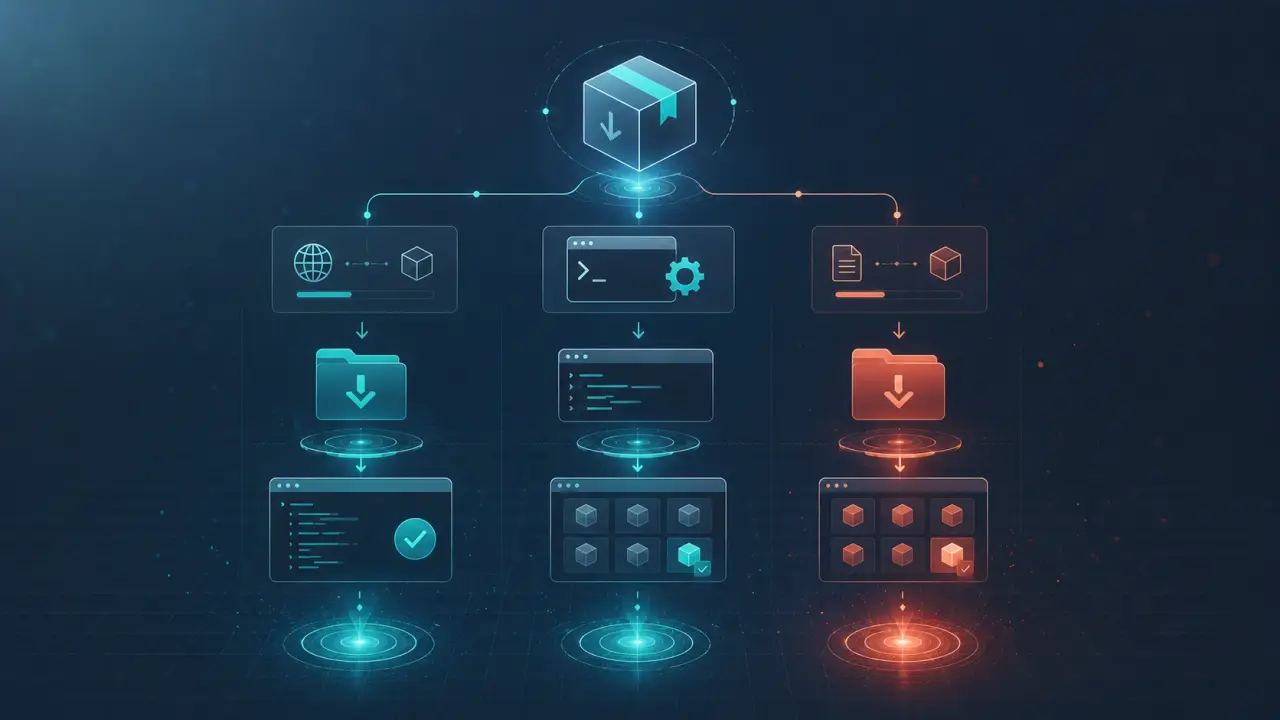
OpenAI's Codex CLI supports the SKILL.md standard, enabling developers to extend the AI's capabilities by creating and installing custom skills. This compatibility means that skills designed for other platforms like Claude Code and OpenClaw seamlessly work on Codex, making it easier to share and reuse AI-powered coding helpers across environments. In this comprehensive guide, we will walk you through how to install and use SKILL.md files with the OpenAI Codex CLI, including practical examples and best practices to maximize your productivity.
Understanding SKILL.md and Codex CLI Integration
SKILL.md is a simple, markdown-based standard for defining AI skills — specialized commands or functions that Codex can execute. These skills can range from code generation snippets to complex automation tasks. When Codex CLI detects a SKILL.md file in the designated skill directories, it automatically indexes the commands defined within and makes them available via an intuitive CLI syntax. This integration allows developers to customize their AI coding assistant with tailored workflows, tools, and utilities, significantly speeding up repetitive tasks and enhancing code quality.Where to Place Your Skills: Skill Paths
Codex CLI looks for skill files in two primary locations: your personal skills directory and the project-specific skills directory. This setup provides flexibility in managing skills that are either global to your system or specific to a particular codebase.- Personal skills: Located at `~/.codex/skills/` — skills here are available across all projects for your user account. - Project skills: Located at `.codex/skills/` inside the root directory of your project — these are version-controlled and shared with your team.
To create the personal skills directory, run:
```bash mkdir -p ~/.codex/skills ```
You can similarly create the `.codex/skills/` folder inside any project directory to manage project-specific skills.
Installing a Skill: Step-by-Step Guide
1. Find or create a SKILL.md file: You can write your own skill or download existing ones from repositories or the PromptSpace community. A SKILL.md file contains markdown with code blocks and metadata defining the skill's behavior.2. Copy the skill file: Place the SKILL.md file in either your personal or project skill directory.
3. Reload Codex CLI: Restart your Codex CLI session or use the reload command if available to make Codex recognize the new skill.
4. Invoke the skill: Use the `$` prefix followed by the skill name in the Codex CLI prompt. For example, if your skill is named `generate_tests`, type:
```bash $ generate_tests ```
Codex will then execute the skill logic and provide the output directly in your terminal.
Practical Example: Creating a Simple Skill
Let’s create a simple SKILL.md that generates Python unit test templates for a given function. Save the following into `generate_tests.SKILL.md` inside your skills directory:```
generate_tests
Generates Python unittest skeletons for a specified function.```python
Input: function signature
Output: unittest class skeleton
def generate_tests(function_signature): return f""" import unittestclass TestFunction(unittest.TestCase): def test_example(self):
TODO: Add tests for {function_signature}
self.assertTrue(True)if __name__ == '__main__': unittest.main() """ ```
To run this skill, start Codex CLI and enter:
```bash $ generate_tests def add(a, b): ```
Codex CLI will output a unittest template for the `add` function, saving you time on boilerplate code.
Leveraging Automatic Activation
Codex CLI can automatically activate skills based on context or certain triggers. For instance, if you open a Python project containing project-specific skills, Codex can detect the `.codex/skills/` directory and preload those skills without manual loading. This feature allows seamless integration into your workflow, eliminating the need to remember exact skill names or commands.Managing and Updating Skills
Since skills are stored in markdown files, they are easy to version control using Git. For project skills, check the `.codex/skills/` folder into your repository so team members get the same AI-powered enhancements. Regularly update skill definitions to incorporate improvements or bug fixes. Always test changes locally before pushing updates to avoid breaking your team's workflow.Real-World Tips for Effective Skill Usage
- Name your skills descriptively: Use clear, concise skill names to make invocation intuitive. - Document your skills: Include detailed descriptions in SKILL.md files to help you and your team understand their purpose. - Modularize skills: Break complex tasks into smaller, reusable skills to maintain clarity. - Share and discover skills: Explore community repositories like PromptSpace to find high-quality skills and contribute your own. - Automate common tasks: Use skills to automate repetitive coding patterns, code reviews, refactoring, or generating documentation.Troubleshooting Common Issues
- Skill not recognized: Ensure your SKILL.md files are correctly named and placed in the right directory. - Syntax errors in SKILL.md: Since skills are parsed by the CLI, syntax errors in markdown or code blocks can prevent loading. - Conflicts between personal and project skills: Project skills take precedence but watch for naming collisions. - Reloading skills: If changes don’t reflect immediately, restart the Codex CLI or use any built-in reload commands.Conclusion
Using SKILL.md with OpenAI Codex CLI opens up powerful possibilities for customizing your AI coding assistant. By installing and managing skills effectively, you can automate mundane tasks, generate boilerplate code, and streamline your development workflow. Whether you’re an individual developer or part of a team, leveraging skills with Codex will help you code faster, smarter, and with greater confidence. Start exploring existing skills today or create your own to unlock the full potential of Codex CLI.Frequently Asked Questions
What AI tools do developers use most in 2026? Claude Code, GitHub Copilot, and Cursor AI dominate developer workflows. See our Developer Prompts collection.Are AI coding tools worth it? Yes — developers consistently report 20–40% productivity gains on repetitive tasks. Most subscriptions pay for themselves within the first week.
Copilot vs Cursor — which is better? Cursor handles complex multi-file edits better. Copilot integrates into more editors. Most developers who try Cursor prefer it for complex projects.
Is AI-generated code production-ready? AI produces solid starting points, not final code. Always review, test, and refine AI-generated code before deploying to production.