Gears and tools — AI Image Prompt
Prompt
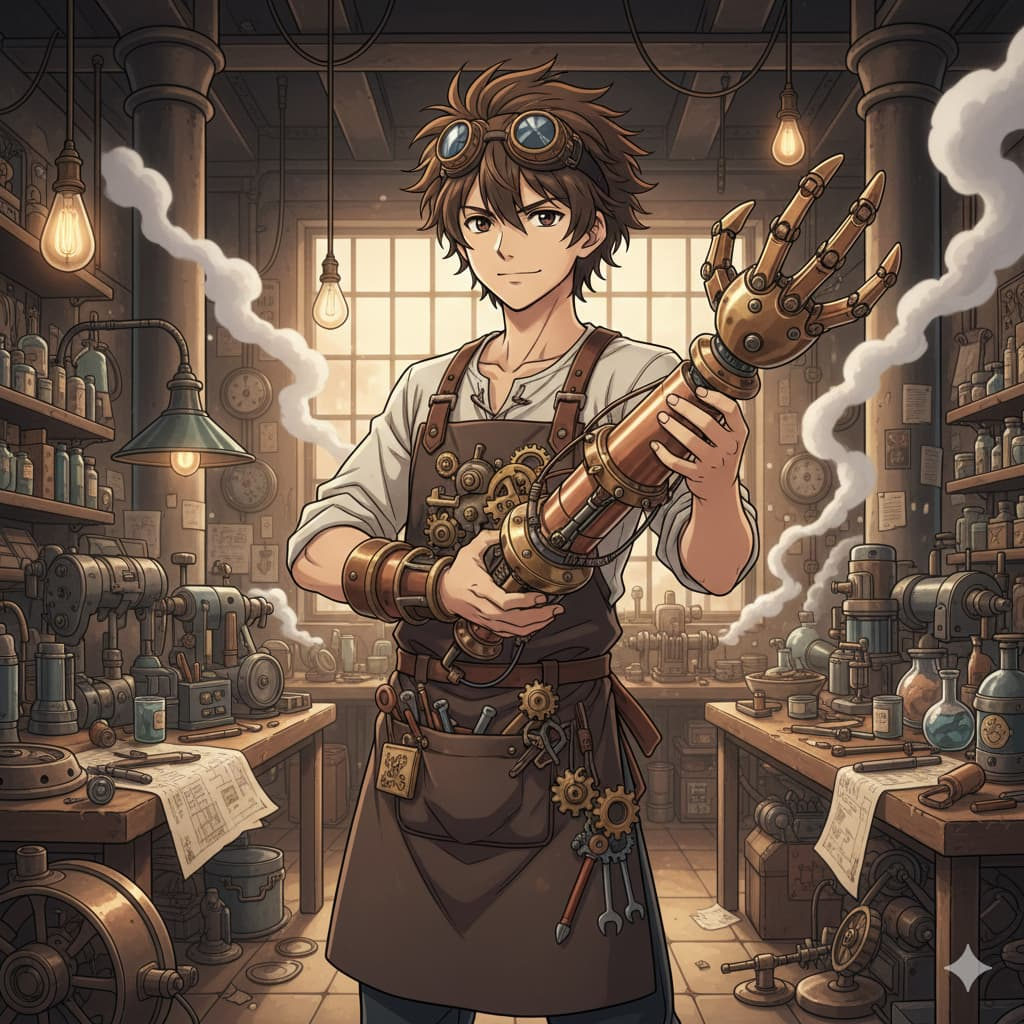
Anime character, male, 25, messy brown hair, wearing steampunk goggles and a leather apron with gears and tools, holding a mechanical arm invention, surrounded by inventions and gears, steam rising, workshop environment with warm lighting — v 5 — ar 16:9 — q 2 — style anime
✦ Use this prompt for free
About “Gears and tools”
This anime AI image prompt was created by AdX and is available to copy and use for free on PromptSpace. At 47 words, this is a detailed prompt that gives AI models precise instructions for generating the exact image you envision. It falls under the anime category.
How to Use This Prompt
- 1
Copy the prompt
Click the “Copy Prompt” button above to copy the full prompt text to your clipboard.
- 2
Open your AI image generator
Open Midjourney, DALL-E, Stable Diffusion, FLUX, or any compatible tool and paste the prompt into the text field.
- 3
Generate your image
Hit generate. For best results, use the default settings first and see how the output looks.
- 4
Experiment with variations
Change details like colors, lighting, or composition to make it uniquely yours.
- 5
Want your own face in the image?
Upload a clear, well-lit front-facing photo of yourself directly inside your AI tool (look for Image Reference, Face Swap, or IP-Adapter options) — then paste this prompt alongside it to generate images with your own face.
Recommended Settings
Aspect Ratio
1:1 or 2:3 (Default)
Quality
High / HD
Best For
Midjourney, DALL-E 3, FLUX
Style
Anime
Why This Prompt Works
The high word count gives the model rich context, reducing ambiguity and producing more consistent results. The anime aesthetic signals are specific enough that the model can lock onto a distinct visual language. Explicit lighting direction (a leading signal in prompt engineering) significantly improves photo-realism and composition. Well-crafted prompts like this one combine subject precision, style vocabulary, and rendering hints — the three pillars of reliable AI image generation.
Best Model
Midjourney v6 or NovelAI Diffusion V3 produce the best anime-style outputs. Use --niji mode in Midjourney for Japanese illustration aesthetics.