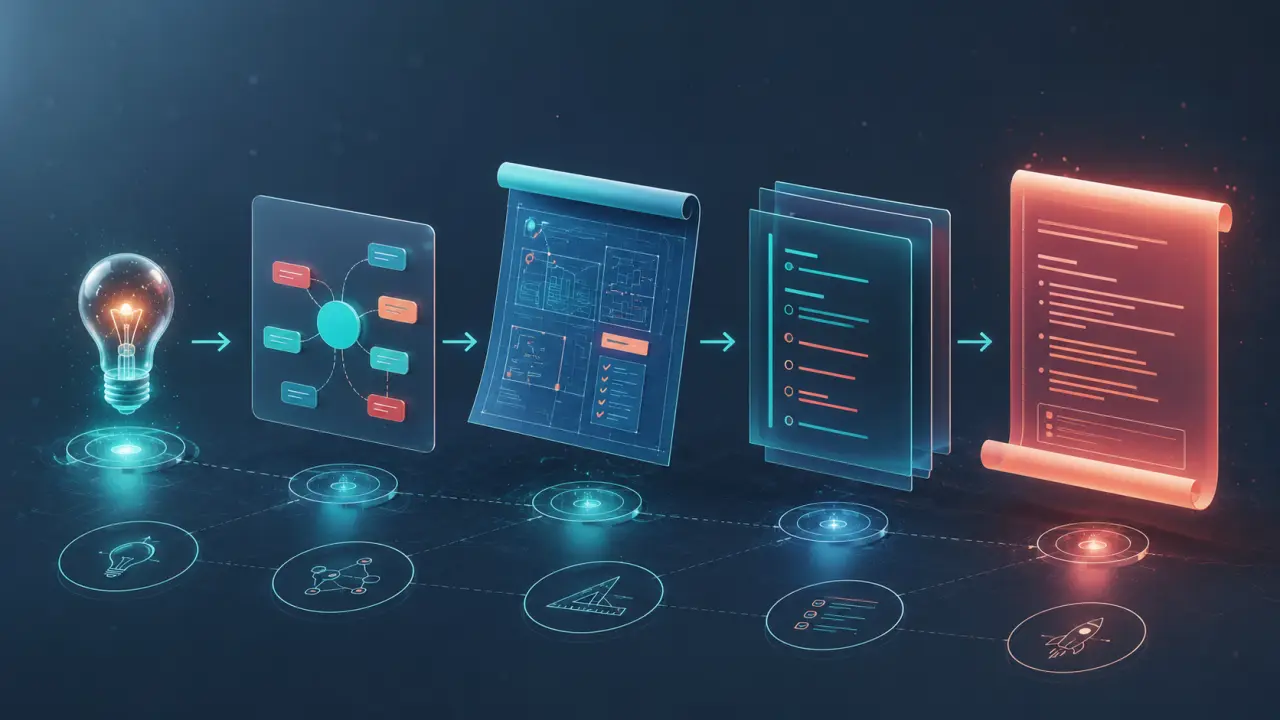
Individual skills make you faster. Team skills make everyone faster. When you encode your team's conventions into a skill that works across Claude Code, OpenClaw, and other agents, every developer on the project gets consistent, high-quality output from their AI agent without needing to remember (or even know) every convention.
This guide covers how to build a skill specifically for team use, how to distribute it, and how to maintain it over time.
Why team skills matter
Every team has conventions that aren't in any linter config. How you name branches, how you structure PR descriptions, what your code review checklist looks like, how you organize test files, what your commit message format is.
Without a skill, each developer prompts their AI agent slightly differently. One person gets React components with inline styles, another gets CSS modules, a third gets Tailwind. The agent does what it's asked, but nobody asks the same way.
A team skill makes the output consistent. Everyone gets components structured the same way, PRs described in the same format, and tests following the same patterns.
Start with one workflow
Don't try to encode every team convention into a single skill. Pick the workflow with the most friction and start there.
Good candidates for a first team skill: PR description format (most teams have a template nobody follows consistently), code review checklist (the things you always comment on in reviews), component scaffolding (file structure, naming, boilerplate), and test writing conventions (framework config, assertion style, coverage expectations).
Writing the skill
Create a skill folder in your project:
mkdir -p .claude/skills/team-pr-writerWrite the SKILL.md with your team's specific conventions. Here's an example for a PR description skill:
---
name: team-pr-writer
description: Writes PR descriptions following our team format.
Use when the user asks to write a PR description, create a
pull request, or mentions preparing a PR.
---
Team PR Description Writer
When writing a PR description for this project, follow this
exact format:
> Quick Answer: To distribute a Claude Code team skill, place the skill folder (containing SKILL.md) within a `.claude/skills/` directory at the root of your project repository, then commit and merge it to main. This ensures all team members automatically access the skill when they clone the repo.
Summary
One paragraph explaining what changed and why.
Changes
Bullet list of specific changes, grouped by area (API, UI,
database, tests).
Testing
How this was tested. Include specific test commands if relevant.
Screenshots
If UI changes, note that screenshots should be added.
Checklist
- [ ] Tests pass locally
- [ ] No console warnings
- [ ] Migrations are reversible
- [ ] API changes are backward compatibleThe key is specificity. Use your actual template, your actual checklist items, your actual naming conventions.
Distributing the skill
For team skills, put them in .claude/skills/ inside your repo (not ~/.claude/skills/). This means the skill travels with the codebase. When a new developer clones the repo, they get the skill automatically.
your-project/ ├── .claude/ │ └── skills/ │ └── team-pr-writer/ │ └── SKILL.md ├── src/ ├── tests/ └── package.json
Commit the skill to your repo and merge it to main. Every developer pulling the latest code gets the updated skill.
Onboarding new team members
This is one of the biggest benefits of team skills. A new developer clones the repo, starts Claude Code, and immediately has access to all the team's conventions encoded as skills. They don't need to read a wiki page or ask teammates about the "right way" to do things.
The agent follows the skill instructions automatically. The new developer gets output that matches team standards from day one.
Maintaining the skill
Skills aren't write-once documents. As your team's conventions evolve, update the skills.
Treat skill updates like any other code change. Open a PR, describe what changed and why, get a review. This keeps the team aligned on convention changes and creates a history of how your standards have evolved.
A good maintenance rhythm: review team skills quarterly, or whenever you notice the agent producing output that doesn't match current conventions. If you find yourself correcting Claude's output in the same way repeatedly, update the skill.
Multiple skills per project
As your team gets comfortable with skills, you'll likely want several:
- A PR description skill for consistent PR format
- A code review skill for your team's review checklist
- A component scaffolding skill for your frontend conventions
- A test writing skill for your testing patterns
- An onboarding skill that explains the project architecture
Each skill is a separate folder in .claude/skills/. They work independently and Claude loads whichever one is relevant to the current task.
For a step-by-step guide to creating SKILL.md files, read How to Create Your Own SKILL.md. To understand the format in detail, see the SKILL.md Format Reference.
Frequently Asked Questions
Are these prompts free? Yes — all PromptSpace prompts are free to copy and use. Browse our ChatGPT Prompts library for hundreds more.Do these work on the free tier? Most work on free tiers. Complex prompts may perform better on paid versions (ChatGPT Plus, Claude Pro) with larger context windows.
How do I get better AI results? Be specific: include your role, desired format, target audience, and any constraints. More context always improves output.
Can I modify these prompts for my use case? Absolutely — treat every prompt as a starting template. Customize the role, topic, tone, and format to match your needs.