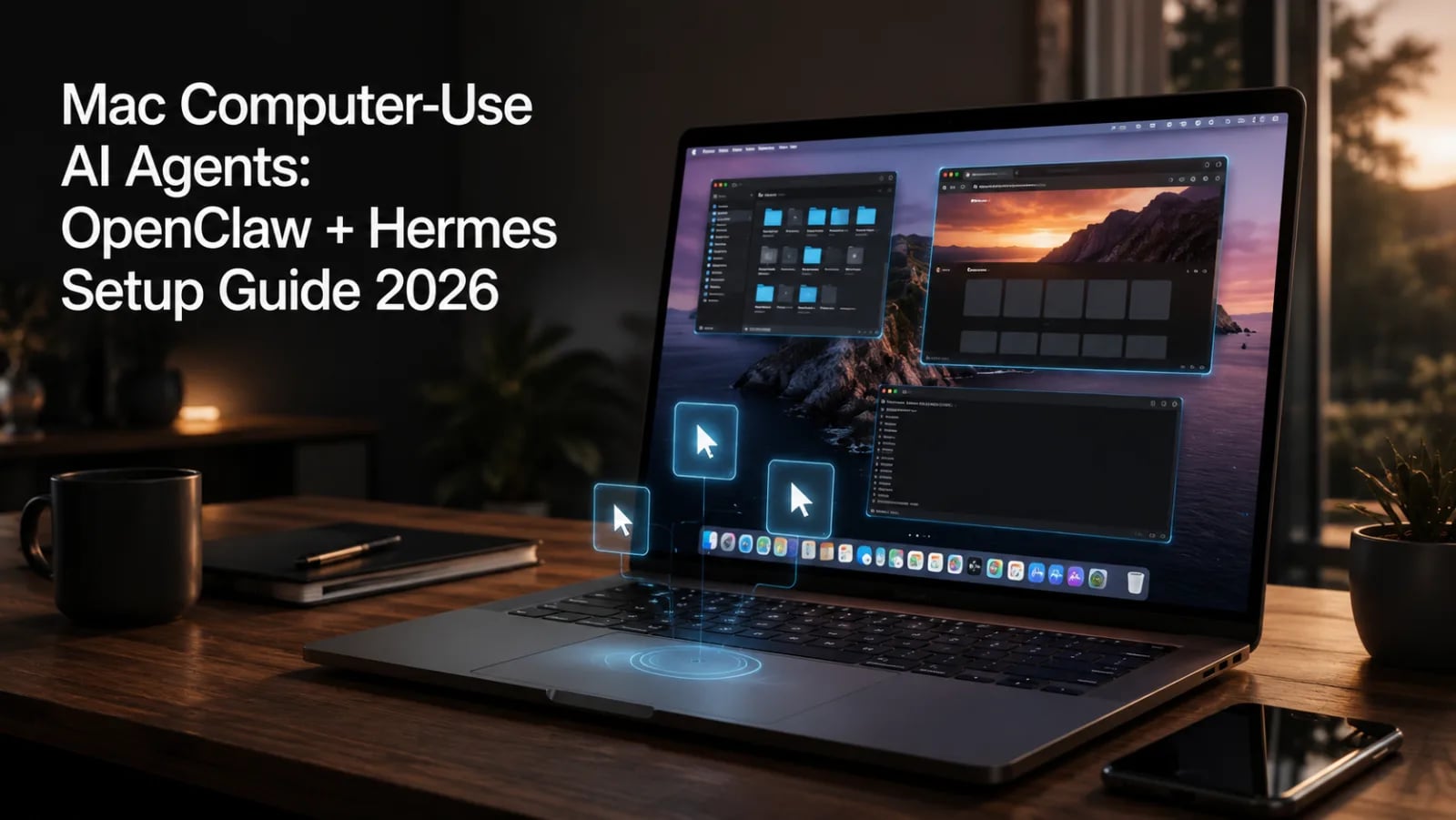
このガイドでは、macOS上で動作するコンピューター用AIエージェントのセットアップ方法を説明します。cua-driver、OpenClaw、Hermes Agentを組み合わせて効率的な自動化環境を構築しましょう。,まず、必要な権限の設定方法と各エージェントのインストール手順を詳しく解説します。これにより、システムの安全性を保ちながらスムーズに動作させることが可能です。,また、OperatorやClaude APIとの違いを比較しながら、OpenClawとHermesのワークフローや安全ルールのベストプラクティスを紹介します。これにより、より安全で効果的なAIエージェントの運用が実現できます。
TL;DRQuick answer
cua-driver、OpenClaw、Hermes Agentを使ってmacOSのコンピューター用エージェントを設定します。権限、ワークフロー、安全ルール、OperatorやClaude APIとの違いについて解説。
Evidence & editorial standards
- Author: Shahrukh — Creator of PromptSpace, AI researcher & prompt engineer since 2024. 159+ articles published.
- Methodology: Claims are based on hands-on testing with live AI models, publicly available benchmarks, and official model documentation.
- Last reviewed: by our editorial team.
- Corrections: Spotted an error? Email [email protected] — we credit reporters.
- Disclosure: PromptSpace publishes original, non-sponsored content. Tools linked are ones we build or personally use.