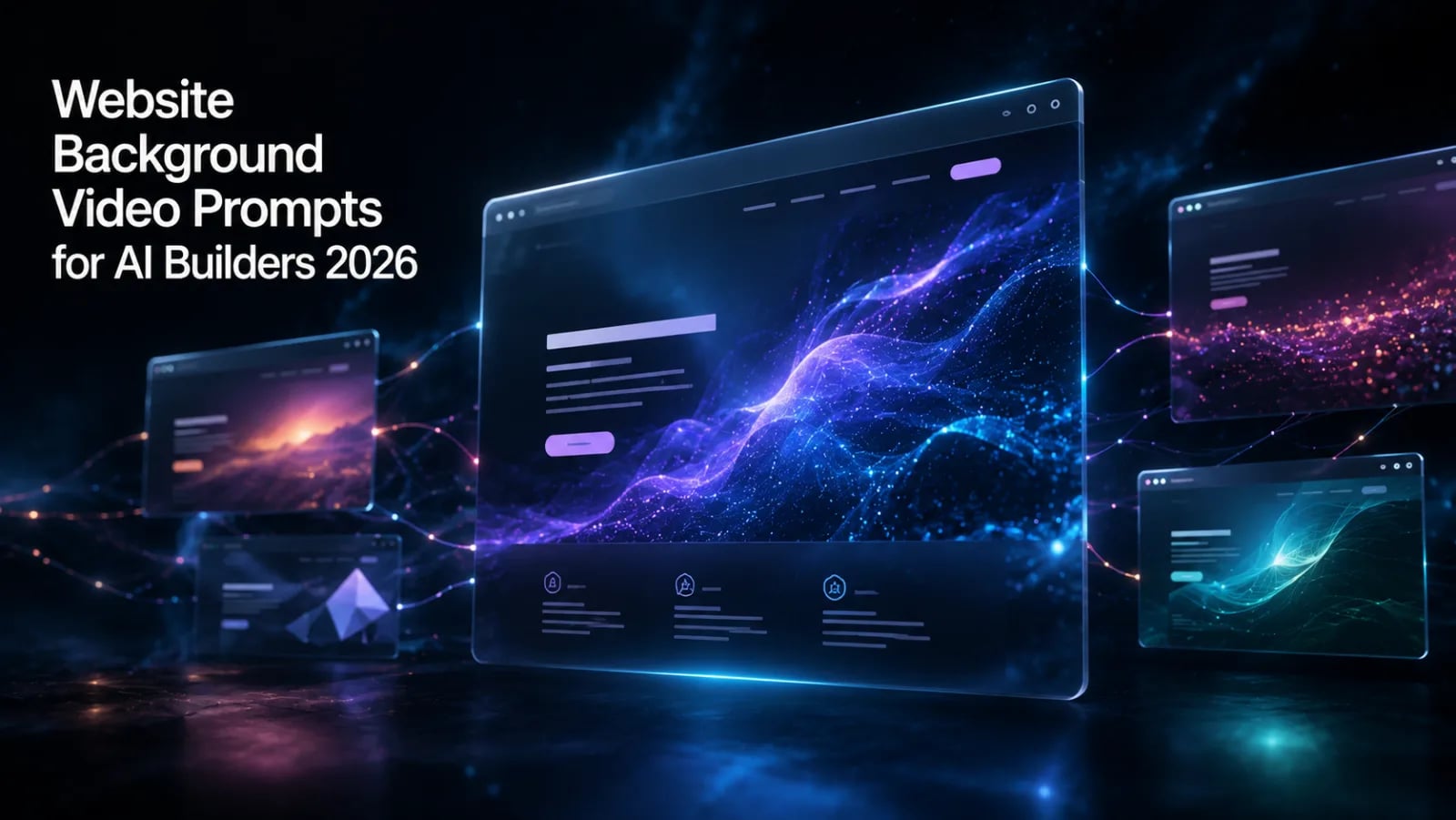
Background video on a landing page used to be a tax. You'd spend a weekend in After Effects, export three formats, fight with autoplay policies, then watch your Lighthouse score crash. In 2026, AI web builders changed that math. You describe the vibe, the builder generates or wires up the asset, and the prompt does most of the heavy lifting.
This guide shows how to use the background video prompt library on PromptSpace.in with the six AI builders that matter right now: Lovable.dev, Bolt.new, Replit Agent, Cursor, Google Antigravity, and Emergent.sh. You'll get ready-to-paste prompts, a compression workflow, and the accessibility bits people forget.
The Background Video Prompt Library on PromptSpace
PromptSpace organizes website prompts by visual style, not by builder. That matters because the same prompt works in Lovable and Cursor with minor tweaks. The categories you'll see in the background video section:
- Cinematic loops for hero sections. Slow camera moves, film grain, shallow depth of field.
- Gradient meshes with subtle motion. Great for SaaS landing pages where you want depth without distraction.
- Particle fields. Drifting dots, network graphs, constellation effects. Heavy on the tech aesthetic.
- Abstract motion. Fluid simulations, ink in water, smoke trails.
- Parallax scenes. Layered scroll-driven backgrounds for product pages.
- Geometric loops. Low-poly 3D, wireframe rotations, isometric scenes.
- Liquid metal. Reflective chrome surfaces with slow ripples. Trendy for AI brands in 2026.
Every prompt in the library includes a short description, the recommended builder, and a sample CSS snippet for placing the video. Pick a category, copy the prompt, paste it where the builder wants prompts.
Using Background Video Prompts in Lovable.dev
Lovable spins up a Vite + React app from a natural-language brief. It's fast and the output is clean enough that you can hand it to a developer without apologizing.
To add a background video hero, paste a PromptSpace prompt directly into Lovable's chat. Be explicit about placement.
Create a landing page for an AI note-taking app called Quill. Hero section uses a fullscreen background video loop. The video should be a slow cinematic shot of ink diffusing in water, dark navy background, 8 second loop, muted, autoplay, playsinline. Overlay a 50% black gradient so the headline stays readable. Headline: "Notes that think with you." Use a webm source with mp4 fallback. Respect prefers-reduced-motion.
Lovable will scaffold the <video> tag with poster frame, both sources, and the media query for reduced motion. If it skips one, ask for it explicitly in a follow-up.
Using Background Video Prompts in Bolt.new
Bolt.new (the StackBlitz-built one, not to be confused with the older bolt project) runs a full-stack environment in the browser. WebContainers means you can npm install from inside the chat. For background video, that's useful because you can pull in react-player or a custom hook in the same prompt.
Build a Next.js 15 landing page. Hero is a fullscreen
gradient mesh video loop, soft purple to teal, 6 second
cadence. Implement with a custom <BackgroundVideo>
component that lazy-loads after first paint, uses an
IntersectionObserver to pause when offscreen, and
shows a static poster image while loading. Compress
targets: 1080p webm under 2 MB, mp4 fallback under 4 MB.
Bolt is good at this because it actually runs the build and surfaces errors live. If your video URL 404s, you'll see the broken poster on the preview pane and can iterate in seconds.
Using Background Video Prompts in Replit Agent
Replit Agent has shifted toward full-app generation, with deployment baked in. For a landing page with background video, the agent will pick a stack (often Astro or Next), wire up the video, and offer to deploy to Replit's hosting.
Where Replit shines: it'll automatically bucket your video assets in object storage instead of bundling them. That keeps your deploy small and your CDN happy.
Create a single-page Astro site for a hardware startup. Background video on hero: particle field, white particles on near-black, low density, slow drift. Use Replit Object Storage for the video file. Generate a poster.jpg from the first frame at build time. Add prefers-reduced-motion fallback that swaps to a static gradient.
Using Background Video Prompts in Cursor
Cursor isn't a builder, it's an IDE with strong AI. You'd typically use Cursor on an existing project where you want to add a background video to a page someone already shipped. The prompt format shifts: less "build this from scratch," more "surgical change."
Open the file, hit Cmd+K, paste:
Add a background video to the <Hero/> component.
Source files at /public/hero.webm and /public/hero.mp4.
Must be muted, autoplay, playsinline, loop, and
poster="/public/hero-poster.jpg". Wrap in a div with
position: fixed, inset: 0, z-index: -1. Add a media
query: @media (prefers-reduced-motion: reduce) hides
the video and shows the poster as a CSS background.
Cursor's diff view lets you accept the change line by line. If it touches imports you didn't want changed, reject those hunks.
Using Background Video Prompts in Google Antigravity
Antigravity is Google's agentic IDE, released earlier in 2026. The pitch: it's an editor where the agent has its own workspace, browser, and terminal, so it can build, test, and iterate without you babysitting.
For background videos, Antigravity is interesting because the agent will actually watch the page render in its browser pane and tell you whether the video looks right. If the loop is jarring or the poster is the wrong frame, it'll notice and fix it.
Goal: Add a liquid metal background video to the landing page hero. Use the asset at /assets/liquid-metal-loop.webm. Verify in your browser that the loop is seamless (no flash at the seam) and that the headline contrast ratio against the video is at least 4.5:1. If contrast fails, add a backdrop-filter or darker overlay. Run Lighthouse, target performance score above 85 on mobile.
The agent will iterate until those checks pass, or report what it couldn't fix.
Using Background Video Prompts in Emergent.sh
Emergent.sh is a cloud agentic IDE focused on building entire apps from a single prompt. It pairs well with the longer, more detailed prompts in PromptSpace. You can hand it a 200-word brief that includes brand, tone, video style, performance targets, and accessibility requirements all at once.
Build a landing page for "Synth", a music collaboration startup. Tone: confident, slightly retro. Hero uses a geometric loop background video, low-poly 3D shapes rotating slowly, palette is electric blue on black. Deliverables: Next.js 15 + Tailwind, video lazy-loaded, webm + mp4 fallback, poster generated, reduced-motion fallback to a static SVG, Lighthouse mobile performance over 90. Deploy to Vercel.
Emergent will run the whole pipeline. You get a deploy URL and a repo at the end.
Five Ready-to-Paste Background Video Prompts
These are tested across at least two of the builders above. Drop them into chat, edit the brand name and tagline.
- Cinematic ink loop: "Slow shot of black ink diffusing in clear water, shot on macro lens, soft side light, 8 second loop, no cuts. Use as fullscreen hero background, 50% dark overlay for text contrast."
- Gradient mesh drift: "Animated gradient mesh, soft transitions between deep purple, magenta, and teal, organic blob motion at 0.2 cadence, no hard edges. Loop seamlessly. 1920x1080, under 2 MB webm."
- Particle network: "White particles on dark navy, low density (about 80 nodes), drawing connecting lines when within 120px of each other, slow drift. Inspired by classic particle.js but cleaner. 6 second loop."
- Liquid chrome: "Reflective liquid chrome surface with slow ripples, neutral studio lighting, no logos or objects, just the surface. Premium brand feel, minimal motion. 10 second loop."
- Geometric isometric: "Isometric scene of low-poly geometric shapes (cubes, prisms, spheres) rotating slowly on individual axes, electric blue and white palette on near-black background. 8 second loop, seamless."
- Parallax landscape: "Three-layer parallax scene, far layer is a stylized mountain silhouette, mid layer is drifting fog, near layer is sparse particles. Camera does not move. Layers shift at different speeds on scroll."
- Abstract smoke: "Slow smoke trails on solid black background, single light source from upper right, color is warm orange shifting to deep red. Cinematic, moody. 12 second loop."
Compression Workflow: HandBrake, FFmpeg, and What to Target
AI builders don't usually compress for you. They embed the file you give them. So compress before upload.
Targets that actually load fast on mobile:
- 1080p webm (VP9): under 2 MB for a 6 to 10 second loop
- 1080p mp4 (H.264) fallback: under 4 MB
- Bitrate: 1500 kbps for webm, 2500 kbps for mp4
- No audio track. Strip it.
-anin ffmpeg.
Quick FFmpeg recipe for both:
ffmpeg -i source.mov -c:v libvpx-vp9 -b:v 1500k -an hero.webm ffmpeg -i source.mov -c:v libx264 -b:v 2500k -an -movflags +faststart hero.mp4 ffmpeg -i source.mov -ss 0 -vframes 1 -q:v 2 hero-poster.jpg
HandBrake is fine if you prefer the GUI. Use the "Web Optimized" preset, switch the codec to VP9 for webm, and disable audio.
Accessibility: prefers-reduced-motion Is Not Optional
If a user has reduced motion turned on (System Settings on Mac, Accessibility on Windows, Settings on iOS), background video makes them sick. Literally. Vestibular triggers. Respect the setting.
.hero-video {
  position: fixed;
  inset: 0;
  width: 100%;
  height: 100%;
  object-fit: cover;
  z-index: -1;
}

@media (prefers-reduced-motion: reduce) {   .hero-video {     display: none;   }   .hero {     background-image: url(/hero-poster.jpg);     background-size: cover;   } }
This is six lines. Every prompt in this guide tells the builder to add it. Verify that it actually got added before you ship.
Performance: Lazy Load and Poster Frames
A few rules that keep your Lighthouse score honest:
- Always set a poster frame. Without it, the user sees a blank rectangle until the video buffers.
- Lazy load below the fold. If the video isn't in the hero, use IntersectionObserver to start it only when visible.
- Pause when offscreen. Same observer, opposite direction. Saves battery on mobile.
- Preload metadata only.
preload="metadata"on the video tag. Don't fetch the full file until play. - Use a CDN. Cloudflare R2, Bunny, or your platform's built-in CDN. Don't serve a 4 MB mp4 from your origin.
FAQ: Background Videos with AI Web Builders
Which AI builder generates the actual video, not just the markup?
None of the six in this guide generate video natively. You bring the asset (Runway, Pika, Sora, or stock from Pexels), and the builder wires it into the page. PromptSpace prompts include both the video-generation prompt for tools like Runway and the layout prompt for the builder.
Can I use the same prompt across all six builders?
The video description part, yes. The builder-specific framing changes. Lovable wants "create a page that does X." Cursor wants "add this to the existing component." PromptSpace tags each prompt with which framing works best.
What's the safe file size for a hero background video?
Under 2 MB for webm, under 4 MB for the mp4 fallback, at 1080p. Above that, mobile users on slower networks bounce before the video plays.
Do I need both webm and mp4?
Yes. Safari historically has been picky about VP9. Always include the mp4 as a second source so older Safari versions and a few mobile browsers don't show a broken video.
How do I handle autoplay being blocked on iOS?
Mute the video and add playsinline. iOS only autoplays muted videos that aren't in fullscreen. The prompts in this guide already include both.
Will Google penalize my page speed for background video?
Only if you do it badly. A properly compressed, lazy-loaded, posterized video adds maybe 200ms to LCP on a fast connection. Skip the lazy load and the compression and you can lose 20 Lighthouse points easily.
Where to Get the Prompts
The seven prompts above are a starting set. The full library, with builder-specific variants and updated picks for new tools, lives at promptspace.in. Filter by "website prompts" then "background video" to see them all. Save the ones you like, paste them into whichever builder you're using that week, and ship faster than the agency quoting you a five-figure landing page.