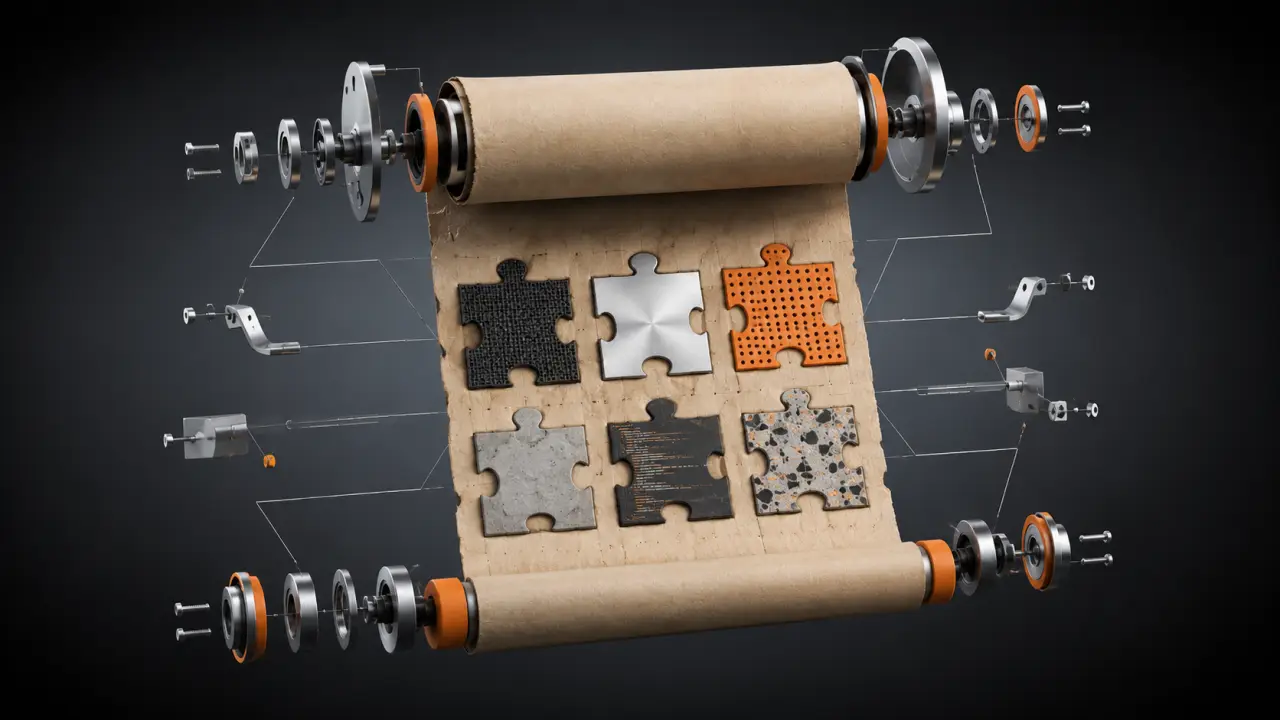
You probably already have valuable skills worth monetizing. If you've created .cursorrules files, CLAUDE.md project configurations, custom prompts, or well-documented workflows that improve your AI coding agent's performance on specific tasks, you essentially have products ready to sell. This guide will show you how to transform those existing assets into polished, publishable SKILL.md skills that others can easily adopt.
What Counts as a Sellable Skill?
If you've ever created any of the following, you already possess the raw material to build a sellable skill: a .cursorrules file that enforces your team's coding standards; a CLAUDE.md file that configures Claude Code for onboarding new projects; a custom prompt you regularly use to kickstart your AI agent sessions; a documented workflow in a README or wiki that you follow repeatedly; or a script automating a part of your development process. Any of these can be restructured into a SKILL.md and published on platforms like Agensi.Step 1: Identify Your Core Workflow or Configuration
Start by reviewing your existing files and workflows to pinpoint which ones deliver clear, repeatable value. For example, if you maintain a .cursorrules file that consistently enforces variable naming conventions and formatting for JavaScript projects, that’s a strong candidate. Similarly, a CLAUDE.md configuration that sets up an AI agent to generate documentation for Python projects is a great pick. Write down exactly what problem each file or workflow solves and who would benefit from it.Step 2: Generalize Your Instructions
The key difference between a personal config and a sellable skill is generalization. Replace project-specific references with generic terms to broaden the skill’s applicability. For instance, instead of saying, “Use this prompt for the Acme Corp project,” say, “Use this prompt to generate detailed project documentation for any Python-based software.” This step ensures your instructions work for anyone in the same domain rather than just your team or project.Step 3: Structure Your SKILL.md File Using YAML Frontmatter
A well-structured SKILL.md file starts with YAML frontmatter that includes metadata like the skill’s name, description, tags, version, and author. For example:```yaml --- name: JavaScript Coding Standards version: 1.0.0 description: Enforces JavaScript coding conventions using .cursorrules. tags: [javascript, coding-standards, cursorrules] author: Your Name --- ```
Below this, provide step-by-step instructions, usage examples, and any necessary notes. This standardized format makes it easy for users to understand and implement your skill.
Step 4: Add Supporting Files and Examples
Include any supporting files such as sample .cursorrules, CLAUDE.md templates, or example scripts. For instance, if your skill is about onboarding AI agents with CLAUDE.md, attach a sample configuration file that users can copy and customize. Also, provide a few usage examples demonstrating how your skill improves workflow efficiency or coding quality.Step 5: Publish Your Skill on Agensi
Once your SKILL.md and supporting files are ready, upload them to Agensi or a similar marketplace. Agensi streamlines discoverability and monetization, allowing you to reach a broad audience of developers and AI enthusiasts. The platform also supports versioning and user feedback, so you can improve your skill based on real-world usage.Practical Example: Turning a .cursorrules File into a Sellable Skill
Suppose you have a .cursorrules file that enforces consistent indentation, variable naming, and comment styles across all JavaScript projects. Here’s how to turn it into a sellable skill:1. Rename the file and remove any project-specific settings. 2. Create a SKILL.md with YAML frontmatter including skill name, version, description, and tags. 3. Write clear instructions on how to install and integrate the .cursorrules file into any JavaScript project. 4. Add examples of common errors it catches and how it improves code quality. 5. Package the .cursorrules file along with SKILL.md and upload to Agensi.
Tips for Creating High-Quality Skills
- Keep it concise but comprehensive: Make instructions easy to follow without overwhelming readers. - Use clear language: Avoid jargon unless it’s common in your target audience. - Include troubleshooting: Anticipate common issues and provide solutions. - Update regularly: Incorporate user feedback and keep your skill compatible with evolving tools. - Show real-world benefits: Use metrics or testimonials when possible to highlight your skill’s impact.Real-World Use Cases
- Freelancers can package frequently used prompt templates for marketing copywriting or data analysis as skills to sell to clients. - Development teams can monetize their internal coding standards by generalizing .cursorrules files and workflows. - AI enthusiasts can create prompt skill packs for specific industries like legal, healthcare, or finance, helping others adopt best practices quickly. - Open-source contributors can convert popular project onboarding guides into SKILL.md skills to help new users get started faster.Final Thoughts
If you’ve invested time in creating configurations, prompts, or workflows that improve your AI coding process, you already have valuable intellectual property. By following these steps to generalize, structure, and publish your work as SKILL.md skills, you can unlock new revenue streams and share your expertise with a wider audience. The process is straightforward, takes less than an hour for most workflows, and the payoff can be substantial. Start today and turn your existing configs into sellable skills!Frequently Asked Questions
Is the content on this page free to use? Yes — all resources on PromptSpace are completely free. Try our free AI image generator or browse 4,000+ AI prompts at no cost.How do I get started with AI tools? Start with a clear goal and specific prompts. The more detail you provide — audience, format, tone, constraints — the better the AI output.
Can I use AI outputs commercially? On paid tiers of major platforms, yes. Always verify the specific tool's terms of service for your use case.
Where can I find more AI resources? PromptSpace has 4,000+ free AI prompts and 150+ free tools — browse the library or try the AI image generator.