OpenClaw is one of the most popular open-source AI agents in 2026, with over 247,000 GitHub stars. One of its standout features is the skills system — known as AgentSkills — which leverages the standardized SKILL.md format. This format is also used by other AI coding agents like Claude Code and Codex CLI, enabling interoperability and seamless skill sharing across these platforms. Whether you want to use existing skills or create your own, understanding how to install and manage SKILL.md skills in OpenClaw is essential for maximizing your AI agent's capabilities.
What Are SKILL.md Skills and Why They Matter
SKILL.md skills are modular AI task definitions written in markdown format that describe the behavior, inputs, outputs, and instructions for a particular skill. They allow AI agents to perform specialized tasks such as code review, commit message generation, environment diagnostics, and more. Because multiple agents like OpenClaw and Claude Code use this common format, skills can be reused without modification, saving development time and effort. This compatibility also fosters a growing ecosystem of shared skills, boosting productivity.Where OpenClaw Stores Skills
OpenClaw looks for skills in the directory `~/.openclaw/skills/`. Each skill resides within its own subfolder named after the skill, and contains a `SKILL.md` file that defines the skill. For example, your skills folder might look like this:``` ~/.openclaw/skills/ ├── code-reviewer/ │ └── SKILL.md ├── git-commit-writer/ │ └── SKILL.md └── env-doctor/ ├── SKILL.md └── scripts/ └── check-env.sh ```
This folder structure allows OpenClaw to easily index and load skills at startup or on demand.
How to Install SKILL.md Skills in OpenClaw
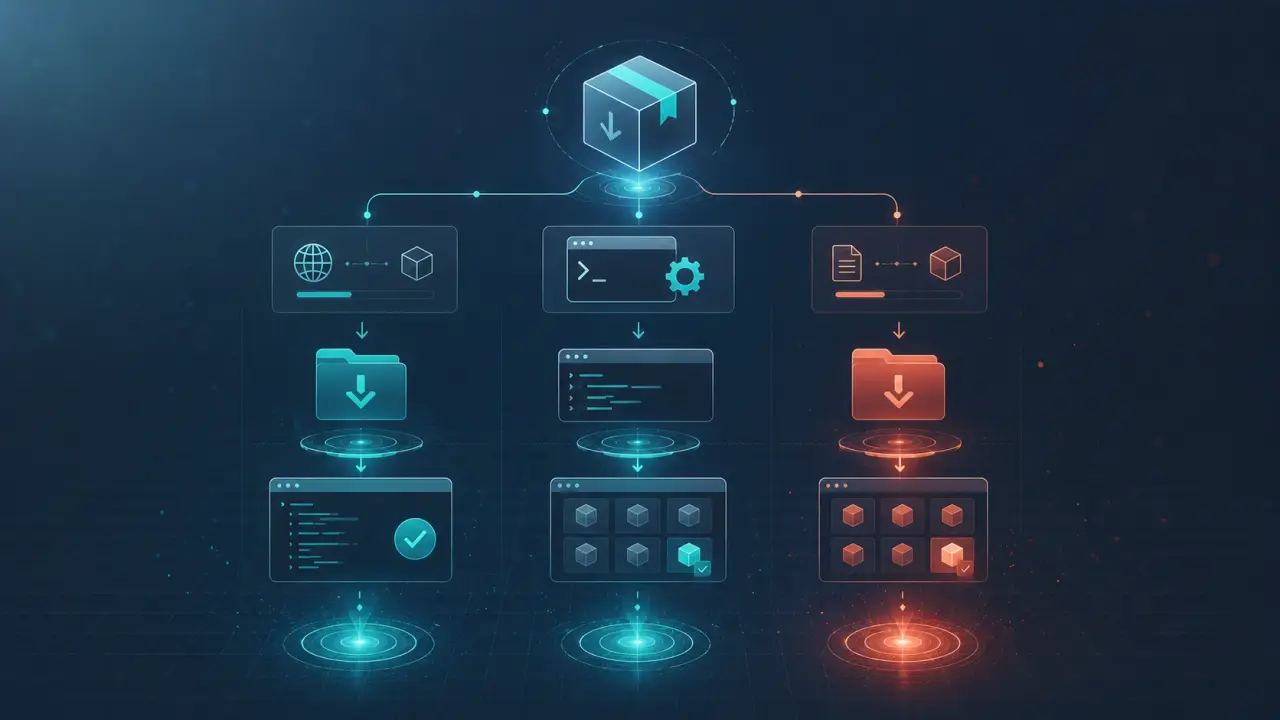
Installing new skills in OpenClaw is straightforward and supported via several methods. Follow these numbered steps to add skills to your agent:1. Download or Clone the Skill: Obtain the skill archive (ZIP, TAR) or clone the repository containing the skill folder. 2. Extract or Copy: Unzip the archive or copy the skill folder directly. 3. Place in Skills Directory: Move the skill folder to `~/.openclaw/skills/`. Ensure the folder contains a valid `SKILL.md` file. 4. Verify Folder Structure: Confirm that the skill folder is named appropriately and contains all necessary files.
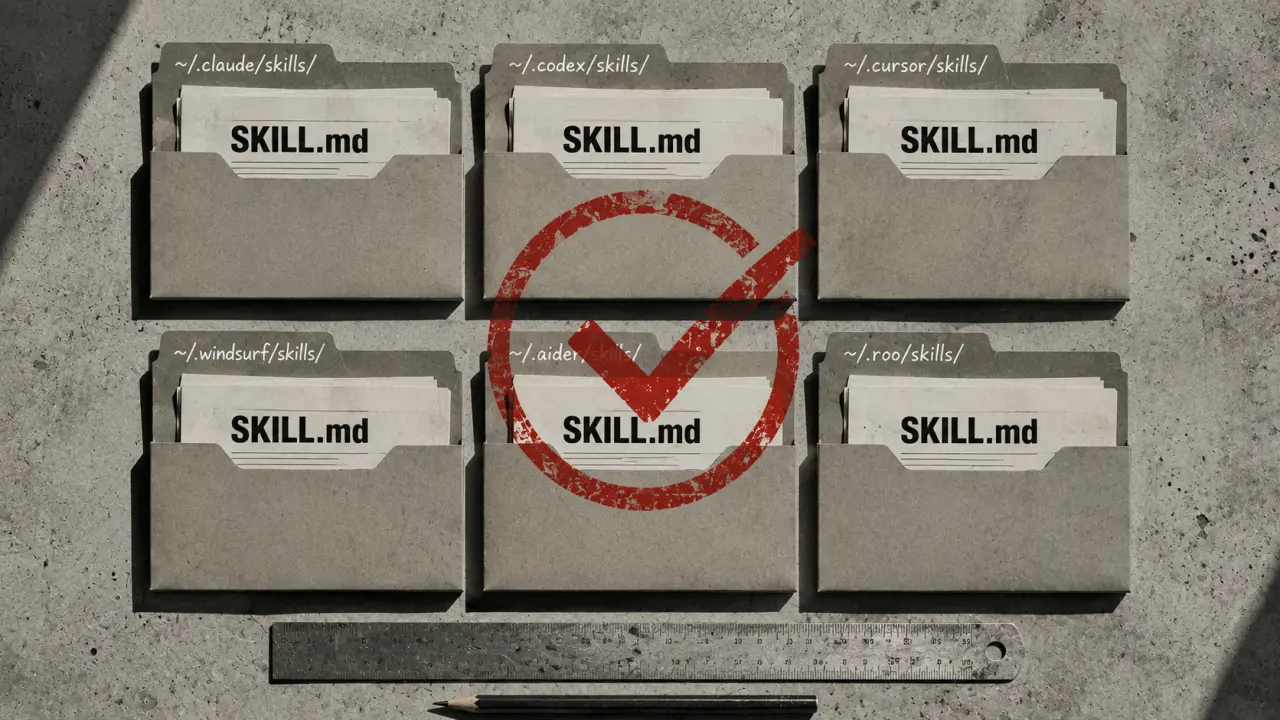
Alternatively, you can create a symbolic link (symlink) from an existing Claude Code skill folder to OpenClaw’s skills directory to reuse skills without duplicating files.
Practical Example: Installing the Code Reviewer Skill
Suppose you want to install the popular `code-reviewer` skill:1. Clone the skill repository: `git clone https://github.com/agent-skills/code-reviewer.git` 2. Move it to your OpenClaw skills folder: `mv code-reviewer ~/.openclaw/skills/` 3. Check that the `SKILL.md` file exists inside `~/.openclaw/skills/code-reviewer/`. 4. Restart OpenClaw or reload skills to make it available.
Once installed, you can invoke the skill by its name in your OpenClaw interface or command line, e.g., `openclaw run code-reviewer`.
Creating Your Own Custom SKILL.md Skill
If you want to extend OpenClaw with your own tasks, creating custom SKILL.md files is the way to go. Here’s a step-by-step guide:1. Create a New Folder: Inside `~/.openclaw/skills/`, create a new folder with a descriptive name for your skill. 2. Write SKILL.md: Create a `SKILL.md` file describing your skill’s purpose, inputs, outputs, and instructions. Use markdown formatting and follow existing skill examples. 3. Add Supporting Files: If needed, include scripts, templates, or other assets in subfolders. 4. Test Your Skill: Reload OpenClaw and test your skill using sample inputs.
Tips for Writing SKILL.md Files
- Clearly define inputs and outputs so OpenClaw can pass data correctly. - Use examples to illustrate expected behavior. - Include versioning and compatibility notes. - Keep instructions concise and actionable.Compatibility Between OpenClaw and Claude Code
Because both OpenClaw and Claude Code use the SKILL.md format, skills are cross-compatible. This means:- Skills built for Claude Code work on OpenClaw without modifications. - OpenClaw users can contribute skills back to the Claude Code ecosystem. - You can maintain a single skills repository for both agents, simplifying updates and collaboration.
This compatibility encourages a rich marketplace of AI skills and reduces duplication of effort across AI agent communities.
Real-World Use Cases for SKILL.md Skills in OpenClaw
OpenClaw’s skills system can be applied in numerous scenarios. Here are some practical examples:1. Automated Code Reviews: Use the `code-reviewer` skill to analyze pull requests, suggest improvements, and enforce coding standards. 2. Git Commit Message Generation: The `git-commit-writer` skill can generate meaningful commit messages from diff summaries. 3. Environment Diagnostics: The `env-doctor` skill can run system checks and report configuration issues. 4. Bug Triage: Custom skills can classify bug reports, assign severity, and suggest fixes. 5. Documentation Generation: Create skills that convert code comments into user-friendly documentation automatically.
These use cases highlight how skills can automate repetitive tasks, reduce errors, and improve developer productivity.
Tips for Managing and Updating Skills
To keep your OpenClaw skills organized and up to date, consider the following tips:- Version Control: Use Git repositories for your skills to track changes and collaborate. - Regular Updates: Periodically pull updates from skill repositories to get improvements and bug fixes. - Skill Naming: Use clear and consistent naming conventions to avoid conflicts. - Backup Skills Folder: Regularly back up your `~/.openclaw/skills/` directory. - Skill Dependencies: Document any external dependencies your skills require, such as scripts or system tools.
By following these best practices, you ensure a smooth experience when expanding OpenClaw’s capabilities.
Conclusion
OpenClaw’s use of the SKILL.md format for its AgentSkills system is a powerful enabler for AI-driven automation and productivity. The shared standard with Claude Code and other agents means that skills are portable, reusable, and easy to manage. Whether you are installing existing skills, building your own, or integrating workflows, mastering how to install and use SKILL.md skills in OpenClaw will significantly enhance your AI agent experience. Start exploring the growing library of skills today, and unlock new possibilities in AI-assisted development.Frequently Asked Questions
Is the content on this page free to use? Yes — all resources on PromptSpace are completely free. Try our free AI image generator or browse 4,000+ AI prompts at no cost.How do I get started with AI tools? Start with a clear goal and specific prompts. The more detail you provide — audience, format, tone, constraints — the better the AI output.
Can I use AI outputs commercially? On paid tiers of major platforms, yes. Always verify the specific tool's terms of service for your use case.
Where can I find more AI resources? PromptSpace has 4,000+ free AI prompts and 150+ free tools — browse the library or try the AI image generator.