Real talk: base Stable Diffusion models are incredibly capable, but they'll never give you that one specific look you're chasing. LoRAs changed the game for me. These small add-on files (typically 10-200 MB) modify how Stable Diffusion and FLUX generate images, letting you achieve specific art styles, consistent characters, branded aesthetics, and unique visual effects - all without training a full model from scratch. Think of them as plugins for your AI art tool: lightweight, stackable, and endlessly customizable. If you are serious about AI art and want to move beyond generic outputs, LoRAs are absolutely essential to your workflow.
How LoRAs Work: The Technical Basics
A Stable Diffusion or FLUX checkpoint is a large neural network model (2-7 GB for SD, 12-24 GB for FLUX) trained on millions of images. This base model has learned a vast range of visual concepts - from photorealism to illustration, landscapes to portraits. A LoRA is a much smaller file (typically 10-200 MB) that applies targeted adjustments to specific layers of the base model's neural network. Rather than retraining the entire model (which would require thousands of dollars in compute), a LoRA modifies only the most relevant parameters using a clever mathematical technique called low-rank decomposition.The Artist Analogy
Think of the base checkpoint as a highly versatile artist who can paint in many styles. A LoRA is a specialized instruction set - "from now on, paint everything in this particular watercolor technique" or "make every face look like this specific person." The artist's core skills remain intact, but their output is steered in a specific direction.Stacking Multiple LoRAs
One of the most powerful features of LoRAs is that they can be stacked. You can combine a style LoRA (e.g., "vintage film photography") with a concept LoRA (e.g., "made of crystal") and a detail LoRA (e.g., "intricate jewelry") in a single generation. Each LoRA has a weight parameter that controls how strongly it influences the output, allowing you to balance multiple effects. Typical stacking uses 2-4 LoRAs, though more are possible with careful weight management.LoRA vs. Other Fine-Tuning Methods
- Full fine-tune: Retrains the entire model. Produces the highest quality but costs hundreds of dollars in compute and produces a multi-gigabyte file. Overkill for most use cases. - DreamBooth: Trains a subject-specific model by embedding a new concept into the checkpoint. Good for specific subjects but produces large files and is harder to combine. - Textual Inversion (Embeddings): Learns a new text token that represents a concept. Very small files but limited in what they can achieve compared to LoRAs. - LoRA: The sweet spot - small files, fast training, stackable, and capable of learning styles, characters, and complex concepts. The community standard for customization.Where to Find LoRAs: Best Sources in 2026
CivitAI (civitai.com)
CivitAI is the largest LoRA repository by far, hosting thousands of free LoRAs for every style, character, and concept imaginable. The site lets you filter by model type (LoRA, LyCORIS, etc.), base model compatibility (SDXL, SD 1.5, Pony, FLUX), and category (style, character, clothing, concept). Each LoRA listing includes sample images, recommended weights, trigger words, and user reviews. Always check the "base model" field to ensure compatibility with your checkpoint.Hugging Face
Hugging Face hosts many LoRAs, particularly official ones from model creators and research teams. The quality tends to be very high but the selection is smaller than CivitAI. FLUX LoRAs are especially well-represented on Hugging Face. Look in the "diffusers" category and filter by LoRA.PromptSpace Gallery
The PromptSpace AI Art gallery showcases artworks created with popular LoRAs, so you can see real-world results before downloading anything. Many gallery entries include the specific LoRA name, weight, and trigger words used, making it easy to replicate the results.What to Look For
When evaluating a LoRA, check: the number of sample images (more is better), whether the creator shows results at different weights, compatibility with your base model, file size (larger usually means more detail learned), and community ratings. Avoid LoRAs with only 1-2 sample images or no listed trigger words.How to Use LoRAs: Step-by-Step Setup
In Automatic1111 (AUTOMATIC1111 Web UI)
1. Download the LoRA file (it will be a .safetensors file). 2. Place it in your Stable Diffusion installation's `models/Lora` folder. 3. Refresh the LoRA list in the UI (click the refresh button next to the LoRA dropdown, or restart the UI). 4. Add to prompt using the syntax: `In ComfyUI
1. Place the file in your `models/loras` folder. 2. Add a LoRA Loader node to your workflow. 3. Connect it between your checkpoint loader and the CLIP/model outputs. The LoRA Loader takes model and CLIP inputs and outputs modified versions of both. 4. Select the LoRA from the dropdown in the node. 5. Set the strength - ComfyUI separates model strength and CLIP strength, giving you more granular control. Start both at 0.7.In Forge (SD Forge)
Forge uses the same syntax as Automatic1111: `Pro Tips for Using LoRAs
- Always read the LoRA description for recommended weights and trigger words - the creator tested these values for best results. - Test at multiple weights (0.3, 0.5, 0.7, 1.0) to find the sweet spot for your specific use case. - When stacking LoRAs, reduce individual weights. If using 3 LoRAs, try 0.5 each instead of 0.7 each to prevent over-saturation. - Some LoRAs conflict - two style LoRAs may fight each other. If results look muddy, reduce one LoRA's weight or remove it.Popular LoRA Categories and Recommendations
Style LoRAs
Style LoRAs are the most popular category. They replicate specific art styles, mediums, or visual aesthetics. Examples include watercolor painting, pixel art, retro 1990s anime, film noir photography, oil painting with visible brushstrokes, and comic book art. These are incredibly versatile - apply a style LoRA to any subject and it transforms the entire output.Character LoRAs
Character LoRAs let you generate a consistent character face and body across different poses, outfits, and scenes. This is essential for creating comic series, visual novels, storyboards, or any project requiring character consistency. They are trained on 10-30 images of a specific character or person and can reproduce likeness with remarkable accuracy.Clothing and Fashion LoRAs
These specialized LoRAs add specific fashion items, uniforms, costumes, and accessories. From historically accurate medieval armor to specific modern fashion brands, clothing LoRAs add visual authenticity that generic prompts cannot achieve.Concept LoRAs
Concept LoRAs teach the model abstract visual ideas: "made of glass," "holographic iridescent," "bioluminescent glow," "made of flowers," "liquid metal," "paper cutout style." These create striking, surreal images and combine beautifully with other LoRA types.Detail Enhancement LoRAs
These LoRAs improve specific aspects of image quality: "intricate detailed jewelry," "realistic hand anatomy," "detailed eyes with catchlights," "realistic skin texture." They are often used as subtle additions (weight 0.3-0.5) to improve weak areas without changing the overall style.Training Your Own LoRA: A Complete Guide
Training a custom LoRA is more accessible than most people realize. With the right tools and 10-20 reference images, you can create a production-quality LoRA in under an hour.What You Need
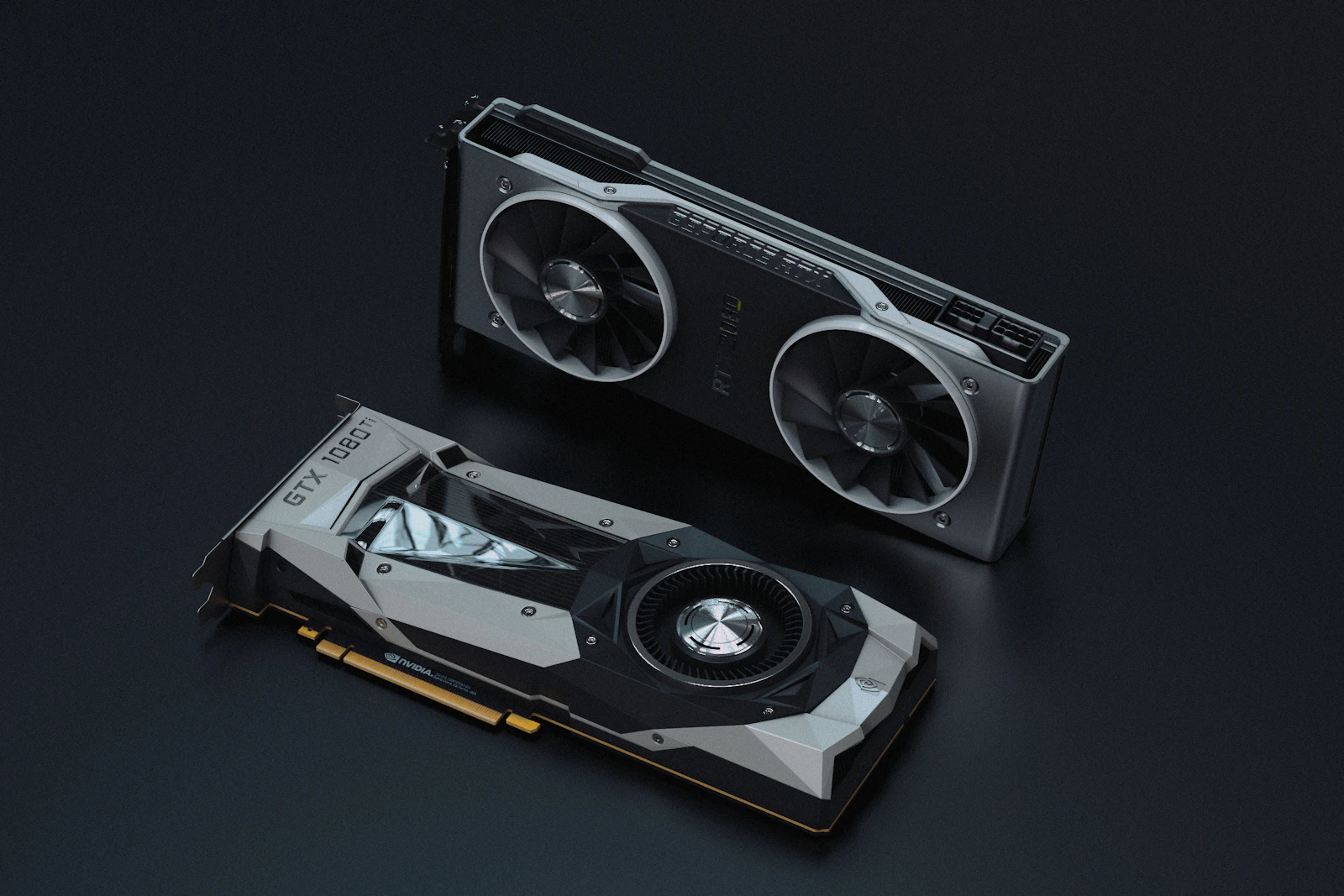
- GPU: NVIDIA GPU with 8+ GB VRAM (12 GB recommended). An RTX 3060 12 GB works well. - Training images: 10-20 high-quality images for style LoRAs, 15-30 for character LoRAs. Diverse angles and lighting conditions produce more versatile LoRAs. - Training software: Kohya_ss (the community standard, free, open-source) or CivitAI's online trainer (no local GPU required). - Captions: Text descriptions of each training image. Auto-captioning tools like BLIP or WD Tagger can generate these automatically.Step-by-Step Training Process
1. Collect and prepare images. Crop to consistent resolution (512×512 for SD 1.5, 1024×1024 for SDXL). Remove watermarks and ensure consistent quality. 2. Generate captions. Use auto-captioning, then manually review and edit for accuracy. Good captions dramatically improve LoRA quality. 3. Configure training parameters. Key settings: learning rate (1e-4 for styles, 5e-5 for characters), training steps (1,500-3,000 for most LoRAs), batch size (1-2 for 8 GB VRAM, 4+ for 12 GB+), and network rank/dimension (32-64 for most use cases, 128 for complex styles). 4. Train. Training takes 15-60 minutes depending on your GPU and settings. 5. Test. Generate images at different weights (0.3, 0.5, 0.7, 1.0) with varied prompts to evaluate quality and flexibility.Common Use Cases for Custom LoRAs
- Brand consistency: Train your brand's visual style for consistent marketing materials - Character creation: Build a consistent character for comics, visual novels, or social media series - Product photography: Train on product photos for consistent, customizable product shots - Personal style: Capture your unique artistic vision in a reusable, shareable formatUse PromptSpace prompts as test inputs to verify your LoRA works well across different scenarios and subject matter - a well-trained LoRA should produce good results regardless of the specific prompt subject.
Frequently Asked Questions
Is this free to use? Yes — PromptSpace provides free AI prompts for any AI tool. Try them instantly with our free AI image generator — no account needed.Which AI model works best with these prompts? These prompts work across Midjourney, DALL-E 3, FLUX, and Stable Diffusion. Test in two tools to compare — results vary by model.
Can I use AI-generated images commercially? Yes on paid tiers of Midjourney, ChatGPT Plus, and Adobe Firefly. Always verify the specific platform's terms before commercial use.
How do I improve results if the first output isn't right? Add specific lighting, camera angle, and visual style references. Iterate 3–4 times with small changes to find the best output.