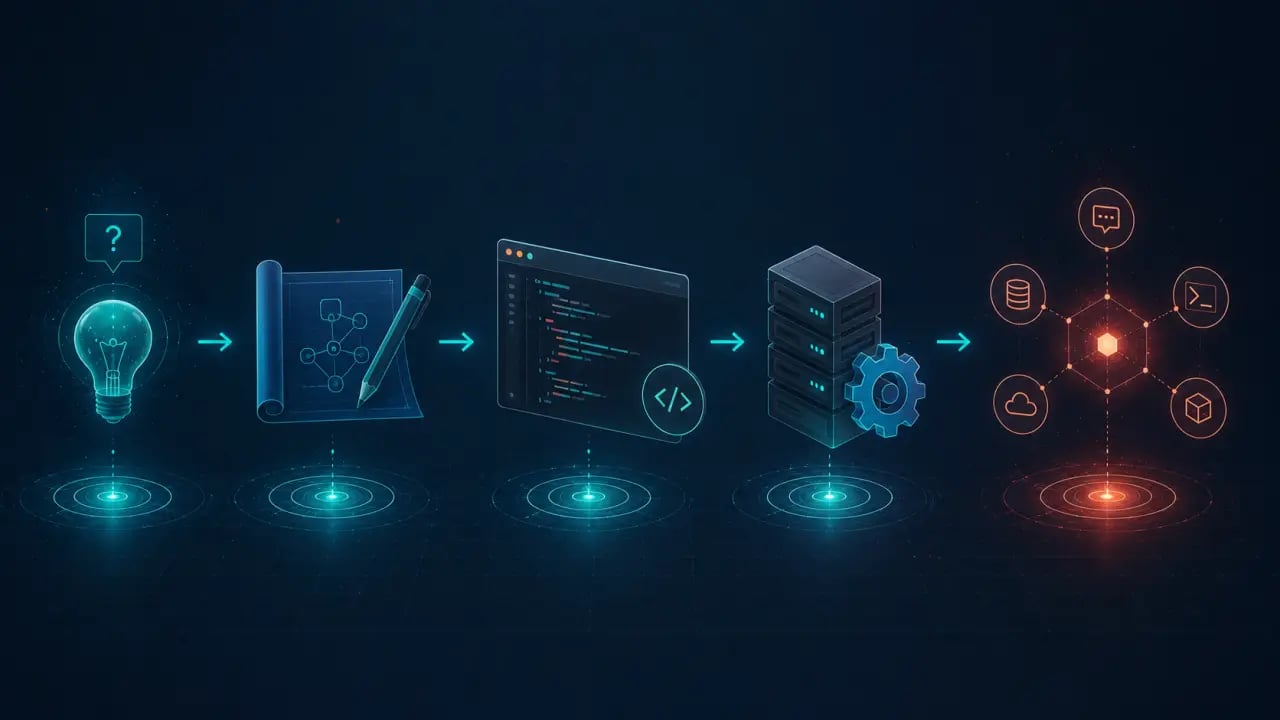
Building an MCP server is simpler than most developers expect. If you can write a basic Node.js app, you can build an MCP server. This tutorial walks through creating a functional server from scratch, connecting it to Claude Code, and testing it. > Quick Answer: You can build your first Model Context Protocol (MCP) server by setting up a Node.js project, defining tools with `@modelcontextprotocol/sdk` and `zod`, building the project with TypeScript, and connecting it to an AI agent like Claude Code via stdio or HTTP/SSE transport.
What you're building
A simple MCP server that exposes two tools to AI agents: 1. `get_weather`: returns current weather for a city (using a free API) 2. `get_time`: returns the current time in a given timezone These are intentionally simple so you can focus on the MCP patterns. Once you understand the structure, you can replace these with any tools you want.Prerequisites
You need Node.js 18+ and npm installed. You also need an AI agent that supports MCP (Claude Code, Cursor, or Codex CLI).Step 1: Set up the project
```bash mkdir my-mcp-server cd my-mcp-server npm init -y npm install @modelcontextprotocol/sdk zod ``` The MCP SDK handles the protocol implementation. Zod is used for input validation. Create a `tsconfig.json`: ```json { "compilerOptions": { "target": "ES2022", "module": "node16", "moduleResolution": "node16", "outDir": "./dist", "strict": true, "esModuleInterop": true }, "include": ["src/**/*"] } ```Step 2: Define your tools
Create `src/server.ts`: ```typescript import { McpServer } from "@modelcontextprotocol/sdk/server/mcp.js"; import { StdioServerTransport } from "@modelcontextprotocol/sdk/server/stdio.js"; import { z } from "zod"; const server = new McpServer({ name: "my-first-mcp", version: "1.0.0", }); // Tool 1: Get current time in a timezone server.tool( "get_time", "Get the current time in a specific timezone", { timezone: z.string().describe( "IANA timezone name, e.g. America/New_York, Europe/London" ), }, async ({ timezone }) => { try { const time = new Date().toLocaleString("en-US", { timeZone: timezone, }); return { content: [ { type: "text", text: `Current time in ${timezone}: ${time}`, }, ], }; } catch (error) { return { content: [ { type: "text", text: `Invalid timezone: ${timezone}`, }, ], isError: true, }; } } ); // Tool 2: Get weather (using wttr.in, no API key needed) server.tool( "get_weather", "Get current weather for a city", { city: z.string().describe("City name, e.g. London, Tokyo"), }, async ({ city }) => { try { const response = await fetch( `https://wttr.in/${encodeURIComponent(city)}?format=j1` ); const data = await response.json(); const current = data.current_condition[0]; return { content: [ { type: "text", text: [ `Weather in ${city}:`, `Temperature: ${current.temp_C}°C / ${current.temp_F}°F`, `Condition: ${current.weatherDesc[0].value}`, `Humidity: ${current.humidity}%`, `Wind: ${current.windspeedKmph} km/h`, ].join("\n"), }, ], }; } catch (error) { return { content: [ { type: "text", text: `Could not fetch weather for ${city}`, }, ], isError: true, }; } } ); // Start the server async function main() { const transport = new StdioServerTransport(); await server.connect(transport); console.error("MCP server running on stdio"); } main().catch(console.error); ``` Each tool has four parts: a name, a description (which the agent reads to decide when to use it), an input schema (validated with Zod), and a handler function that executes the logic.Step 3: Build and test locally
Add build and start scripts to `package.json`: ```json { "scripts": { "build": "tsc", "start": "node dist/server.js" } } ``` Build it: ```bash npm run build ```Step 4: Connect to Claude Code
Add your server to Claude Code's config. Edit `~/.claude.json`: ```json { "mcpServers": { "my-first-mcp": { "command": "node", "args": ["/absolute/path/to/my-mcp-server/dist/server.js"] } } } ``` This uses stdio transport (the server runs as a local process). For remote deployment, you would use HTTP/SSE transport instead. Restart Claude Code and type `/mcp` to verify the connection. You should see your server listed with the two tools.Step 5: Test the tools
Ask Claude Code something that should trigger your tools: "What's the weather like in Amsterdam right now?" Claude should recognize that the get_weather tool is relevant, call it with "Amsterdam", and include the weather data in its response. Try: "What time is it in Tokyo?" Claude should use the get_time tool.Step 6: Add more tools
Adding a new tool follows the same pattern. Here's a third tool that counts words in a file: ```typescript server.tool( "count_words", "Count the number of words in a file", { filepath: z.string().describe("Path to the file to count"), }, async ({ filepath }) => { const fs = await import("fs/promises"); const content = await fs.readFile(filepath, "utf-8"); const words = content.split(/\s+/).filter(Boolean).length; return { content: [ { type: "text", text: `${filepath} contains ${words} words`, }, ], }; } ); ```Deploying remotely
For production use, you'll want to deploy your MCP server as a web service instead of running it locally. This requires switching from stdio transport to HTTP/SSE transport: ```typescript import { SSEServerTransport } from "@modelcontextprotocol/sdk/server/sse.js"; import express from "express"; const app = express(); app.get("/sse", async (req, res) => { const transport = new SSEServerTransport("/message", res); await server.connect(transport); }); app.post("/message", async (req, res) => { // Handle messages from the transport }); app.listen(3000); ``` Deploy this to Railway, Render, or Fly.io, and agents can connect to it remotely using the URL instead of a local command.What to build next
Now that you understand the pattern, think about what tools would be most useful in your workflow. Some ideas: A server that queries your project's database so your agent can answer questions about your data. A server that reads your monitoring dashboard so your agent can check system health. A server that integrates with your CI/CD pipeline so your agent can trigger deployments. The best MCP servers solve a specific problem well. Start small, test with your agent, and iterate. For the other side of agent customization (teaching your agent procedures and expertise rather than connecting it to tools), see our guide on what is SKILL.md. For understanding when to use MCP vs skills, see MCP vs SKILL.md skills. For real-world examples of combining both, read how MCP and SKILL.md work together. ---Related articles
- What Is the Model Context Protocol (MCP)? A Developer's Guide - MCP vs SKILL.md: What's the Difference and When to Use Each - How MCP and SKILL.md Work Together: Practical Examples - The Complete Guide to AI Agent Configuration in 2026Frequently Asked Questions
Is the content on this page free to use? Yes — all resources on PromptSpace are completely free. Try our free AI image generator or browse 4,000+ AI prompts at no cost.How do I get started with AI tools? Start with a clear goal and specific prompts. The more detail you provide — audience, format, tone, constraints — the better the AI output.
Can I use AI outputs commercially? On paid tiers of major platforms, yes. Always verify the specific tool's terms of service for your use case.
Where can I find more AI resources? PromptSpace has 4,000+ free AI prompts and 150+ free tools — browse the library or try the AI image generator.