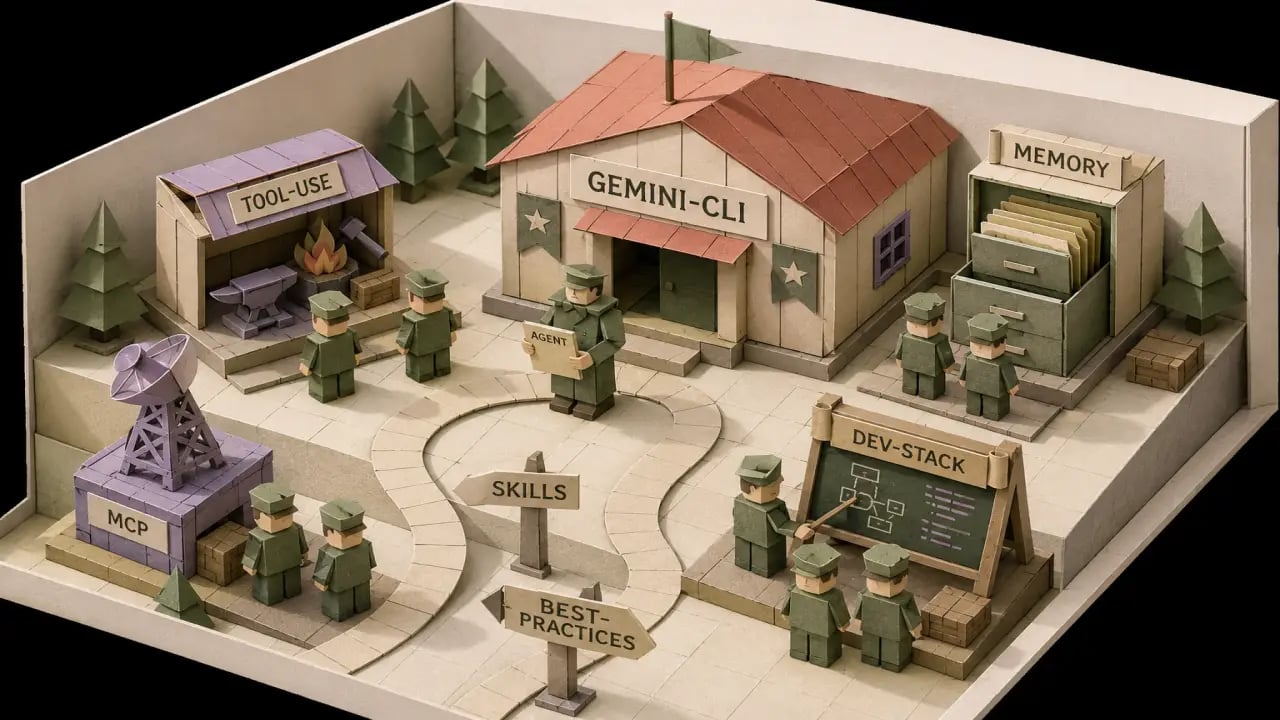
Gemini CLI Agent Skills: The New Dev Stack (2026)
I've spent six weeks running Gemini CLI agent skills as my daily driver instead of Claude Code, on two real projects, and the verdict is messier than the hot takes suggest. Gemini CLI is better at some things — a real free tier, a context window that swallows whole repos, Workspace integration nobody else has — and worse at others, mostly around the maturity of the skills ecosystem. Here's what it is, the five skills I'd install on day one, and which tool wins for which kind of developer.
Table of Contents
What Gemini CLI actually is
If you've used Claude Code, the mental model is straightforward: Gemini CLI is Google's answer to it. A terminal-native agent that reads your repo, edits files, runs commands, and iterates until tasks are done. One npm install, sign in with a Google account, and you're in a chat-shaped REPL with hands.
Where Claude Code feels like Anthropic's polished, opinionated take on the agent loop, Gemini CLI feels like Google handed you the raw model and said "knock yourself out." Compliment and warning. The model is excellent. The opinionation around it is thinner.
The skills layer landed properly in early 2026 — same shape as Claude Code's, a Markdown file describing a job, dropped into a project or user-level directory. If you've read the prompts-to-skills migration guide, the pattern transfers cleanly.
Where Gemini CLI beats Claude Code
I went in skeptical. The skeptic was wrong on three counts.
The free tier is real
Most "free" AI tools cap you at the kind of usage that lets you write a haiku before the limit hits. Gemini CLI's free tier is genuinely generous — at the time of writing, the daily quota was large enough that I built an entire side project on it without ever hitting a wall. For a solo dev sketching a weekend idea, this matters more than any benchmark. The cost of curiosity drops to zero.
For comparison: I burned through Claude Code Pro's effective limits twice in the same period working on one client project. If you're price-sensitive, the math has shifted.
The context window is absurd
Gemini's million-plus token context isn't marketing — it actually behaves like one in the CLI. I dropped a 180k-line repo into a session, asked "where is the auth flow defined and which files would I touch to add SSO," and got a coherent answer that referenced files I'd forgotten existed. Claude Code with a smart retrieval skill can do this too, but Gemini CLI does it without ceremony. Paste, ask.
Google Workspace integration nobody else has
This is the one I didn't see coming. Gemini CLI can natively reach into Gmail, Docs, Drive, Calendar, and Sheets if you authorise it. For a dev that's "fine, whatever." For a dev who also runs a one-person consulting business off Workspace — me, and probably you — it's a different category of tool. I asked it to read a client brief from a Google Doc, generate the implementation plan, and stash the plan back as a comment on the same Doc. Claude Code does not do that.
Where it still loses
Three real ones, no spin.
The skill ecosystem is younger. Claude Code's skill marketplace has roughly two years of head start. The Gemini CLI equivalent is filling in fast, but on the day you read this there will still be Claude-only skills you'd want with no Gemini equivalent. The PromptSpace catalogue is increasingly tool-agnostic — a well-written skill works on both — but Claude-first ones are usually written first and ported later.
Default behaviour is less cautious. Claude Code, with the right skills, asks before doing dangerous things. Gemini CLI's default is more "yes, chef" and will happily run a destructive shell command if you didn't explicitly tell it not to. You can fix this with skills (more on that below), but the defaults are the difference between a tool you can hand to a junior dev and one you can't.
Multi-step planning is slightly worse out of the box. Claude Code's agentic loop is more polished — better at breaking a 30-file change into ordered commits with checkpoints. Gemini CLI gets there with the right skill, but the gap is real. If your work is mostly small, well-scoped tasks, you won't notice. For big migrations, Claude Code still has the edge.
The 5 Gemini CLI agent skills to install on day one
Three of these are skills already in the PromptSpace catalogue and work cleanly in Gemini CLI's skills directory. The other two are Gemini-specific behaviours I configure on every fresh install. All five address weaknesses I hit in week one.
1. agentic-workflow — closes the planning gap
What it does: imposes the read-plan-checkpoint-execute loop on whatever model you point it at. Forces the agent to read relevant files, write an explicit plan, get approval, then execute in small commits with tests after each.
Why Gemini CLI users need it: the single biggest patch for Gemini CLI's "yes chef" tendency. Drop it in ~/.gemini/skills/ and your agent immediately behaves like a more careful version of itself.
The first time it earned its keep: I asked Gemini CLI to "migrate the project from Vite to Next.js." Without the skill, it started rewriting package.json in the first reply. With the skill, it produced an 11-step plan, paused at step three when it spotted a custom Vite plugin we'd need to replace, and asked which fallback I wanted. Took 90 minutes end to end. I was actively typing for maybe 15.
2. skill-router — survives the bigger context
What it does: meta-skill that helps the agent pick the right specialist for the task at hand from your installed library, instead of you invoking by name.
Why Gemini CLI users need it: with a million-token context, you'll feel tempted to install thirty skills and let Gemini sort it out. That works for a week, then you forget which skill does what. skill-router fixes the "which one again?" problem and makes the library discoverable to the agent itself.
I install this last but recommend it to everyone running more than five skills. Same load-bearing role it plays on Claude Code, a point I made in the solo-dev Claude Code post and which generalises cleanly.
3. persistent-kb — long memory the CLI doesn't ship with
What it does: gives the agent a project-scoped knowledge base it can read and append to across sessions. Architecture decisions, weird env-var requirements, the reason you picked Postgres — all stored in a structured KB the agent loads at session start.
Why Gemini CLI users need it: yes, the context window is huge. No, that's not the same as memory. Gemini CLI starts each session cold unless you re-paste context. persistent-kb makes "remember the decisions we made last week" work without you remembering to dump anything.
Bonus: the same KB doubles as onboarding documentation if you ever bring on a contractor. Last month I literally pasted a project's KB into a new collaborator's first-day Notion. Saved a 90-minute walkthrough.
4. A safety preamble — do this before you let it touch shell
What it does: a short startup skill listing the actions the agent must confirm before executing — anything that writes outside the repo, hits a remote API, runs rm, or pushes to a branch other than your working one.
Why Gemini CLI users need it: the default permission model is more permissive than Claude Code's. Twenty lines of Markdown that have already saved me from one accidental git push --force to main. The AI code review post covers the same review-pattern thinking.
5. A Workspace bridge skill — the one Gemini-only superpower
What it does: a thin skill telling the agent how and when to reach into Workspace — read briefs from Docs, log decisions back as comments, check the calendar before suggesting a Friday deploy, append a meeting summary to a Sheet.
Why Gemini CLI users need it: the capability nobody else has. Without a skill defining etiquette, Gemini will either ignore Workspace entirely or reach into it at the wrong moment. With one, you get a development agent aware of the writing, planning, and billing surface where the rest of your work happens.
The version I use is 40 lines. Read briefs from Docs only when I name the doc; never write to a Doc unless I explicitly ask; log architecture decisions back to a project Doc named DECISIONS; never touch Calendar without asking. Not glamorous. It's the thing that makes Gemini CLI feel like a coworker who knows what you do for a living.
Which tool wins for which persona
After six weeks of A/B-ing, I have opinions sharper than the "it depends" answer most posts give you.
Pick Gemini CLI if: you're price-sensitive, you live in Google Workspace, your work involves whole-repo questions more than surgical edits, or you're a student or hobbyist who wants serious agent capability without a paid plan. The free tier alone makes it the obvious starting point.
Pick Claude Code if: you're doing big multi-file refactors weekly, you need the most polished agentic loop, you want the deepest skill marketplace today, or you're running production systems where the more-cautious defaults matter.
Pick both if you can. They run side-by-side cheaply, the skills mostly transfer, and they have genuinely different strengths. I now use Gemini CLI for exploration, codebase questions, and Workspace-bridging tasks; Claude Code for actual implementation on projects where I'm being paid for the result.
Forced to pick one starting fresh? I'd pick Gemini CLI today for almost any solo developer who isn't already paying for Claude. The free tier removes the only real reason most people don't try this stuff.
What Gemini CLI won't fix
Three honest limits, in case the rest of the post sounded like a sales pitch.
- It won't make a bad codebase good. Huge context helps the agent understand the mess. It doesn't help the mess become not-a-mess. You still need to do the refactor work; the tool makes the planning of it cheaper.
- It won't replace a real review process. Gemini CLI is more confident than it should be on the first draft. Pair it with a code-review skill or human PR review before anything ships. The AI code review post covers patterns that actually catch bugs.
- It won't keep up with changing APIs without help. Models go stale on the latest libraries faster than you'd think. Working on a library that shipped a major version this month? Expect to correct the agent more than usual. Skills with up-to-date snippets help — generic intelligence won't.
None of these are reasons to skip Gemini CLI. They're reasons to install it with eyes open, the same way I keep telling people to install Claude Code with eyes open.
FAQ
Do Gemini CLI agent skills work the same as Claude Code skills?
Mostly yes. The file format is broadly compatible — a Markdown SKILL file describing one job — and the better skills on PromptSpace are written tool-agnostic. About 90% drop in cleanly; the remaining 10% need minor tweaks around tool-specific commands or paths. Conceptual model is identical.
Do I need a paid plan to use Gemini CLI?
No. The free tier is the headline feature, and as of this writing it's generous enough for real daily use. Paid tiers exist for higher quotas, advanced models, and enterprise features, but the free tier is not a toy.
Can I run Gemini CLI and Claude Code on the same project?
Yes, and increasingly people do. Different directories, different config files, no conflict. Just be careful about both agents committing simultaneously — that's a merge conflict you don't need. I keep them in separate terminals and only run one at a time on the same repo.
What's the best skill to start with for someone new to Gemini CLI?
agentic-workflow. It closes the biggest gap between Gemini CLI's defaults and what you actually want from a serious agent. Install it, run a real feature through it, and decide for yourself whether you need anything else.
Is the Workspace integration safe to enable?
Safe-ish, with a written rulebook. The OAuth flow is standard Google. The risk isn't Google snooping — it's the agent doing something well-meaning and wrong inside your Drive. Use the safety preamble skill described above. Start with read-only access, see how it behaves for a week, then expand.
Should I switch from Claude Code to Gemini CLI?
If you're already paying for Claude Code and happy with it: no rush. Add Gemini CLI as a free second tool for cases where it's stronger. If you're not paying yet and just starting your agent journey: start with Gemini CLI. The free tier means you can find out whether agentic dev fits your brain before any money changes hands.
The bottom line
Gemini CLI is not a Claude Code replacement, and trying to frame it that way misses the point. It's a different tool with different strengths — bigger context, free tier, Workspace native — that benefits from the same skills layer. The five above turn it from "Google's terminal agent" into something that fits a real solo dev workflow. Install agentic-workflow first, add a safety preamble before you do anything risky, and let the rest follow.
If you want one starting point: install agentic-workflow in your fresh Gemini CLI setup, run a real feature through it this weekend, and see whether the loop fits how you work. That one experiment will tell you more than another six blog posts.