My friend asked me whether to install ComfyUI or Automatic1111 and I couldn't give a simple answer - because there isn't one. Both are free, open-source, and capable of producing stunning AI art, but they represent fundamentally different philosophies: simplicity versus power, forms versus visual programming, ease of use versus infinite flexibility. I've spent hundreds of hours in both, and choosing the right one (or knowing when to use each) will significantly impact your AI art workflow, productivity, and the techniques available to you. This guide provides an honest, detailed comparison to help you make the right choice for your skill level and goals.
Automatic1111 (A1111): The Classic Choice
Automatic1111 - often shortened to A1111 - is the Stable Diffusion interface that most people start with, and for good reason. It is a web-based UI with a clean, form-driven layout: type your prompt in a text box, set your parameters with sliders and dropdowns, click Generate. The result appears on screen. It is that simple. A1111 has built-in support for every core Stable Diffusion feature: txt2img (text to image), img2img (image to image with a reference), inpainting (editing specific areas of an image), outpainting (extending an image's borders), ControlNet integration, LoRA loading, upscaling, batch generation, face restoration, and more. The extension ecosystem is massive - over 1,000 community-built extensions add features like AnimateDiff (animation), Deforum (video), regional prompting, prompt scheduling, dynamic thresholding, and specialized ControlNet preprocessors. The learning curve is gentle - if you can fill out a web form, you can use A1111. Most settings have sensible defaults, and you can produce great images within minutes of installation. The community support is excellent, with countless YouTube tutorials, Reddit guides, and forum posts for every conceivable question. A1111 is best for: beginners learning Stable Diffusion, users who want a straightforward prompt-to-image workflow, anyone who primarily uses txt2img with LoRAs and ControlNet, and situations where you just want to quickly generate an image without thinking about the pipeline.ComfyUI: The Power User's Dream
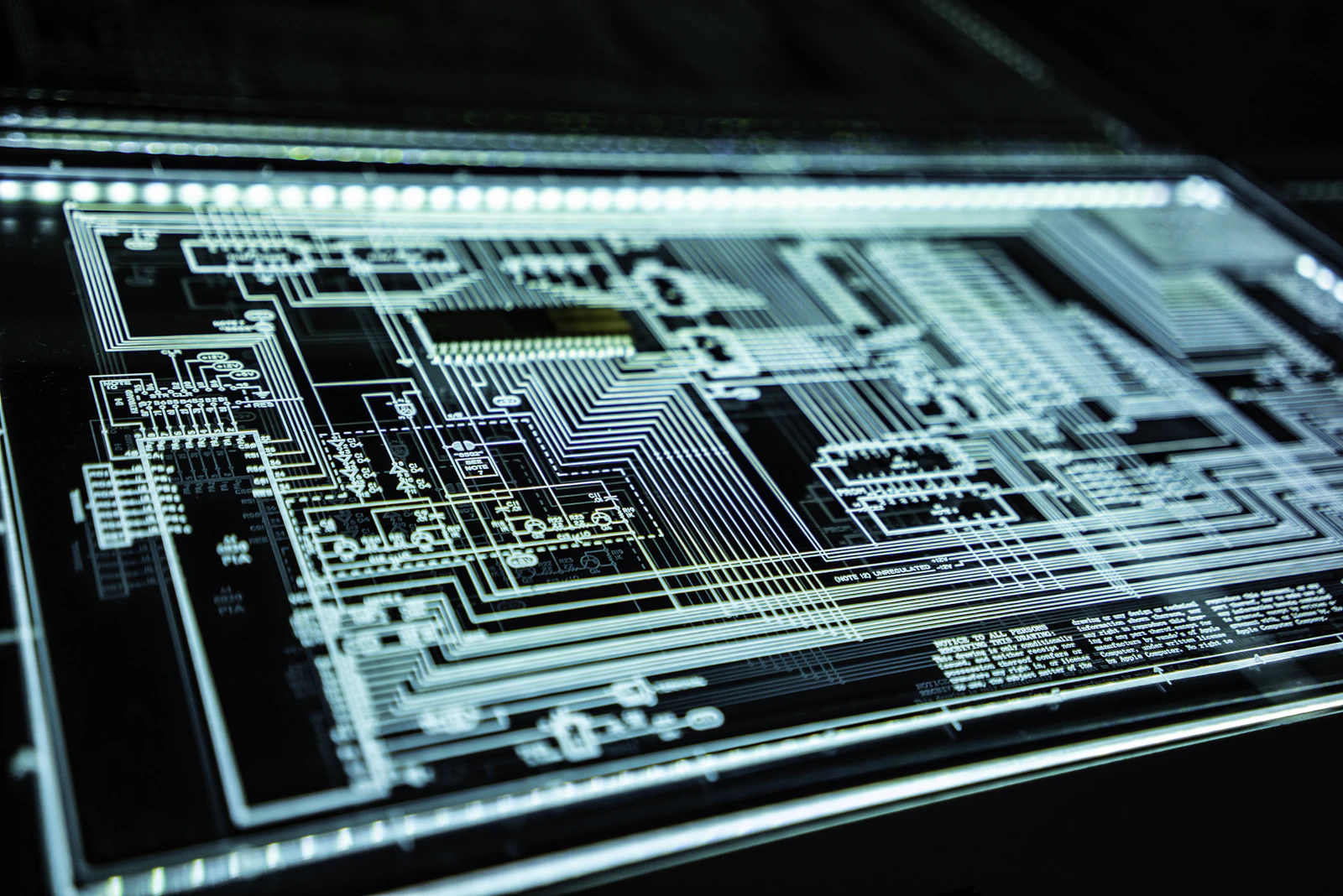
ComfyUI takes a radically different approach. Instead of forms and buttons, it represents the entire AI image generation pipeline as a visual node graph. Each step - loading the model, encoding the text, sampling the latent image, decoding to pixels - is a visible, draggable node on a canvas. You connect nodes with wires to build workflows, like visual programming or audio production software. This sounds intimidating, and the initial learning curve is steeper than A1111. But the payoff is immense. ComfyUI gives you precise, granular control over every single step of the generation process. You can branch the pipeline, run multiple models in sequence, apply different LoRAs to different generation stages, create complex ControlNet setups with multiple control images, build automated batch processing pipelines, and do things that are simply impossible in A1111's form-based interface. ComfyUI is also significantly faster - 30-50% faster on the same hardware due to optimized VRAM management and intelligent caching (it only re-runs nodes that have changed, not the entire pipeline). Crucially, ComfyUI supports the latest models first. When FLUX was released, ComfyUI had support within days. SD3, Stable Cascade, and other new architectures are typically available in ComfyUI weeks or months before A1111. If you want to use cutting-edge models, ComfyUI is the only realistic option. ComfyUI is best for: power users who want maximum control, anyone using FLUX or the latest models, batch processing and production workflows, advanced techniques (multi-ControlNet, IP-Adapter, regional prompting), and users who enjoy visual programming.Head-to-Head Comparison
Here is a detailed comparison across every dimension that matters:Ease of Use: A1111 wins clearly. Simple forms, sensible defaults, minimal learning curve. ComfyUI requires understanding the generation pipeline at a conceptual level. Verdict: A1111 for beginners, ComfyUI becomes intuitive with practice.
Speed/Performance: ComfyUI wins by a significant margin. 30-50% faster generation on identical hardware due to optimized VRAM management and smart caching. ComfyUI also uses less VRAM, allowing you to run larger models or higher resolutions on the same GPU.
Latest Model Support: ComfyUI wins decisively. FLUX, SD3, Stable Cascade, and new architectures are supported in ComfyUI almost immediately. A1111 often lags weeks to months behind. If you want FLUX, you need ComfyUI.
Extension Ecosystem: A1111 has more extensions (1,000+) due to its longer history and larger user base. However, ComfyUI's custom node ecosystem is growing rapidly, and many of the most innovative tools are ComfyUI-exclusive.
Custom Workflows: ComfyUI wins - the node system is infinitely flexible. You can build any pipeline imaginable, save it as a JSON workflow file, and share it with others. A1111's form-based approach limits you to the predefined interface.
Batch Processing: ComfyUI wins. Its node system naturally supports automated pipelines - process 100 images with different prompts, LoRAs, or ControlNet inputs without manual intervention. A1111 has basic batch support but nothing close to ComfyUI's flexibility.
Community Resources: A1111 wins slightly - more tutorials, guides, and forum posts exist due to its longer history. However, ComfyUI resources are catching up quickly, with excellent YouTube channels and an active community on Reddit and Discord.
Inpainting/Outpainting: Roughly tied. Both handle inpainting well. A1111's interface for inpainting is slightly more intuitive (paint directly on the image), while ComfyUI's approach is more powerful but requires node setup.
Which Should You Choose? A Decision Framework
The honest answer: it depends on your goals, technical comfort, and which models you want to use. Choose A1111 if: you are brand new to Stable Diffusion and AI image generation, you want the simplest possible path from prompt to image, you primarily use SDXL or SD 1.5 models (not FLUX), you do not need complex multi-step pipelines, or you prefer learning through traditional form-based interfaces. Choose ComfyUI if: you want to use FLUX or the latest cutting-edge models, you need maximum performance from your GPU, you want to build custom automated workflows, you are comfortable with visual programming or node-based tools (like Blender's shader nodes, Unreal Blueprints, or audio production software), or you plan to do professional or commercial AI art work. The hybrid approach: Many serious AI artists run both. They keep A1111 installed for quick experiments and simple generations (type a prompt, hit generate, see the result in seconds), and use ComfyUI for production work, FLUX generation, complex ControlNet setups, and batch processing. This is the approach I recommend for anyone who is serious about AI art.Getting Started: Installation Guide
Both tools install on Windows, Mac (Apple Silicon), and Linux. A1111: Visit the GitHub repository (AUTOMATIC1111/stable-diffusion-webui), clone it, and run webui-user.bat (Windows) or webui.sh (Mac/Linux). The installer handles all dependencies automatically. First launch downloads the base SD 1.5 model and takes 5-10 minutes. Once running, open your browser to localhost:7860 and start generating. ComfyUI: Download the portable version from the GitHub releases page (easiest for Windows) or clone the repository. Run the included run_nvidia_gpu.bat or the appropriate script for your system. ComfyUI launches to localhost:8188. On first launch, you will see the default workflow - a basic txt2img pipeline that you can modify or replace with community workflows. Hardware requirements: Both need an NVIDIA GPU with 6+ GB VRAM minimum (RTX 3060 12GB recommended for comfortable generation). AMD GPUs work with ROCm but NVIDIA is strongly preferred. Apple Silicon Macs work with both through MPS acceleration. Either way, 16GB system RAM minimum, 32GB recommended, and an SSD for fast model loading. Once installed, browse PromptSpace at promptspace.in for Stable Diffusion prompts - copy, paste, and start generating stunning AI art with either interface.Frequently Asked Questions
Is this free to use? Yes — PromptSpace provides free AI prompts for any AI tool. Try them instantly with our free AI image generator — no account needed.Which AI model works best with these prompts? These prompts work across Midjourney, DALL-E 3, FLUX, and Stable Diffusion. Test in two tools to compare — results vary by model.
Can I use AI-generated images commercially? Yes on paid tiers of Midjourney, ChatGPT Plus, and Adobe Firefly. Always verify the specific platform's terms before commercial use.
How do I improve results if the first output isn't right? Add specific lighting, camera angle, and visual style references. Iterate 3–4 times with small changes to find the best output.