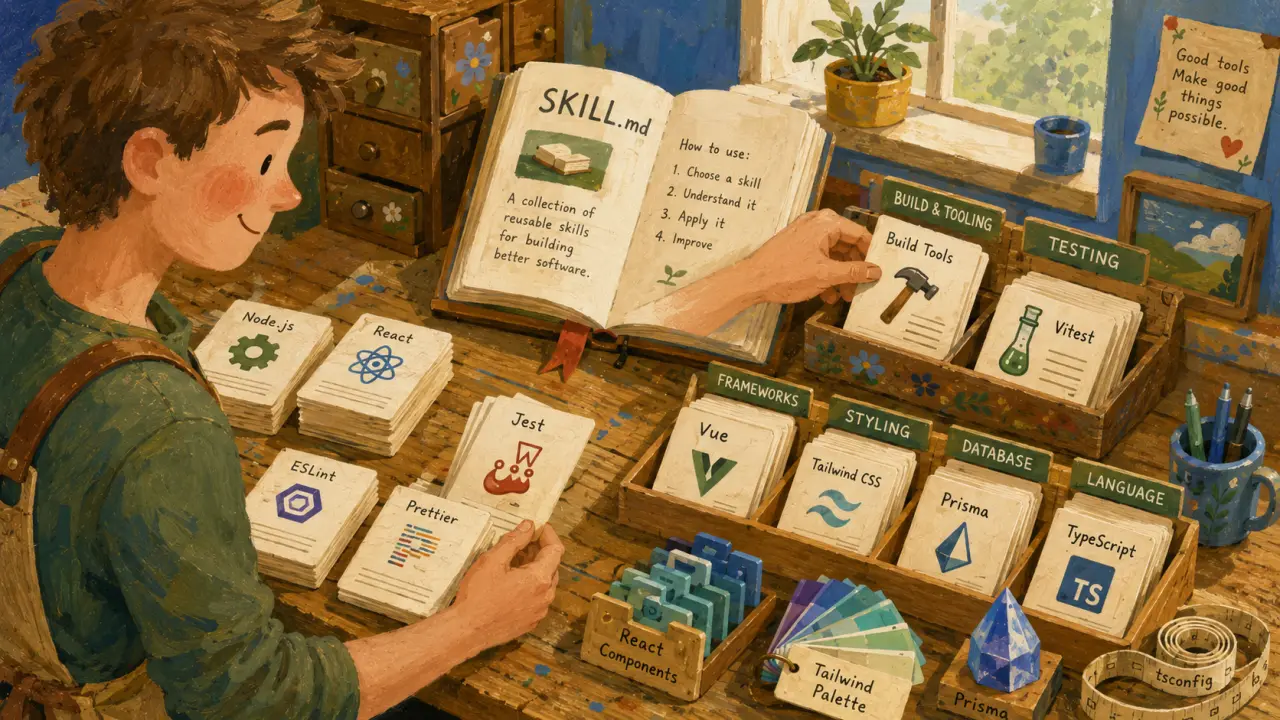
React projects have enormous variation in conventions. Two React codebases might use completely different state management, styling, file structure, and testing approaches. Without a skill, Claude Code defaults to generic React patterns that probably don't match yours.
The Problem Without a React Skill
Ask Claude Code to create a component and you'll get something functional but generic: 1. Default export (maybe your team uses named exports) 2. useState for everything (maybe you use Zustand or Jotai) 3. Inline styles or unstyled (maybe you use Tailwind or CSS modules) 4. No tests alongside (maybe you co-locate tests) 5. Flat component structure (maybe you use atomic design) You spend 10 minutes cleaning up every generated component to match your patterns. A skill eliminates this entirely.What Is a Claude Code Skill?
A Claude Code skill is a set of instructions embedded in SKILL.md files that guide Claude Code’s AI on how to generate code matching your exact conventions. Instead of generic React output, you get components, hooks, and tests that align with your project’s architecture, styling, and testing philosophy.Why Use a React Skill?
Using a React skill saves time, reduces bugs, and enforces consistency across your codebase. It eliminates tedious manual edits after AI generation, speeding up development and onboarding.Practical Example: Creating a Button Component with a React Skill
Imagine your project uses TypeScript, named exports, Tailwind CSS for styling, Zustand for state management, and co-located Jest tests. Here’s how Claude Code would generate a button component with and without a skill:Without a React Skill
Claude Code might generate: - A default exported React component - Inline styles or basic classNames - Local useState for toggling - No accompanying test file - Flat file structure: Button.tsx only You’d then need to: 1. Change default export to named export 2. Remove useState and connect to Zustand store 3. Modify styling to use Tailwind classes 4. Create a Button.test.tsx in the same folder 5. Arrange files according to atomic design (e.g., components/atoms/Button/)With a React Skill
Claude Code generates: - Named export `export const Button` - Tailwind classNames applied correctly - Zustand store hooks imported and used - Co-located test file with Jest and React Testing Library - Correct atomic folder structure All ready to integrate with minimal tweaks.How to Create a React Skill for Claude Code
Creating a React skill involves defining your conventions explicitly so Claude Code can follow them consistently. Here are the key steps: 1. Define Your Export Style: Named exports or default exports? Be explicit. 2. Specify State Management: useState, Redux, Zustand, Jotai? Provide example usage. 3. Outline Styling Conventions: Tailwind CSS, CSS Modules, Styled Components? Include className patterns. 4. Set File Structure Rules: Atomic design folders, hooks folder, test co-location. 5. Describe Testing Approach: Jest, React Testing Library, Cypress? Test file naming and location. 6. Include TypeScript Rules: Types, interfaces, strictness level. 7. Add Sample Code Snippets: Show Claude Code exactly how your typical component and tests look. 8. Create SKILL.md: Put all of the above in this file at your project root or relevant folder.Tips for Effective React Skills
- Be Specific but Flexible: Provide clear patterns but allow room for variations in component complexity. - Include Edge Cases: How to handle props with defaults, async data fetching, or context usage. - Update Regularly: As your project evolves, update the skill to keep code generation aligned. - Use Comments: Explain why certain patterns exist to guide future maintainers. - Test Generated Code: Run your CI against AI-generated components to catch deviations.Real-World Use Cases
1. Large Enterprise Application
In a large React codebase using Next.js with TypeScript, Redux Toolkit, and Styled Components, a React skill ensures that every generated component: - Uses typed Redux hooks for state - Follows file naming conventions like `ComponentName/index.tsx` - Includes unit and integration tests next to the component - Applies Styled Components with theme awareness This consistency accelerates development and reduces code review overhead.2. Startup Using Zustand and Tailwind
A startup using Zustand for lightweight state management and Tailwind CSS for styling benefits from a React skill that: - Imports Zustand hooks properly - Uses Tailwind utility classes with responsive variants - Co-locates tests using Testing Library - Enforces atomic design folder structure This setup helps new developers get productive faster and keeps the codebase clean.3. Open-source Component Library
For an open-source UI library, a React skill enforces: - Strict prop types and default props in TypeScript - Storybook integration with autogenerated stories - Snapshot tests for UI consistency - Exporting components as named exports for tree shaking This approach ensures quality and usability for external consumers.How to Use a React Skill with Claude Code
Once your SKILL.md is configured, using it is straightforward: 1. Place SKILL.md at the root or relevant directory of your project. 2. Run Claude Code commands as usual to generate components or hooks. 3. Claude Code applies the skill rules automatically, producing code tailored to your conventions. 4. Review the generated code to ensure it meets your expectations. 5. Iterate on the skill if needed to refine patterns.Final Thoughts
Adopting Claude Code React skills elevates AI-assisted development from a generic helper to a powerful teammate that understands your codebase’s unique style. By investing time in crafting these skills, you reap ongoing benefits in speed, quality, and developer happiness. Start building your React skill today and transform how you generate components, hooks, and tests with Claude Code.Frequently Asked Questions
Are these prompts free? Yes — all PromptSpace prompts are free to copy and use. Browse our ChatGPT Prompts library for hundreds more.Do these work on the free tier? Most work on free tiers. Complex prompts may perform better on paid versions (ChatGPT Plus, Claude Pro) with larger context windows.
How do I get better AI results? Be specific: include your role, desired format, target audience, and any constraints. More context always improves output.
Can I modify these prompts for my use case? Absolutely — treat every prompt as a starting template. Customize the role, topic, tone, and format to match your needs.